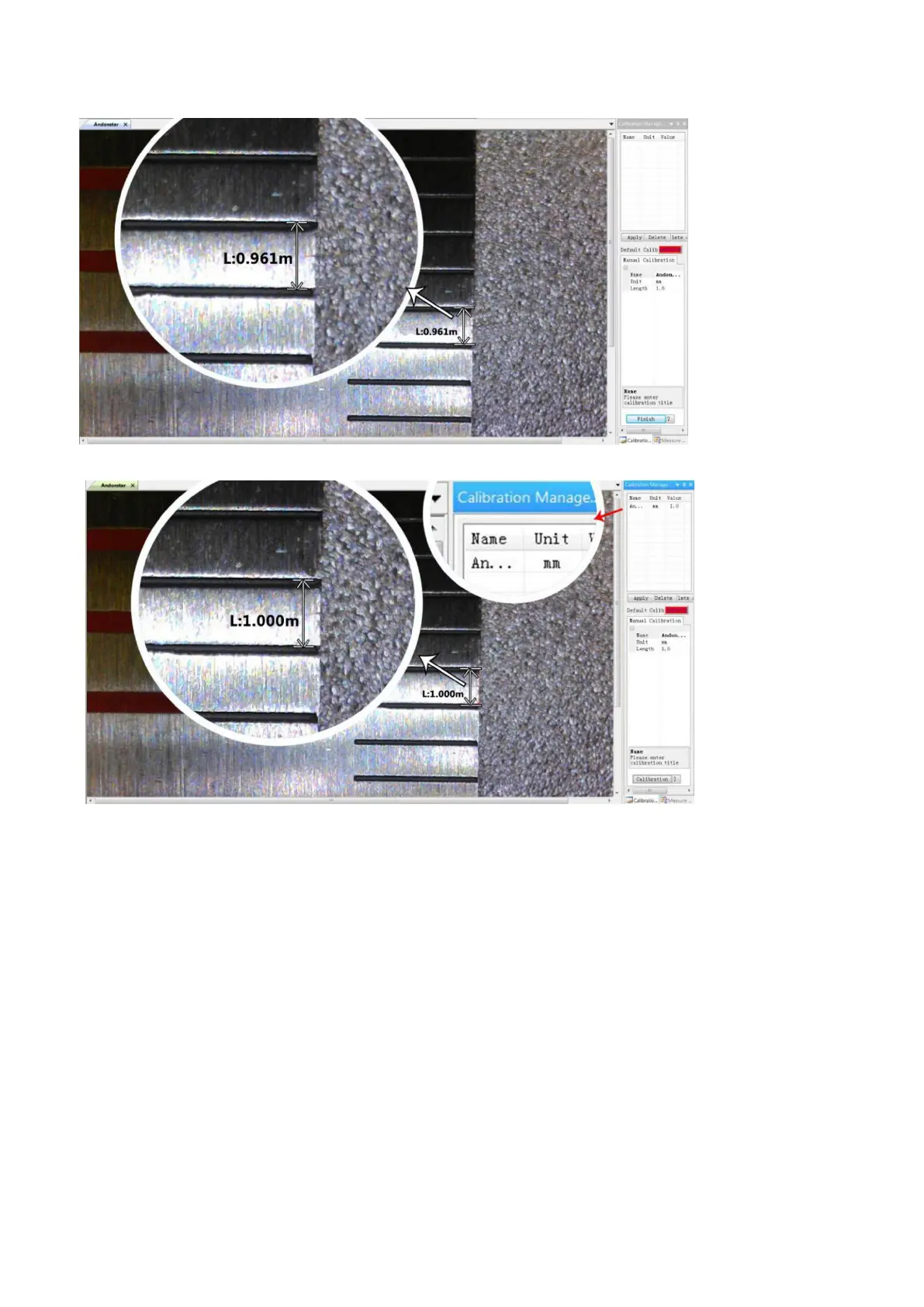
3)
2) Measuring
1, Choose the tool you need to do measuring in the toolbar.
2, Click dots or draw lines that you need to measure in the main operating window.
3, Place the results of measuring in a proper place around the target.
3) Special Effect
·Includes: Edge detection, Inverse color, Flip horizontal, Relief, Sharpen and Smooth.
·Steps:
1, Choose the special effect you need in the toolbar.。
2, Move your cursor to the main operating window, Left-click and hold to draw a rectangle to cover the whole
target area, release your mouse, get the special effect result.
3, Left click again, end the special effect.



 To Next Page