39 40
--Password Setup Page--
Password
Change Password
Change
Change Password
--Preference Page--
Audio ENG
Subtitle
Dise Menu
Parental
Deault
Reset
Load Factory Setting
ENG
ENG
Load Factory Setting
( -82)picture
( -83)picture
Press icon to quit DVD System Setting Menu.
Preference Page Set up does not take effect until setting without disc
inserted.
When there is one DVD disc inside
the unit and the disc don’t have the play
menu, the unit will play the disc
automatically; when the disc have the
play menu, click the menu icon , then will
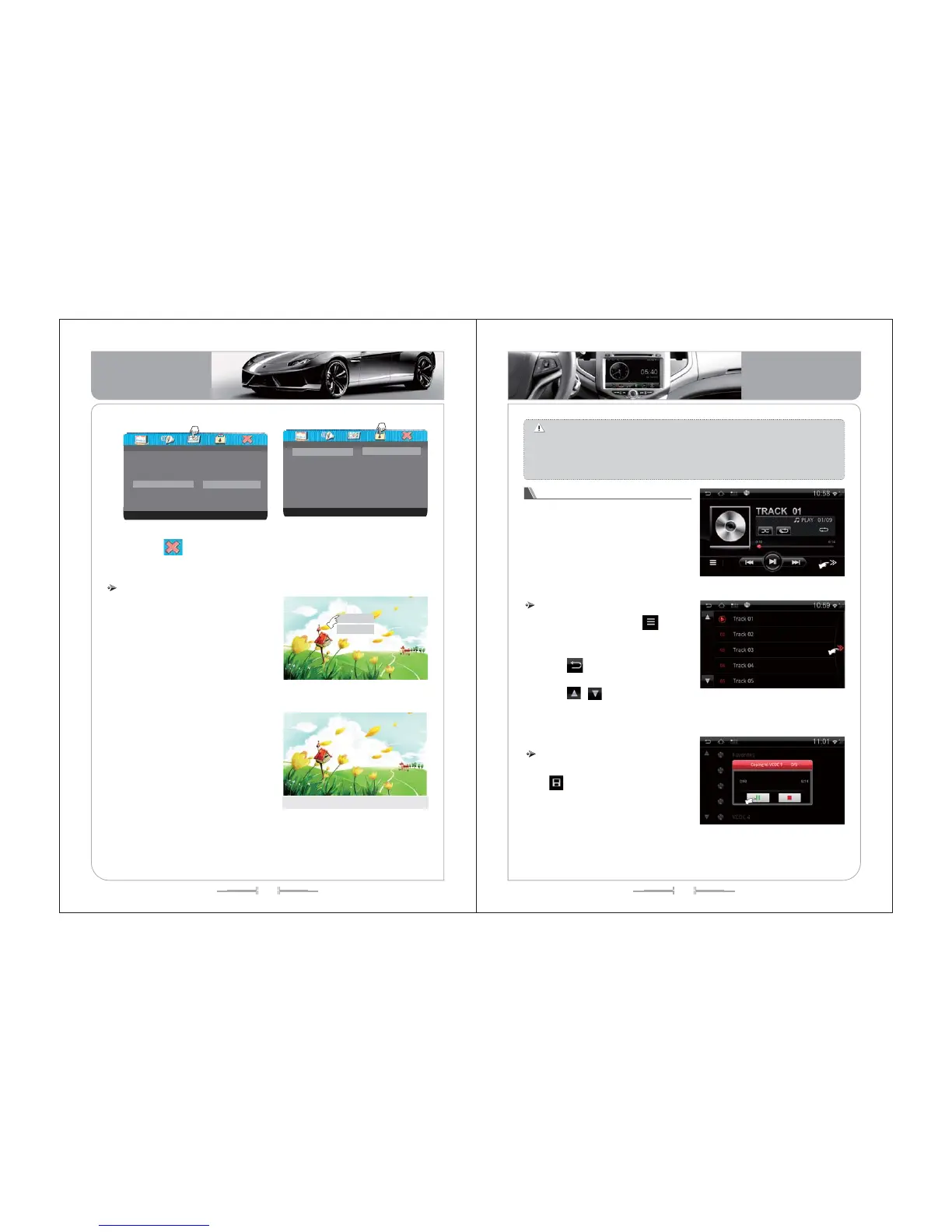
play the disc. As the (picture-84):
play the DVD disc
Order of play
Song choice
()picture -84
If you want to select the track you
want to listen, you can touch the song
name and play this song. If the disc
support the subtitle, then the unit will
show the subtitle information on the
screen, as the (picture -85):
During the playing, you can change the
playing by controling the touch menu,
please check the function definition of the
touch menu.
02/10 Ch 01/01 0:03:05
/
/
02/10 Ch 01/01 0:03:05
Two.a.m.and the rain is falling
Here we are at the crossroads once again
You're telling me you're so confused
You can't make up your mind
Is this meant to be
Only Love
()picture -85
Note:
the operation of the VCD/MP4 just the same as the DVD. but there is
little different in the playing, when playing the MP4, it will display the image.
There are many different format for the MP4 disc, such as the XVID, AVI, DIVX
RM, if some of the disc can’t play deal to the format, it is normal phenomenon,
the playing interface just the same as the DVD playing infterface.
( -86)picture
1) In CD Play Menu, press icon to
enter Play List. All songs will show on the
list. Check (Pic-94)
2) Press icon or touch the playing
song to back to CD Play Menu.
3) Press / icons to turn page or
slip the list to choose the song.
Play list
(-)87picture
When there is one VCD disc inside
the unit and the disc don’t have the play
menu, the unit will play the disc
automatically; when the disc have the
play menu, click the menu icon , then will
play the disc. As the (picture -86):
Play the CD disc
1) Insert CD to enter CD Play Menu.
Press icon and choose disk to store.
2) Press the disk and select the way of
compress( Normal Compress/ Fast
Compress) to store. Check (Pic-88)
Storage
(-)88picture
Basic Operation
Basic Operation


 To Next Page