53
54
Add schedule
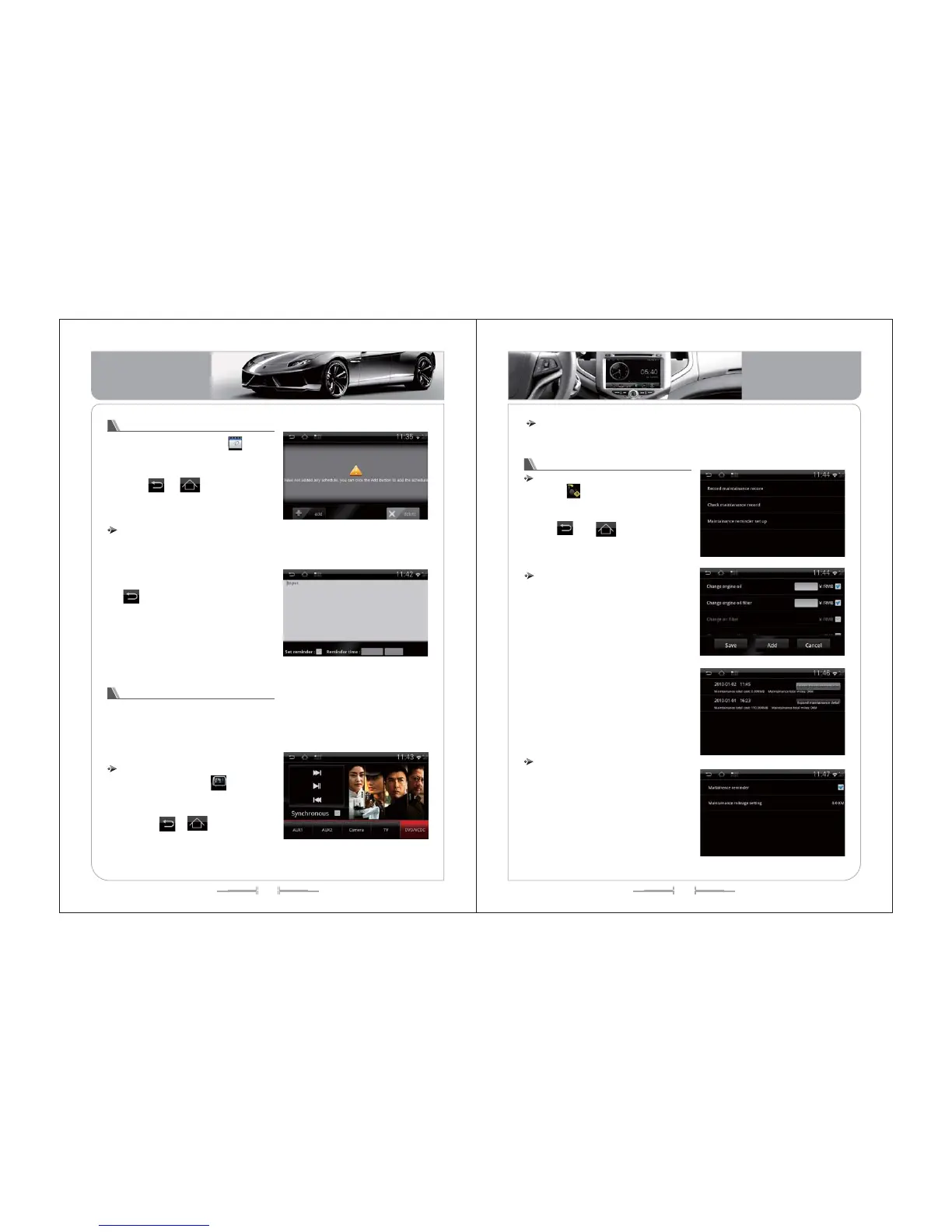
1) Click the "Add" icon to enter the Add
interface, such as (image-131):
2) Input schedule content, click "Add
mentioning” ,select a reminder time, click
the to return, will show up whether to
add the schedule management, click
"Yes" to complete the add.
3) In the schedule management
interface, click the "delete" icon, you can
delete the schedule.
( -131)picture
Schedule management function operation
In the main menu, click the icon to
enter the schedule management interface,
such as (image -130):
Click , icon or [Home] or
[BACK] key to exit the schedule
management interface.
( -130)picture
2- zone settings
The system provides 2-zone playback operation function. The driver can
enjoy music, radio, TV, camera, the passengers can also through the 2-zone
screen to watch AUX1, AUX2, camera, TV, DVD/VCDC operation, and
independently of each other.
( -132)picture
Enter / exit
In the main menu, click icon to enter
the 2-zone settings interface, such as
(image-132):
Click the icon or[Home] or
[BACK] key to exit 2-zone settings interface.
、
Click this icon to operate every functions ,click “synchronize”to exit operation.
operation
Operation for Maintenance- Record
Enter/Exit
Click icon on the main menu to
enter the interface of the Maintenance-
Record, see the picture of -133.
Click and icon ,or(H and
(B )to exit the operation of Maintenance-
Record.
ome)
ack
( -133)picture
Operation for Maintenance-Record
1) Click “Record Maintenance” to enter
the interface ,note the charge for every
maintenance item to record the finished
car maintenance .See the picture of -134.
2) You can increase new maintain item
in the record .
3) Click “Check maintenance record” to
check the list for all record of maintain
.See the picture of -135.
4) This function need car owner make
record by himself .
( -134)picture
( -135)picture
1) Click “Maintain Remind” to setup the
reminder ON or OFF ,and also can set up
the mileage of remind.See the picture of -
136.
2) The system will remind car owner go
to maintain when the mileage reach to
the mileage of remind been set up.
Maintain remind
( -136)picture
Basic Operation
Basic Operation


 To Next Page