57 58
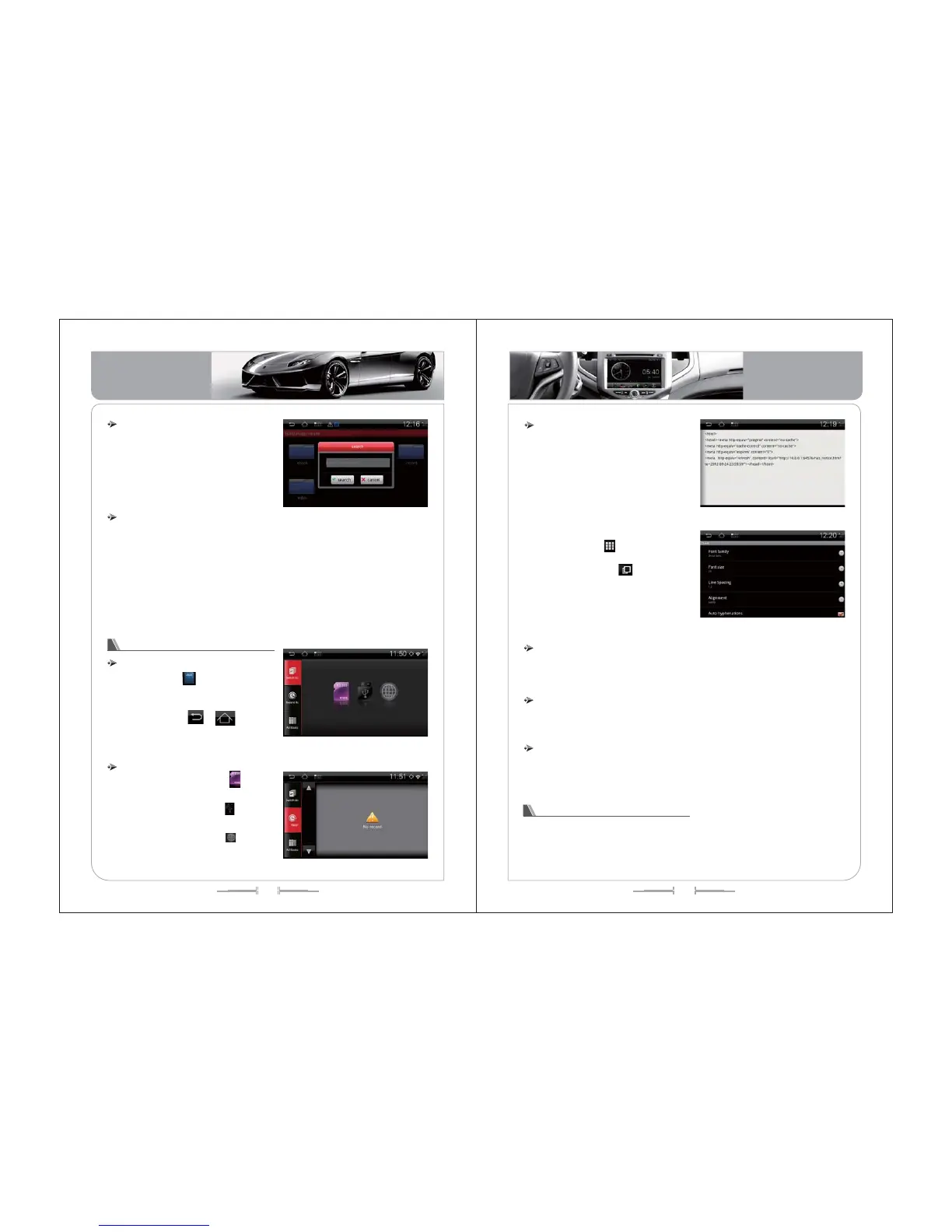
1) In the interface of file list , press
[MENU] button to use the search function
,enter the word that you need to search
,press the button of confirm . See the picture
of -142
1) The system will using music player to play music automatically when click
the music file in the interface of file list .
2) The system will using video player to play video automatically when click the
video file in the interface of file list.
3) The system will using electron-book browser to read the book automatically
when click the book file in the interface of file list .
4) The system will start to install the Android application(APK file) when click
the function of Android application installation .(Only support on some models.)
File Searching
File Operation
( -142)picture
Operation for Electron-Book
Enter/Exit
Click the icon of to enter the interface
of electron-book function .See the picture of
-143.
Click the icon of , or [Home]
button and [BACK] button to exit the
operation of electron-book function .
1) Click the SD card icon of , system
will show all the book files in SD card .
2) Click the U disk icon of , system
will show all the book files in U disk.
3) Click the network icon of ,system
will show all the book files in network .
( -143)picture
Select the books library
1) Showing the current book according
the read time .
2) Showing the current reading
automatically if the SD card or U disk still
in the unit when enter this function .And
will show the interface for main book list if
the SD card or U disk be taken out .
3) Click the button or slip the touch
screen to turn pages .
4) Click the icon of to turn back to the
main book list .
5) Click the icon of to lessen and
zoom in the proportion of the page.See
the picture of-145, -146.
1)Reading aloud from the beginning of the current page.
2)The volume can be adjusted .
Electron-Book Reading
Electron-Book reading aloud
( -145)picture
( -146)picture
1)The system can support the format of electron-book are EPUB,OEB, FB2 and
plain text.
1)Some models only can storage the electron-book in SD card and U disk .
The format for the Electron-Book
The storage route for electron-Book
Operation for DVR
DVR function used for record the accident (including the time, longitude and
latitude ),data communications ,storage video (additional camera, SD card ).
Basic Operation
Basic Operation


 To Next Page