EN
13
3. Power Mode
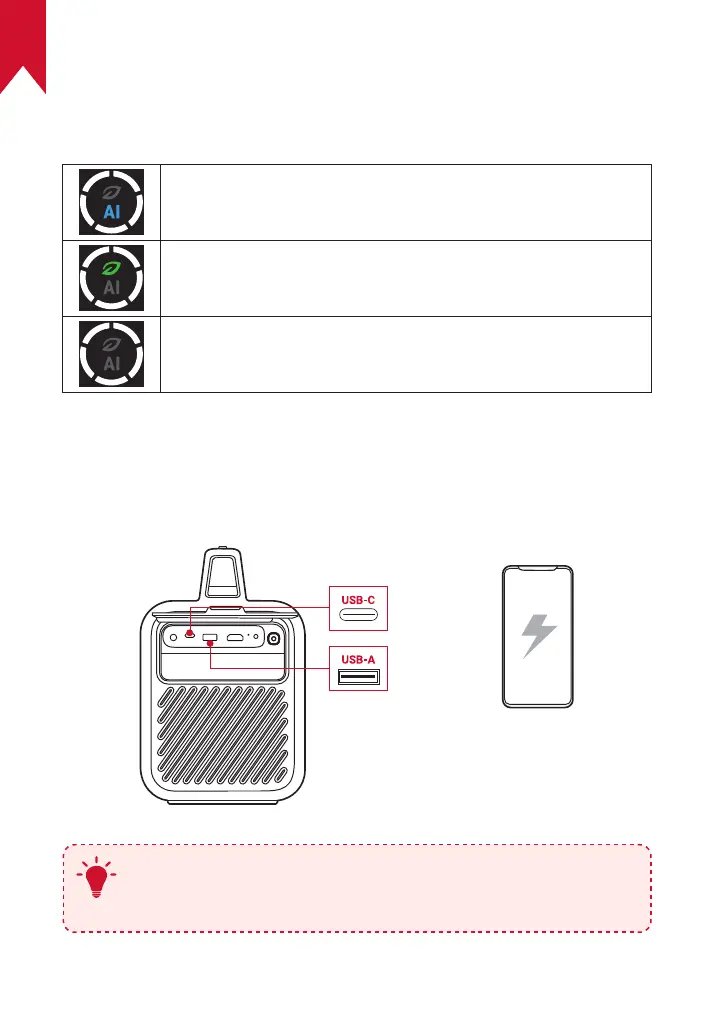
Press the power mode button to switch power modes when the
projector is powered on.
AI Mode: Adjusts the display brightness based on ambient
brightness.
Eco Mode: Lowers the display brightness to 300 lumens to
extend playtime.
Standard Mode: Sets the display brightness to the highest
level.
4. Charge External Devices
Charge an external device through the USB port when the projector is
powered on.
5V/3A
5V/2A
T
To enable or disable charge-out when the projector is
powered off, press and hold the power mode button for two
seconds.



 To Next Page