EN
16
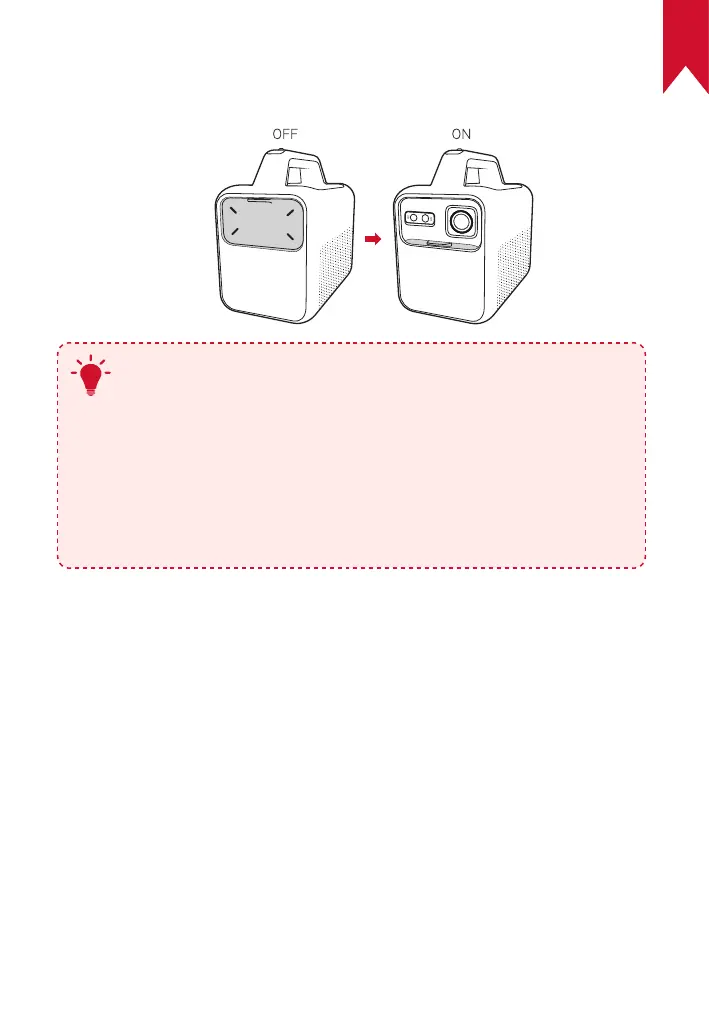
3. Power On / Off
Slide the lens cover down to turn on the projector, and slide up to turn it off.
T
•
You can also press and hold the power button on the
remote for 3 seconds to power off.
•
When powered on, press the power button on the remote
to switch to standby mode.
•
In HMDI Source Mode, the projector will switch to standby
mode after 10 minutes of button inactivity or when no
signal is detected.
•
When standby mode lasts for 30 minutes, the projector
will automatically power off.



 To Next Page