EN
18
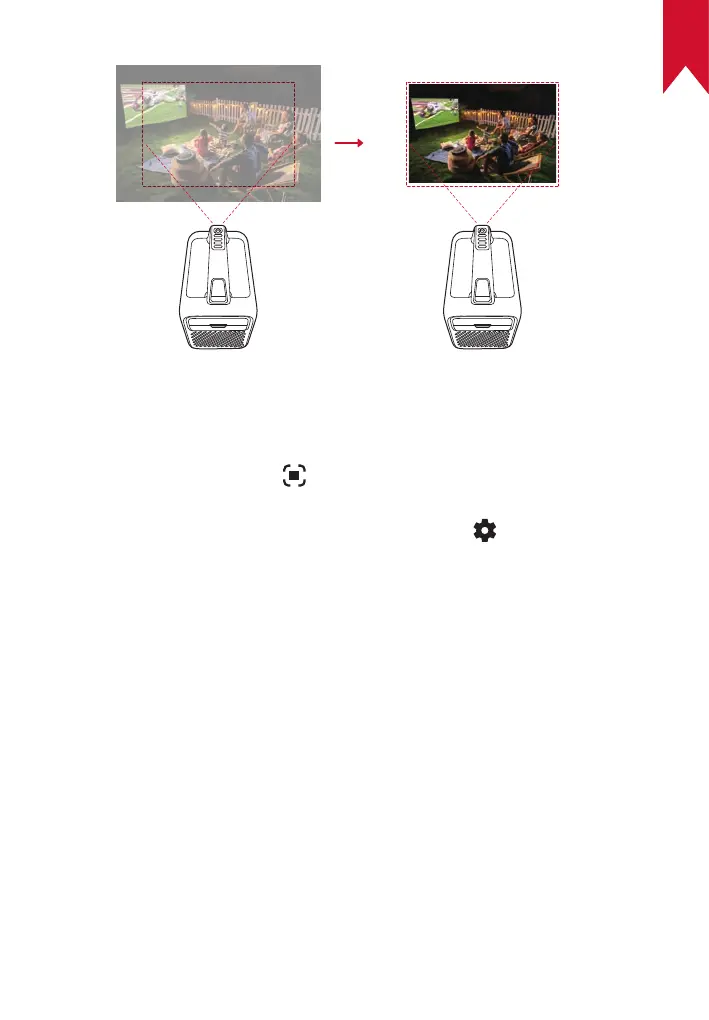
Auto image correction includes autofocus, auto keystone correction, and
auto screen fit. These features can be enabled in three ways: by powering
on the projector, by pressing on the remote, or by slightly moving the
projector.
To set your auto image correction preferences, go to > [Projector
Settings] > [Image Correction].
5. Setup
When using the projector for the first time, follow the on-screen display
(OSD) instructions to complete the basic setup.
• Pair the remote with your projector
• Select your language
• Set up your TV with your Android phone (optional)
• Connect to Wi-Fi
• Sign in with your Google account
Auto Screen Fit



 To Next Page