EN
19
Nebula Connect App
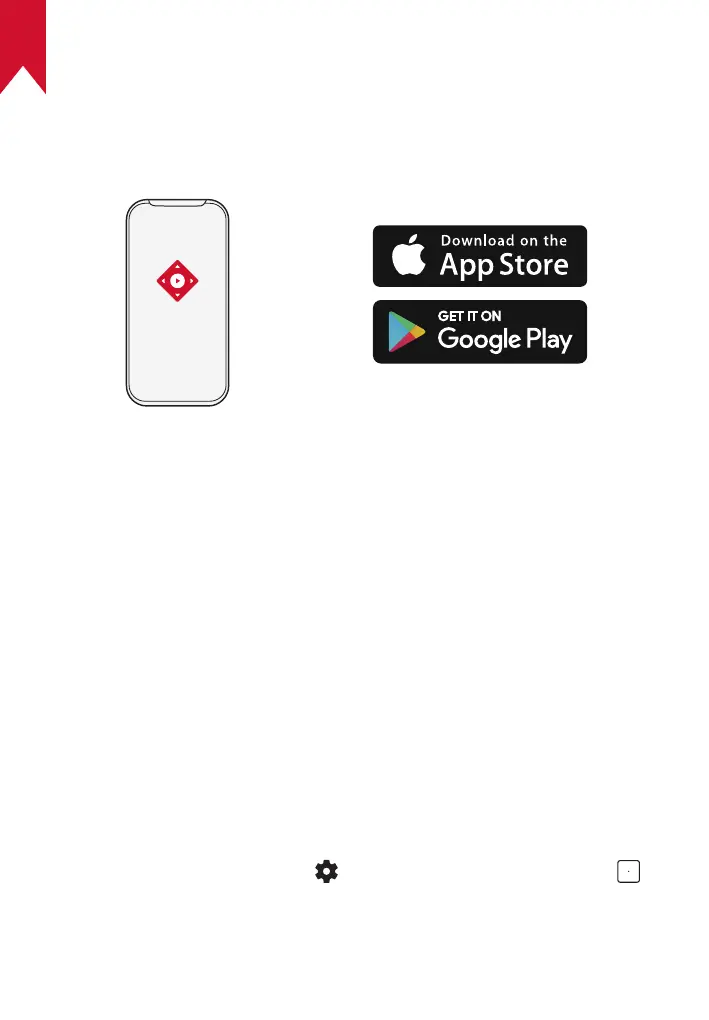
To easily control the projector, we recommend you download the
Nebula Connect app.
①
Download the Nebula Connect app from the App Store (iOS devices)
or Google Play (Android devices).
②
Enable Bluetooth on your smartphone.
③
Open the Nebula Connect app and select [Mars 3 XXXXXX] as the
device to be connected.
④
Follow the on-screen instructions to complete the connection setup.
Settings
Go through the setup process when you power on the projector for the
first time.
1. Network
This projector can be connected to the Internet via a wireless (Wi-Fi)
connection.
①
On the home screen, select > [Network & Internet] and press .
②
Follow the on-screen instructions to complete the network
connection.



 To Next Page