EN 06
2. Checking Battery Level
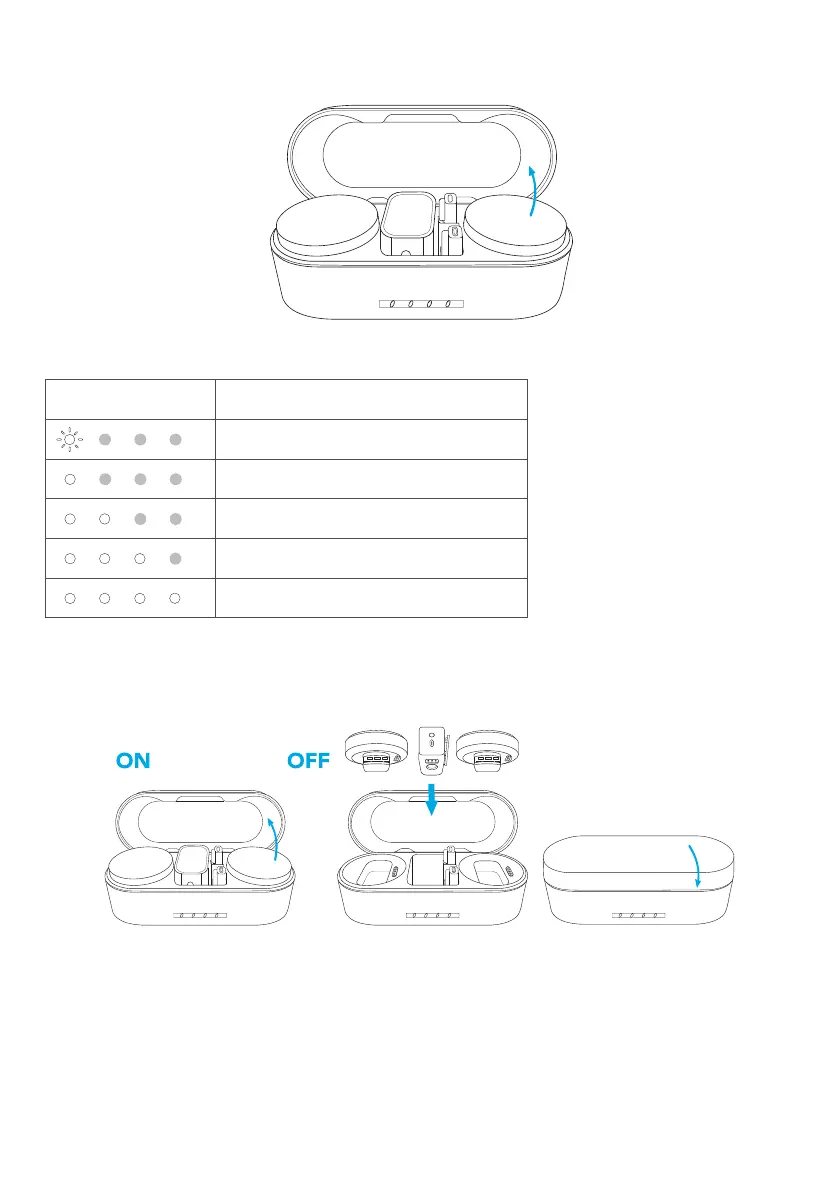
Open the charging case, and the LED indicators will indicate the battery level.
LED Battery level
10%
10%-25%
26%-50%
51%-75%
76%-100%
Powering On / Off
Open the charging case, and the receiver and transmitters will automatically power
on within four seconds.
To power off, return the receiver and transmitters to the case and close it.
•
The LED indicator on the transmitter indicates the current status.



 To Next Page
 Loading...