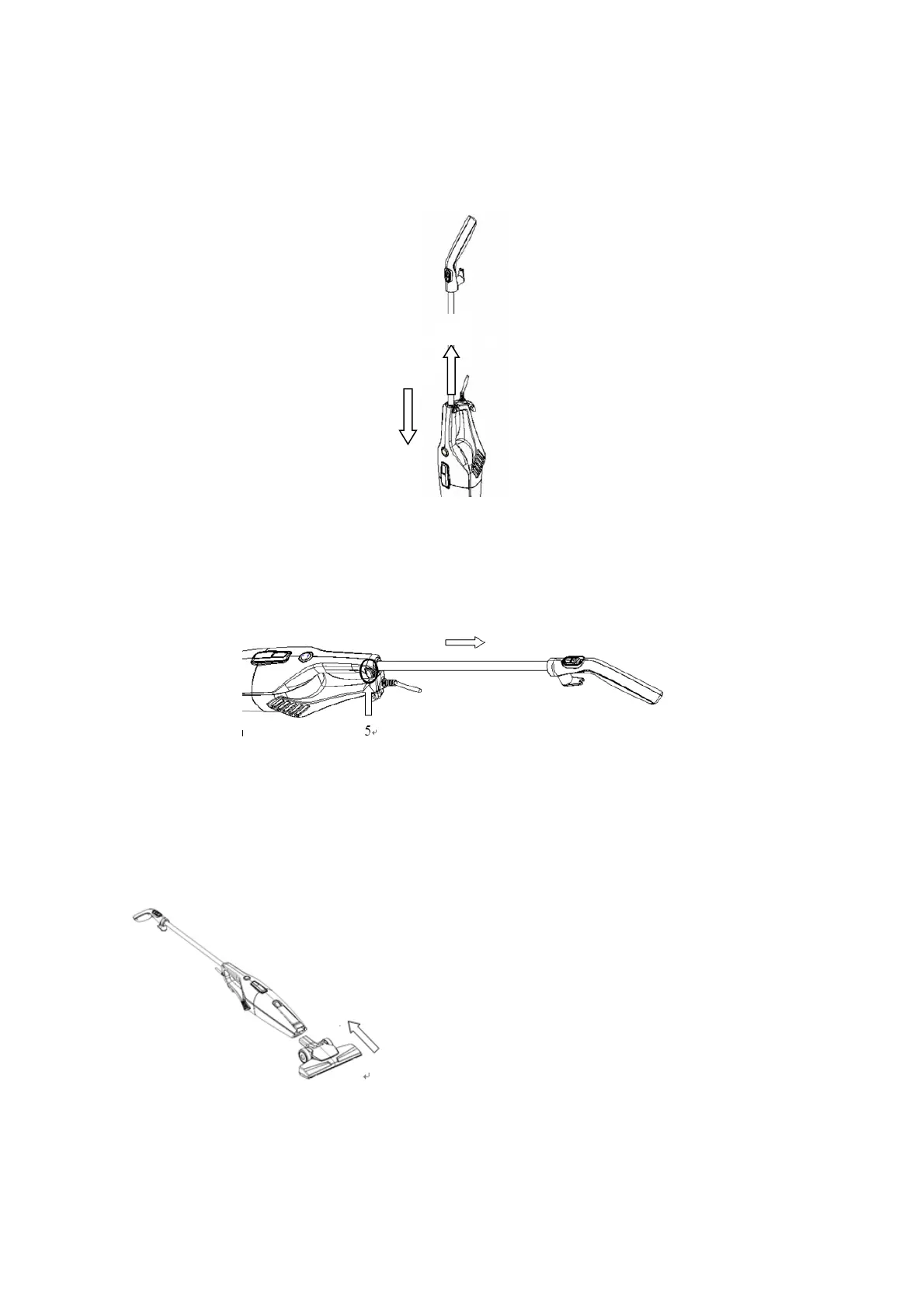
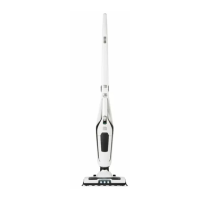
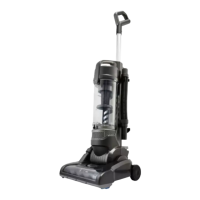
Push the tube into the vacuum cleaner (No. 3) until you heard a ‘Click’ sound, then the
tube will be locked into place. Pull the handle upwards (No.4) to make sure the tube is
locked into the hole. (See Fig.3)
Fig. 3
To detach the extension tube, press the metal tube release button (No.5) on the side of
vacuum cleaner and pull out (See Fig. 4)
Fig. 4
Attaching the floor brush to the main body
Push the floor brush into the suction hole, and make sure the floor brush connected tightly
(See Fig. 5)
Fig. 5


 To Next Page