5
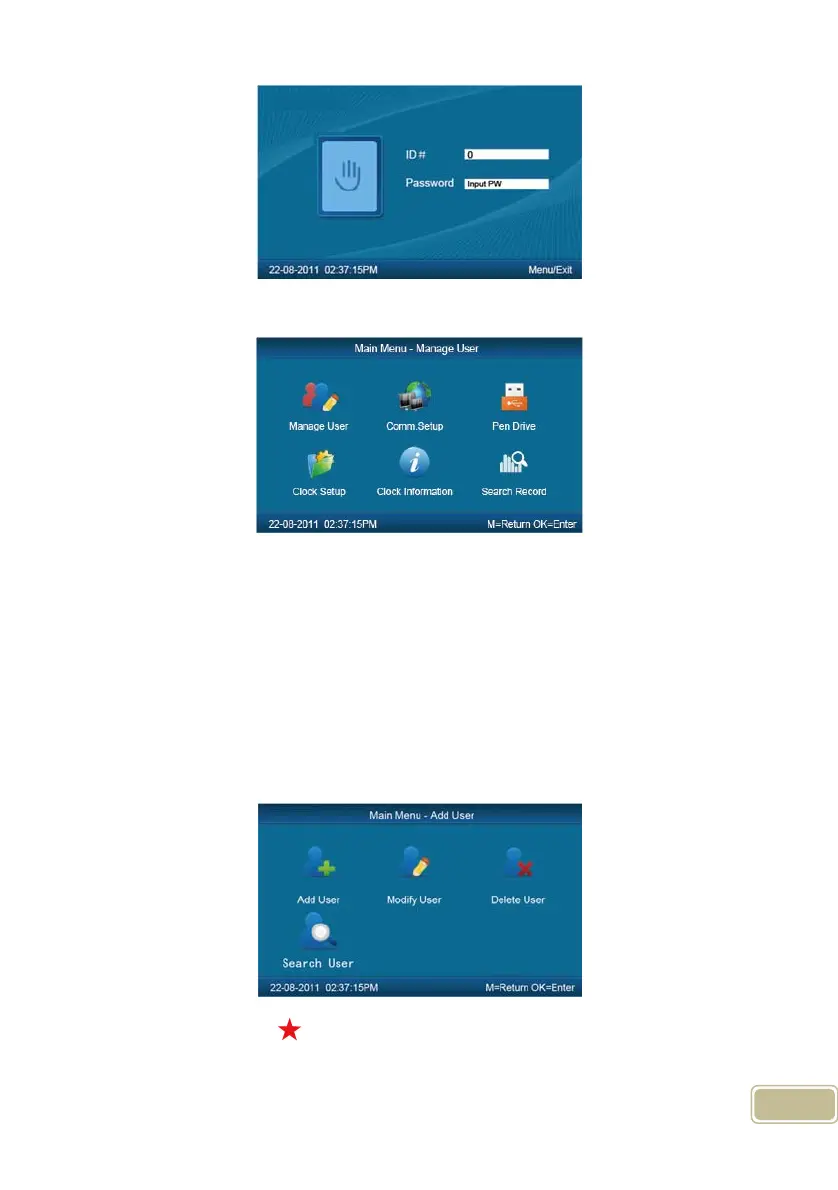
Press【OK】to enter the 【main menu】.
In【main menu】, press number keys or 【IN/】、【OUT/】key to select and
operate 【Manage User】, 【Comm. Setup】, 【Pen Driver】, 【Clock Setup】,
【Clock Information】and【Search Record】options.
2.3.1 User Management
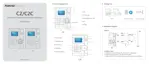
Select 【Manage User】option , press【OK】to enter the 【Manage User】
interface.
In【Manage User】 interface, you can add ,modify or delete users.
2.3.1.1 Add User



 To Next Page