81
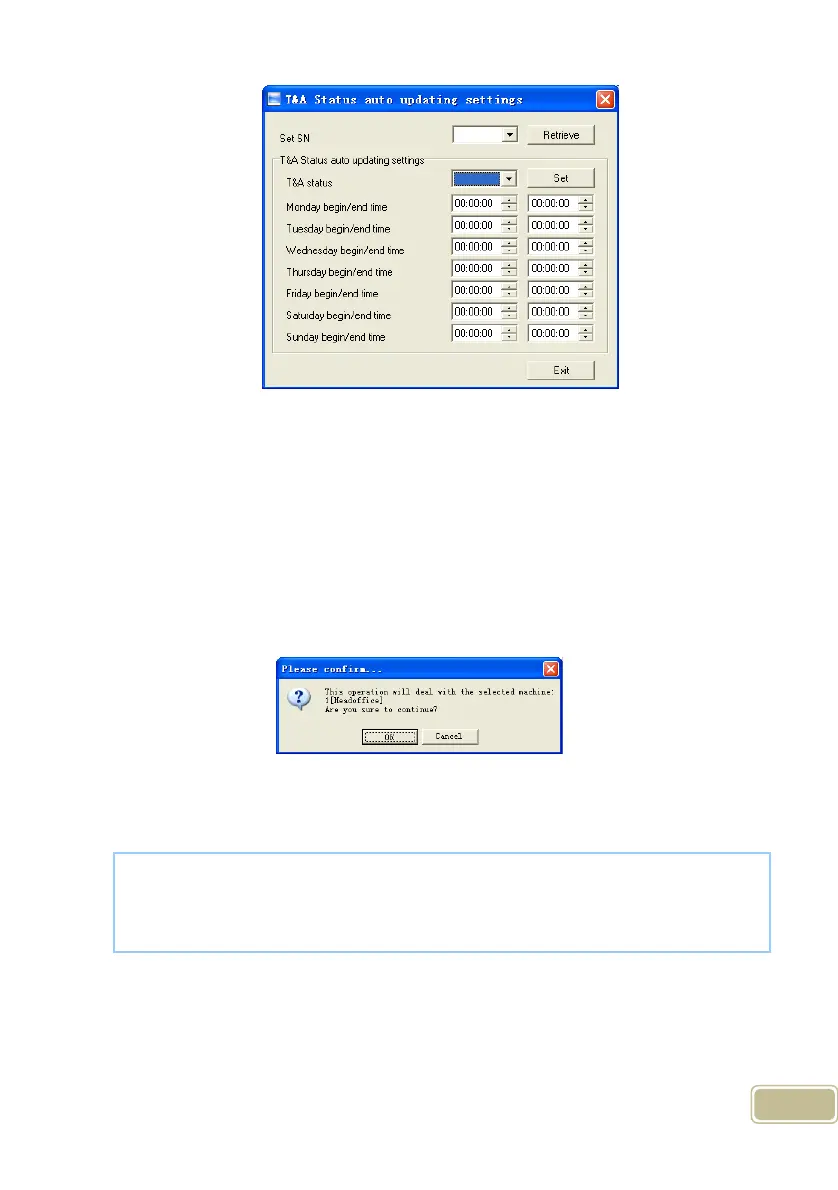
First set the SN (serial number) of the T&A status, Serial number range is 1-16.
For example: The serial number set as: 1 and set the T&A status as “IN”
means check in for work. Then set the time range for “IN” status, click “Exit” button to
save and exit the interface.
5.1.10 Download new record
Click the button [Download new record]. Following message box pops up:
Click the button [OK] to confirm or click the button [Cancel] to cancel.
Following information shows on the main interface:
5.1.11 Download all Record
Click the button [Download all record]. Following message records pops up:
[2011-08-25 15:12:11]1[Head office]Reading attendance records...
[2011-08-25 15:12:12]1[Head office]Read the records completed,Records:4,
Read successfully:4



 To Next Page