DTMF code..
Default: OFF
9 CALL XXX Call setting
OFF: Press CALL key will not
transmit DTMF code..
1~16: Press CALL key to transmit
DTMF code..
Default: OFF
Note: Only when current channel has store DMTF group, the Call setting will work
(Refer to DTMF MENU setting)
D. Channel menu setting:
How to enter channel menu:
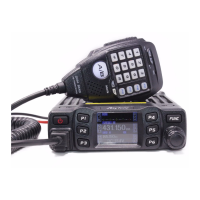
1. Long press【FUNC】key to enter main MENU interface.
2. short press【FP4】key. 【FP6】key or Turn channel switch to move cursor, to choose
menu group.(short press【FP5】key can fast turn page).
3. Press【PUSH】key enter channel menu .
4. short press【FP4】key. 【FP6】key or Turn channel switch to move cursor to choose
wanted menu setting..(short press【FP5】key can fast turn page).
5. Press 【PUSH】key to enter function setting, the chosen menu value in LCD will turn to
green color.
6. Turn channel switch to choose wanted setting.
7. Press【PUSH】key or【FP3】key to confirm and exit..
NO.
LCD display Function detail Setting details
1 PD XXX
Public channel
setting
OFF: Public setting disable
the separate channel setting is



 To Next Page
 Loading...