MHPTV TX Quick Start Guide
MHPTV-QSG-DOC-V1.1, 12/05/2018 Page 31 of 37
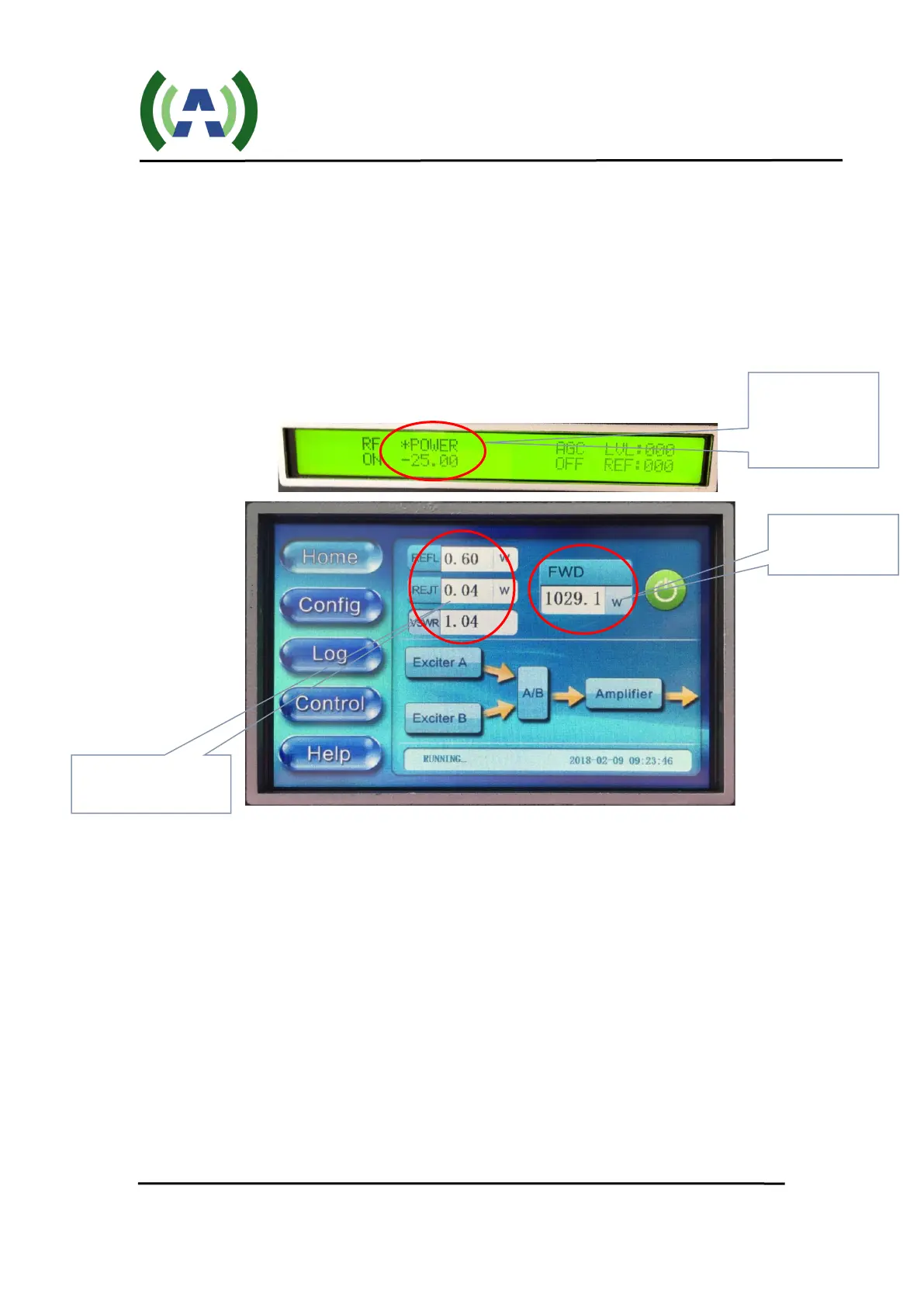
3. You are now ready to bring the TX up to power. To accomplish this, slowly
increase the drive level out of the Exciter by increasing the POWER setting in
the Exciter RF submenu while watching the Sys FWD power increase
accordingly on the Controller touchscreen.
Begin to slowly raise the FWD System power by using the UP button on the
Exciter, while monitoring the FWD system power meter on the Controller
HOME screen as shown below.
4. Slowly bring the FWD power to ~ half-power and notice the power meter
values of REFL, REJCT, and VSWR to be sure these look reasonable (less than
the values of the TX operating at full rated power (please reference your
Factory Test Report for these values).
Check to be sure that the lower-left corner of the HOME screen shows the
status as “RUNNING OK!” and there are no alarm messages. If you do see an
alarm message, please reference the Troubleshooting section of your
transmitter User Manual to understand what the error means and suggested
steps to correct it. (For example, when initially turning on a system, the error
message AMP_VSWR_ERR (accompanied by high REFL power readings)
may be witnessed - indicating a connection problem somewhere in the external
RF System – a mismatch sending hi reflected energy back to the REFL sample
on the output directional coupler inside the TX cabinet.)
Slowly increase
to raise FWD
SYS POWER
Monitor FWD
SYS POWER
Monitor REFL,


 To Next Page