21
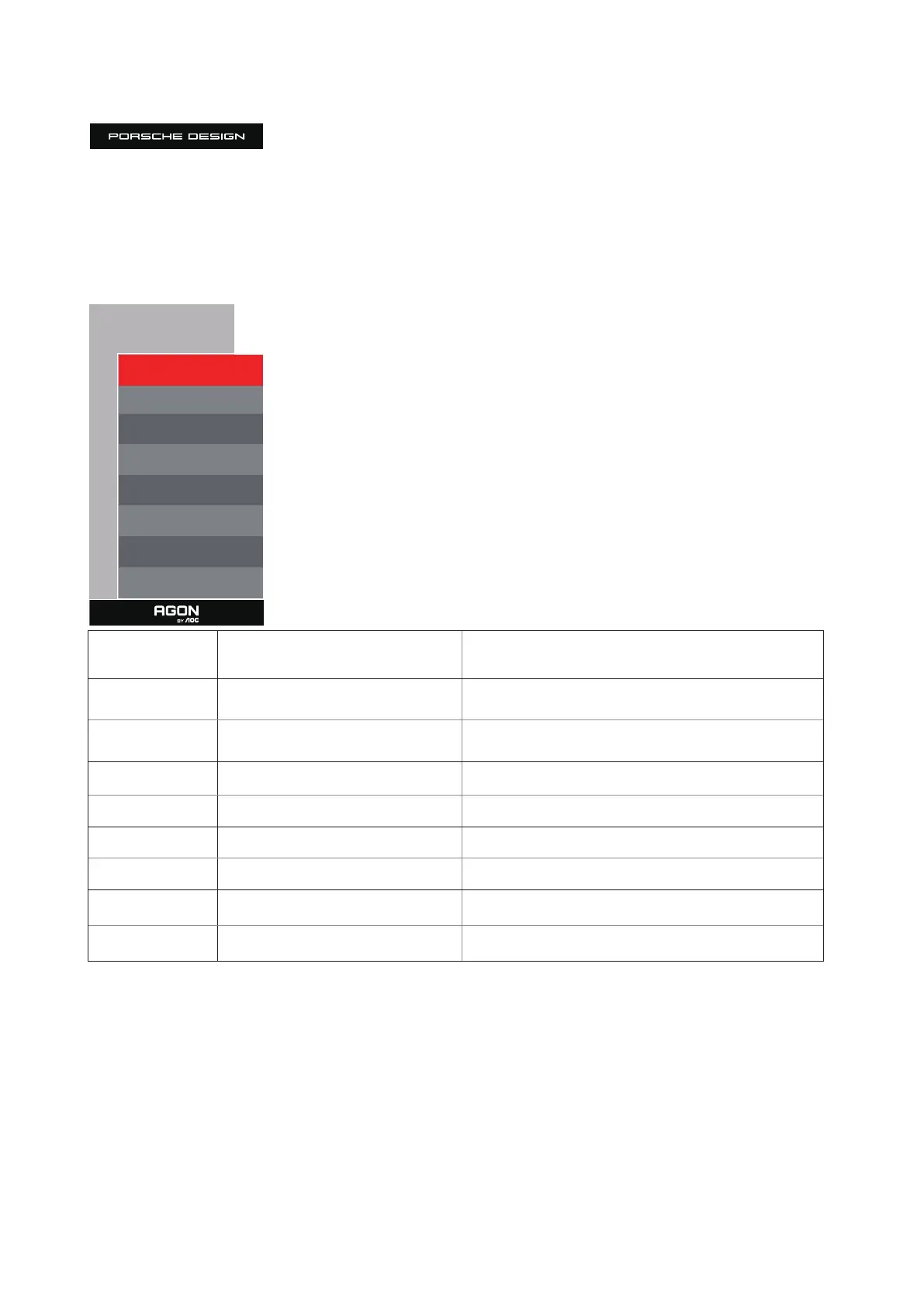
Image Setup
Image Setup
Main Source DP
Sub Source HDMI1
Size DP
Position Right-Up
Audio O
Swap O
HDR Mode O
PIP Setting On
HDR
O / DisplayHDR / HDR Picture / HDR
Movie / HDR Game /HDR Native
Disable or Enable HDR
HDR Mode
O / HDR Picture / HDR Movie / HDR
Game
Disable or Enable HDR Mode
PIP Setting O/PIP/PBP
Disable or Enable PIP or PBP.
Main Source Select main screen source.
Sub Source
Select sub screen source.
Size Small, Middle, Large Select screen size.
Position
Right-Up /Right-Down / Le-Down /
Le-Up
Set the screen location.
Audio
On: Sub Audio
O: Main Audio
Swap Audio source.
Swap
On:Swap
O:non action
Swap the screen source.
Note:
1) When HDR is detected, the HDR option is displayed for adjustment; when HDR is not detected, the HDR Mode option is displayed for
adjustment.
2) When the Local Dimming function is activated, due to the light diusion eect. The edges of windows or the edges of moving objects
there will be a slight halo phenomenon. This is the physical characteristics of the Mini LED panel is not a panel failure phenomenon,
please rest assured to continue using.
3) When the HDR is set to “non-o”, In addition to “HDR”, “Luminous Max” under “image setup” , other items are not adjustable.



 To Next Page