28
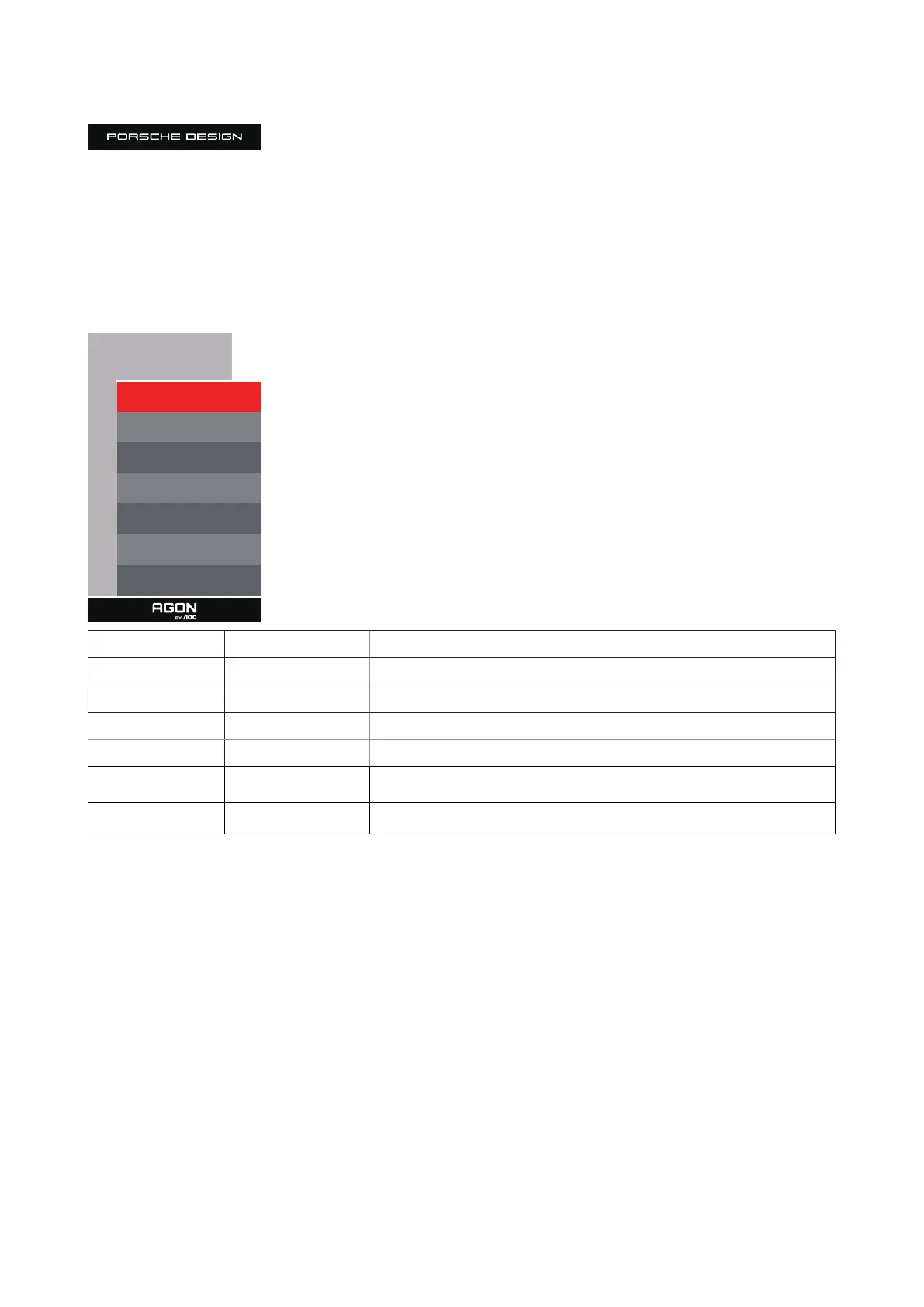
OSD Setup
OSD Setup
Language English
Timeout 10
H. Position 100
Transparence 25
Break Reminder O
USB O
USB Selection Auto
Language Select the OSD language
Timeout 5-120 Adjust the OSD Timeout
H. Position 0-100 Adjust the horizontal position of OSD
Transparence 0-100 Adjust the transparence of OSD
Break Reminder On /O Break reminder if the user continuously work for more than 1hrs
USB
O/High Data Speed /
High Resolution
Turn o USB function or set USB interface version.
USB Selection Auto / USB C / USB up
Auto : switch with display input source
USB C / USB up : x up stream not change with input source



 To Next Page