26
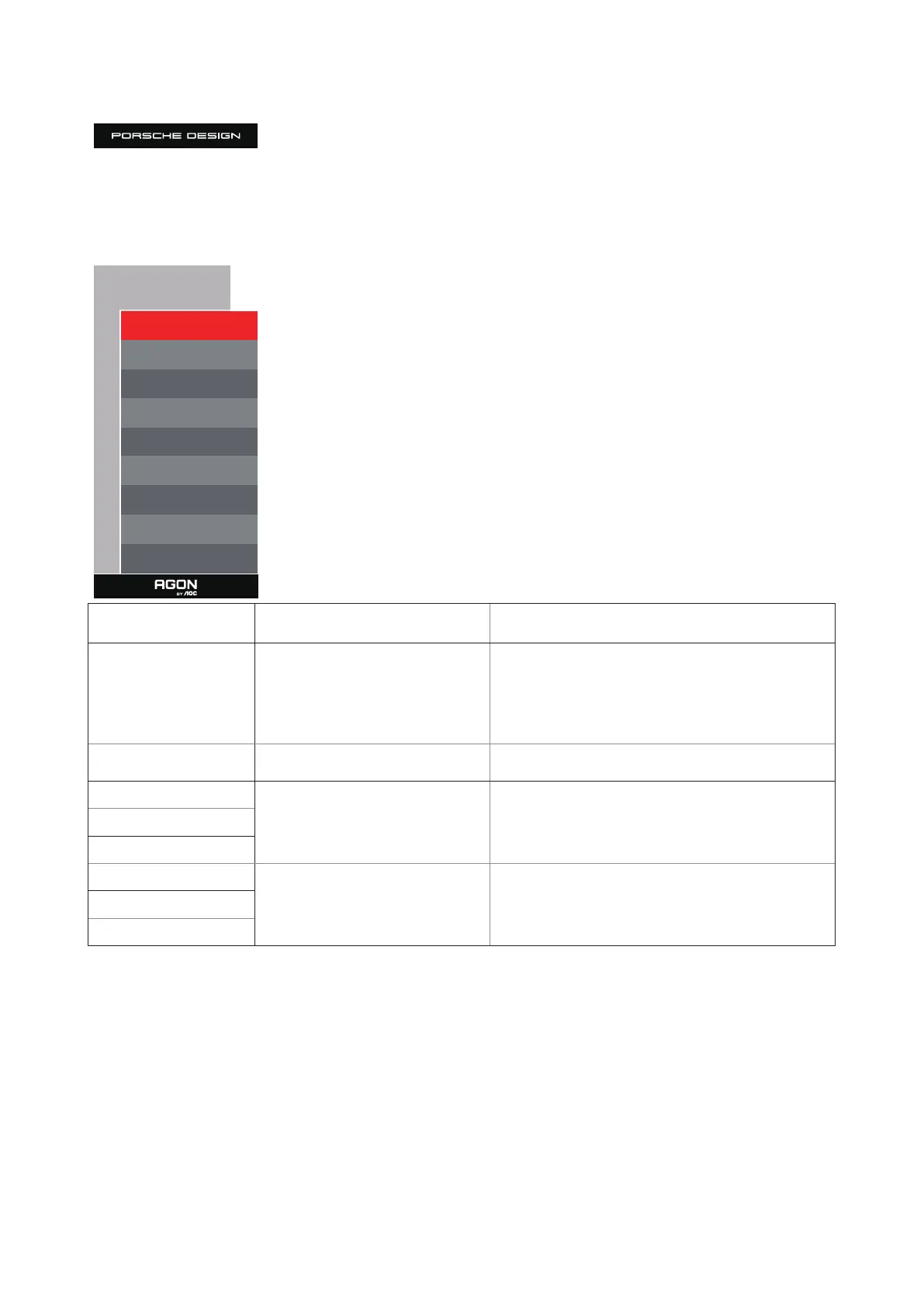
Light FX
Light FX
Light FX Medium
Light FX Mode Breathing
Pattern Rainbow
Foreground R 50
Foreground G 50
Foreground B 50
Foreground R 50
Foreground G 50
Foreground B 50
Light FX O / Low / Medium / Strong Select the intensity of Light FX.
Light FX Mode
Static/Simple Shi/Gradient Shi/
Simple Filling/1 Way Filling/2 Way
Filling/Breathing/Motion Point/Zoom/
Discolor/ Wave/Flashing/Demo
Select Light FX Mode
Pattern
Red / Green / Blue / Rainbow / User
Dene
Select Light FX Pattern
ForegroundR
0-100
User can adjust Light FX foreground color, when Pattern
setting to user dene
ForegroundG
ForegroundB
BackgroundR
0-100
User can adjust Light FX background color, when Pattern
setting to user dene
BackgroundG
BackgroundB



 To Next Page