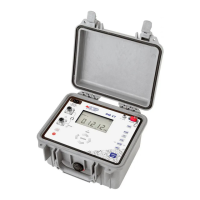
Switching On
C.2.1
Press the button shown above to switch the unit on.
Important: Always choose the correct mains frequency for your location (5O or 60 Hertz) (refer to
section E.5. "Managing Maintenance").
The unit is powered by its NI-MH battery pack.
If the battery's charge level is too low, the unit displays:
During a measurement, Err 01.
In standby:
The user must then recharge the battery (refer to Section 5). The unit cannot perform measurements while
it is charging.
Selecting the RangeC.2.2
Press this button as many times as necessary to select the range.
The range and the measurement current are displayed on-screen.
Selecting the Measurement ModeC.2.3
Press this button as many times as necessary to select the measurement mode.
The display shows:
Inductive resistance measurement
Low inductive resistance measurement
Low inductive resistance measurement and automatic triggering


 To Next Page
 Loading...