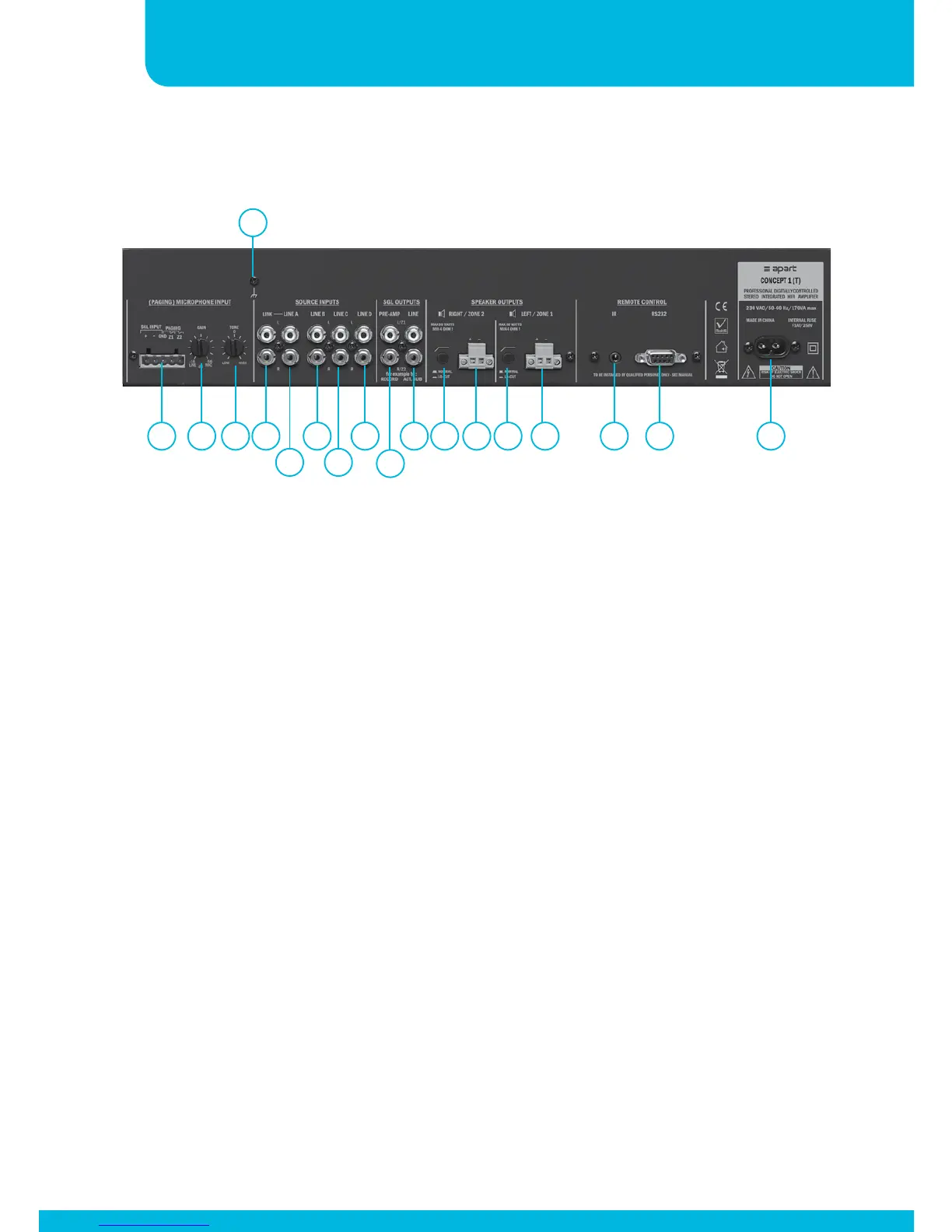
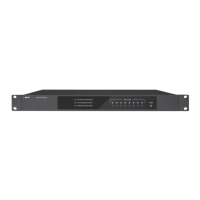
Rear panel layout
1. Microphone input: connect your (paging) microphone on this
euroblock connector, connect the signal on +, -, the screen on
GND. Connect the eventual paging contacts between GND and
Z1 (for zone 1) and between GND and/or Z2 (for zone 2). The
input gain can be adjusted with knob 2 between line and mic
level to avoid distortion.
2. Mic input gain control: mic input gain adjust
3. Mic input tone control: adjust the tone of the mic input
between dark and bright
4. Ground connection: connect your safety ground lead or screens
of your shielded input cables on this screw if necessary.
5. Link output: the signal here is a copy of the line A input signal
6. Line A: stereo line RCA connector
7. Line B: stereo line RCA connector
8. Line C: stereo line RCA connector
1 2 3 5
4
6 8
7 9 1611
10
12 1413 15 17 18


 To Next Page