13
User Operation
The table below shows the 3 possible operating modes: stereo, 2
separate mono zones with one linked music volume control and
2 separate mono zones with individual music volume control. You
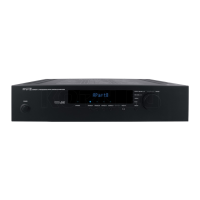
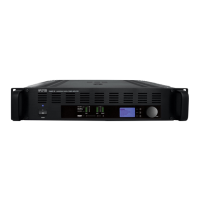
can adjust the volume by turning the large rotary control from -80
dB (lowest) to 0 dB (highest). Volume adjustment is the default
parameter assigned to the rotary control. In order to enter the
menu, press the select button next to the large rotary control.
Example in stereo operating mode: press the select button once to
show the first editable parameter, VOL appears in the display.
Push the select button a second time to adjust the microphone
level, MIC appears in the display.
Push the select button a third time to adjust treble tone control,
TREB appears in the display.
Push the select button a fourth time to adjust bass tone control,
BASS appears in the display.
Push the select button again, EXPERT appears in the display. This
menu is not allowed for the user. Push the select button again to
return to VOL or wait a few seconds, the display will jump back to
VOL automatically.


 To Next Page