15
Expert Operation
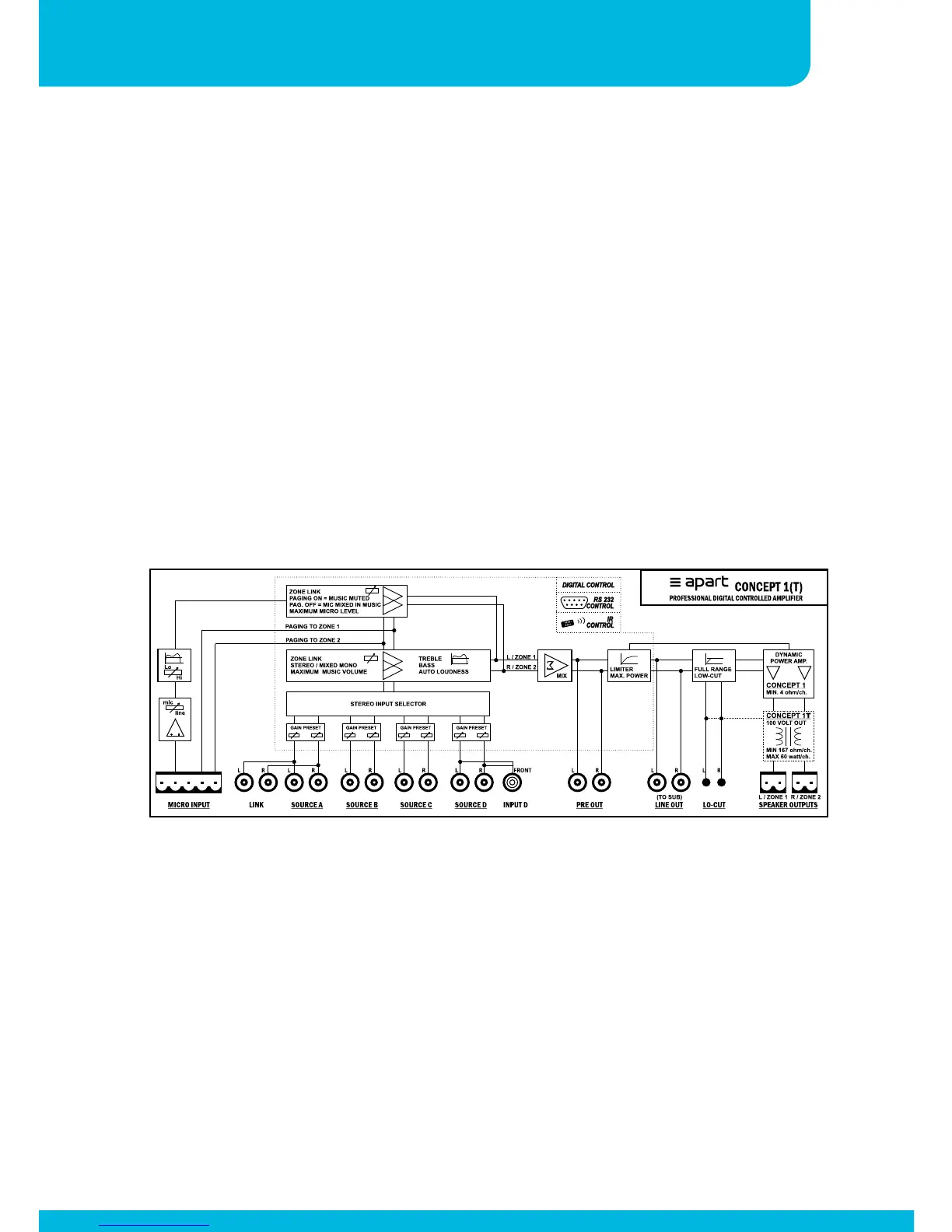
Blockdiagram
RS232 & IR Information
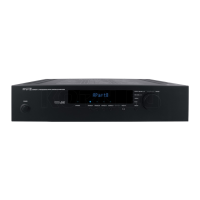
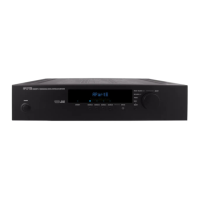
In order to edit the EXPERT parameters, push select repeatedly until “EXPERT” appears
in the display. Then press the ‘SELECT’ and the ‘SOURCE D’ button. A hidden menu
structure is now available and gives you the opportunity to edit several parameters, such
as operating mode, maximum music level and so on. The table shows the entire menu
structure. The menu tree is also printed on top of the Concepct1 unit and should need no
further explanation. To leave the EXPERT mode: press ‘SELECT’ and the ‘SOURCE’ button
simultaniously. In the EXPERT mode if there is no action for 1 minute, the unit will auto
return to USER mode.
Please check our website for the latest information on RS232 and IR communication:
http://www.apart-audio.com


 To Next Page