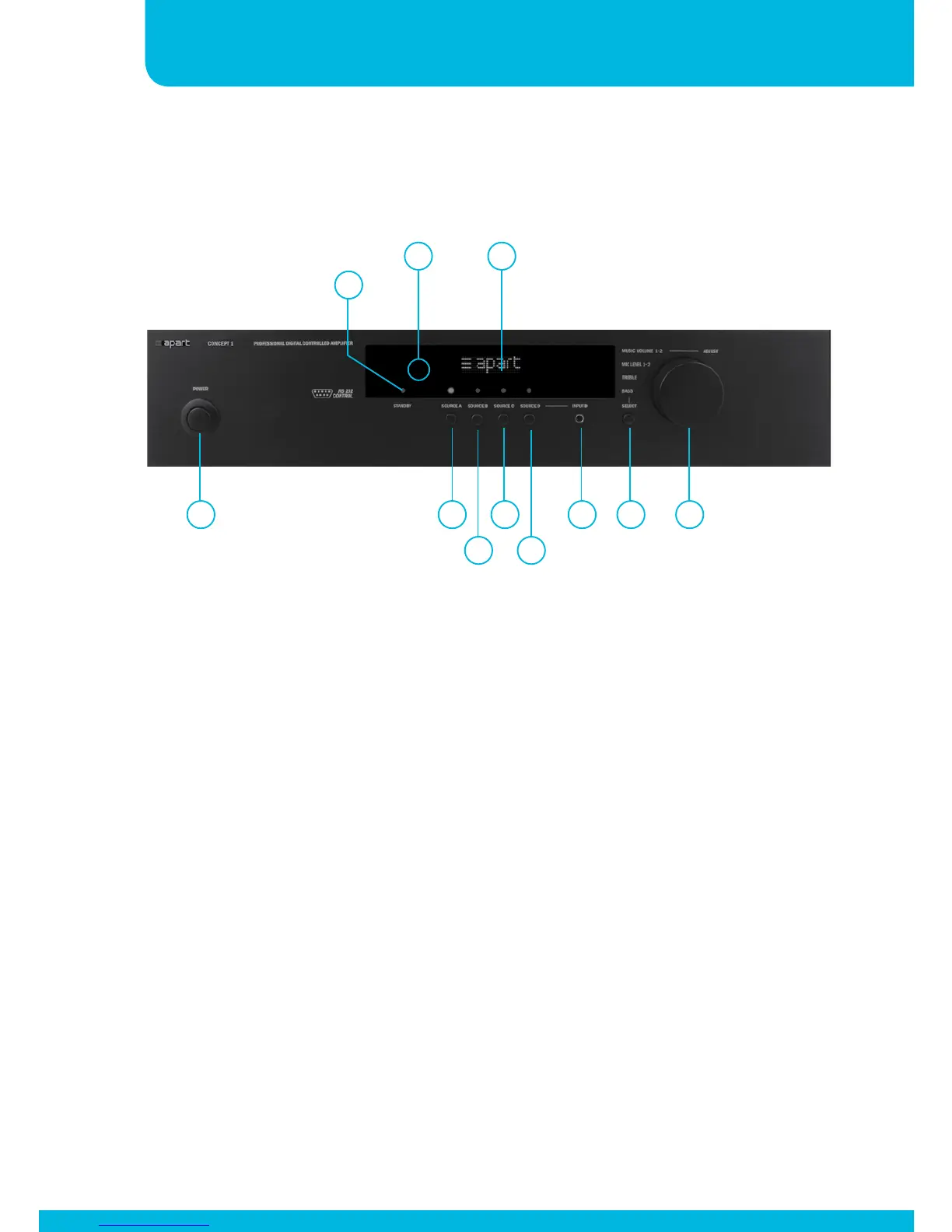
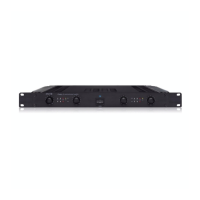
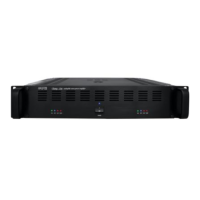
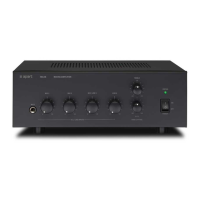
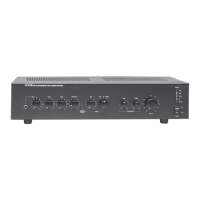
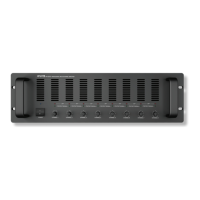
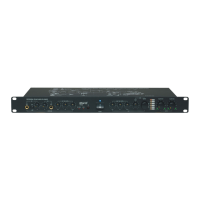
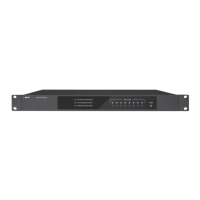
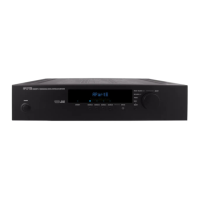
Front panel and display layout
1. Power on/off button: push this button to turn the power on
and off
2. Source A selector: push this button to select line source A
3. Source B selector: push this button to select line source B
4. Source C selector: push this button to select line source C
5. Source D selector: push this button to select line source D
6. Source D minijack input: this line input is shared with the source
D connector at the rear
7. Select button: push this button to select basic submenus
8. Multifunctional encoder knob: turn this knob to adjust the main
volume and other menu parameters
9. Stand-by led: this led is lit when the unit is powered off by
RS232 control
1 2
3
4
5
6 7 8
9
1110


 To Next Page