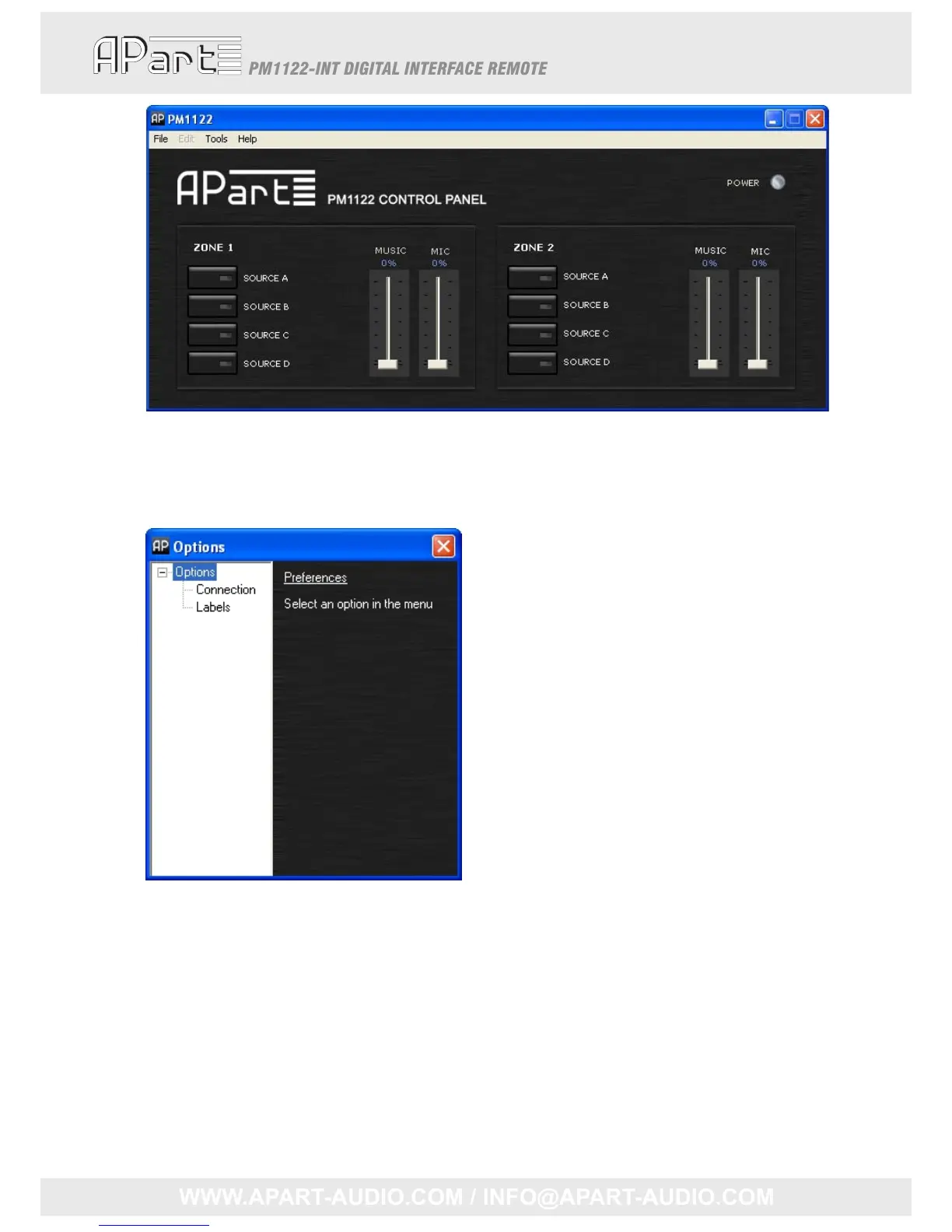
Beforeattemptingtomakeadjustmentstothesettings,checktheconnectionsettings.Intheupper
taskbar,click“Tools”.Adrop‐downselectionmenuwillappear,selectoptions,a popupscreenwill
appear,itlookslikethis:
Intheleftmenutree,select“Connection”,therightpartofthepopupwillshowtheconnection
details:
14



 To Next Page