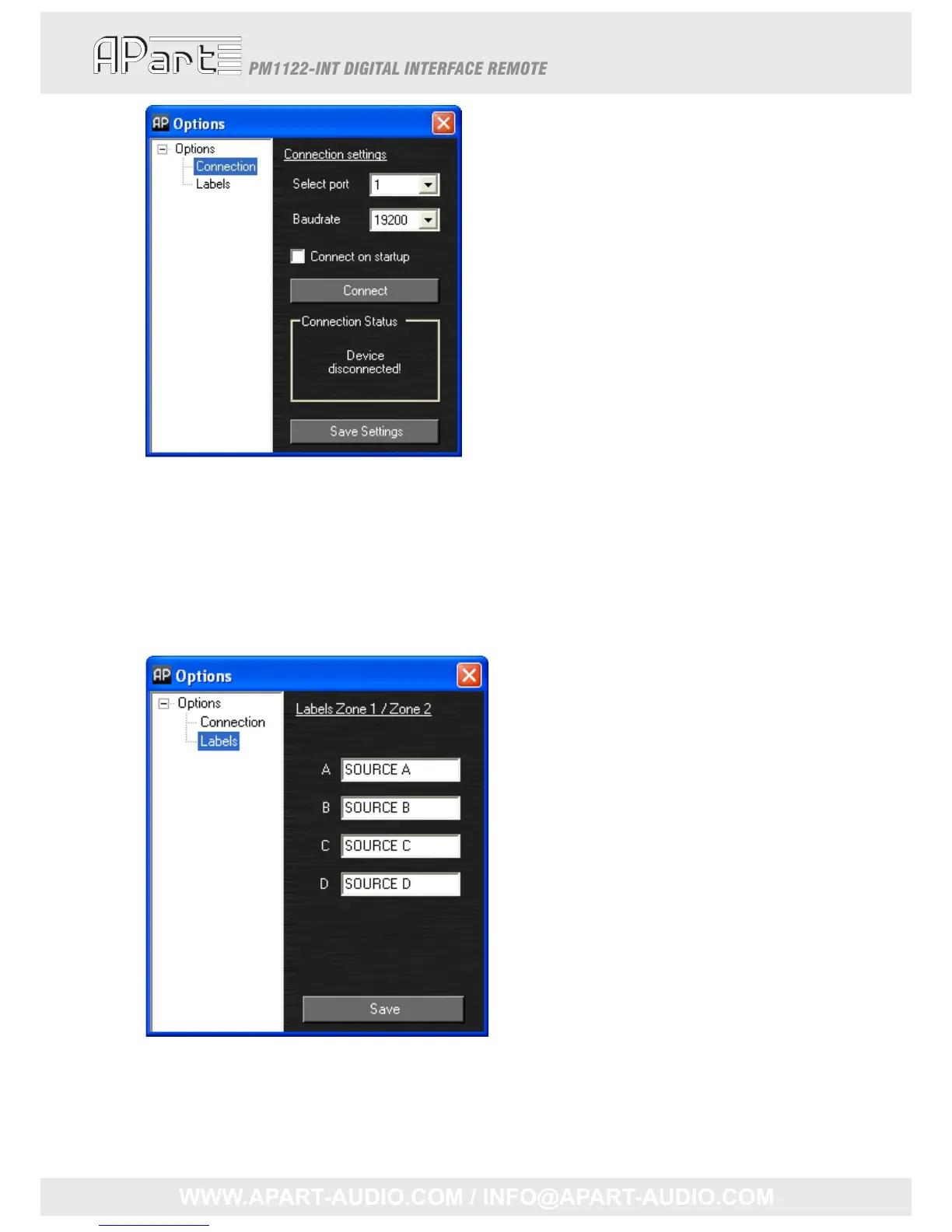
ChoosetheCOMportwhichisconnectedtothePM1122‐INT.Incaseyoudon’tknowwhichportit
is,pleaserefertochapter“
Help,whereismyCOMport?”atpage24.
Thebaudratecanbechangedifnecessary.Ifthe“Connectonstartup”issele cted,theprogramwill
attempttoconnecttothePM1122‐INTwheneverstarted.Thesesettingscanbesavedbypushing
the“SaveSettings”button.
Nextyoucanselectthe“Labels”intheleftmenutree.Thelabelscanbechanged.Theyareonlyused
inthePM1122ControlPanelsoftware.Theyalsocanbesaved.
Nowthesesettingsaremade,pleasereturntothemainscreenwhichisshownabove.Thepower
ledindicatorintherighttopcornerprogramwillshowtheon/offstatusofthePM1122pre‐
amplifier.
15



 To Next Page