P aramet er Setti ng
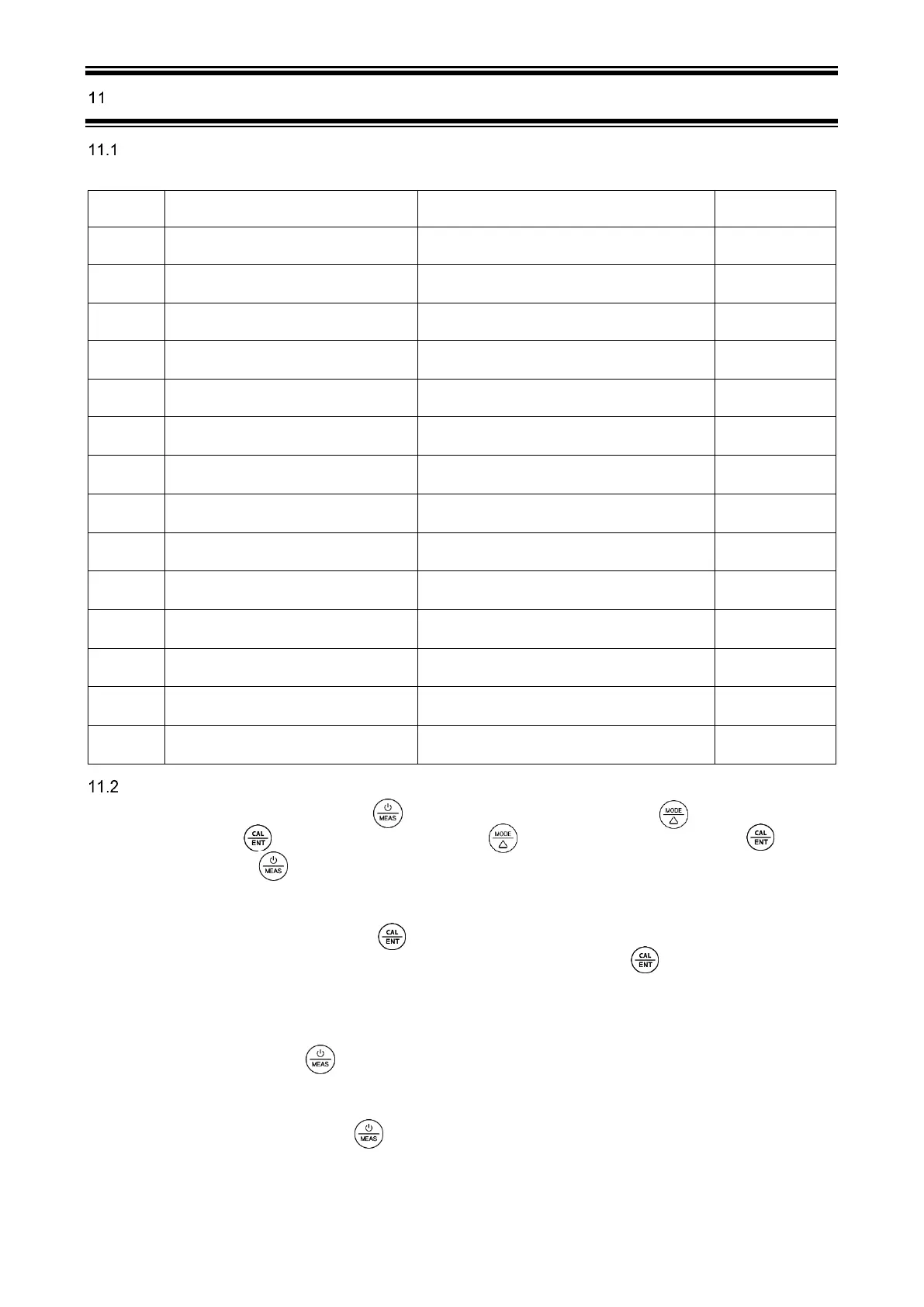
Table of Settings
Parameter Setting
1) When the meter is turned off, long press to enter parameter setting →short press to switch P01-P02…
→P14. Short Press , parameter flashes → short press to adjust parameter → short press to
confirm →Short press to exit parameter setting and go back to measurement mode.
2) Auto. Lock (P02) – Users can set the auto lock time from 5 to 20 seconds. For example, if 10 seconds is set, when
the measured value is stable for more than 10 seconds, the measured value will be automatically locked, and the
HOLD icon will be displayed. Short press to release the lock. When the setting is "Off" , the Auto. lock function
is turned off, that is, the measured value can only be manually locked. Short press to lock or unlock the
measured value. The HOLD icon will be displayed when reading is locked.
3) Auto. Backlight (P03) ─ Users can set the automatic backlight time for 1 to 8 minutes. For example, if 3 minutes
is set, the backlight will turn off automatically after 3 minutes; when the “Off” is set, the auto. backlight function will
be turned off, and short press to manually turn the backlight on or off.
4) Auto. Power off (P04) ─ The auto. power off time can be set to 10 to 20 minutes. For example, if 15 minutes is
set, the meter will automatically shut down after 15 minutes if no operation; when “Off” is set, the auto. power off
function will be turned off. Long press to manually shut down the meter.
5) pH Calibration Reminder (P07) and Conductivity Calibration Reminder (P11) – set X hours (H) Or X days (D)
in ZenTest mobile app – settings – Parameter – pH – Calibration Reminder. On the meter, you can only check the
values that’s been set up on ZenTest App. For example, if 3 days is set up, the Er6 icon (see Figure-4) will appear
in the lower right corner of the LCD screen in 3 days to remind you to perform calibration, also in the ZenTest App



 To Next Page