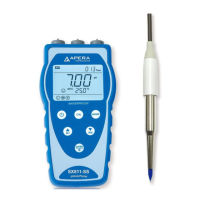
P robe R eplacem ent
To replace a probe:
1) take off the probe cap; screw off the probe ring; unplug the probe;
2) plug in the new replacement probe (pay attention to the probe’s position);
3) screw on the probe ring tightly.
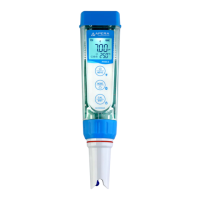
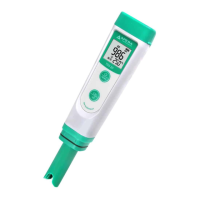
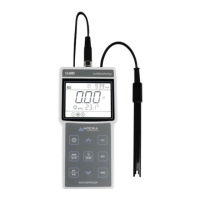
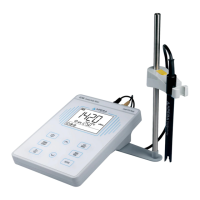
The replacement probes that are compatible with PC60-Z are:
PC60-DE (Default pH/cond. Probe),
PH60-DE (Regular pH glass bulb probe), PH60S-DE (Spear pH probe for solids/semi-solids pH testing),
PH60F-DE (Flat pH probe for surface pH testing),
EC60-DE (Conductivity probe)
ORP60-DA (ORP Probe).
Warrant y
We warrant this instrument to be free from defects in material and workmanship and agree to repair or replace free of
charge, at option of APERA INSTRUMENTS (Europe) GmbH, any malfunctioned or damaged product attributable to
responsibility of APERA INSTRUMENTS (Europe) GmbH for a period of TWO YEARS (SIX MONTHS for the probe) from
the delivery. This limited warranty does NOT cover any damages due to: accidental damage, unauthorized repair, normal
wear and tear, or external causes such as accidents, abuse, or other actions or events beyond our reasonable control.
APERA INSTRUMENTS (Europe) GmbH
Wilhelm-Muthmann-Straße 15
42329 Wuppertal, Germany
Contact: info@aperainst.de
Website: www.aperainst.de
Tel. +49 202 51988998



 To Previous Page