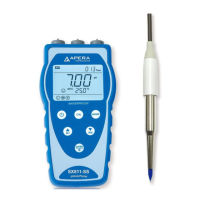
Condu ct ivit y Calibr ation
How to calibrate
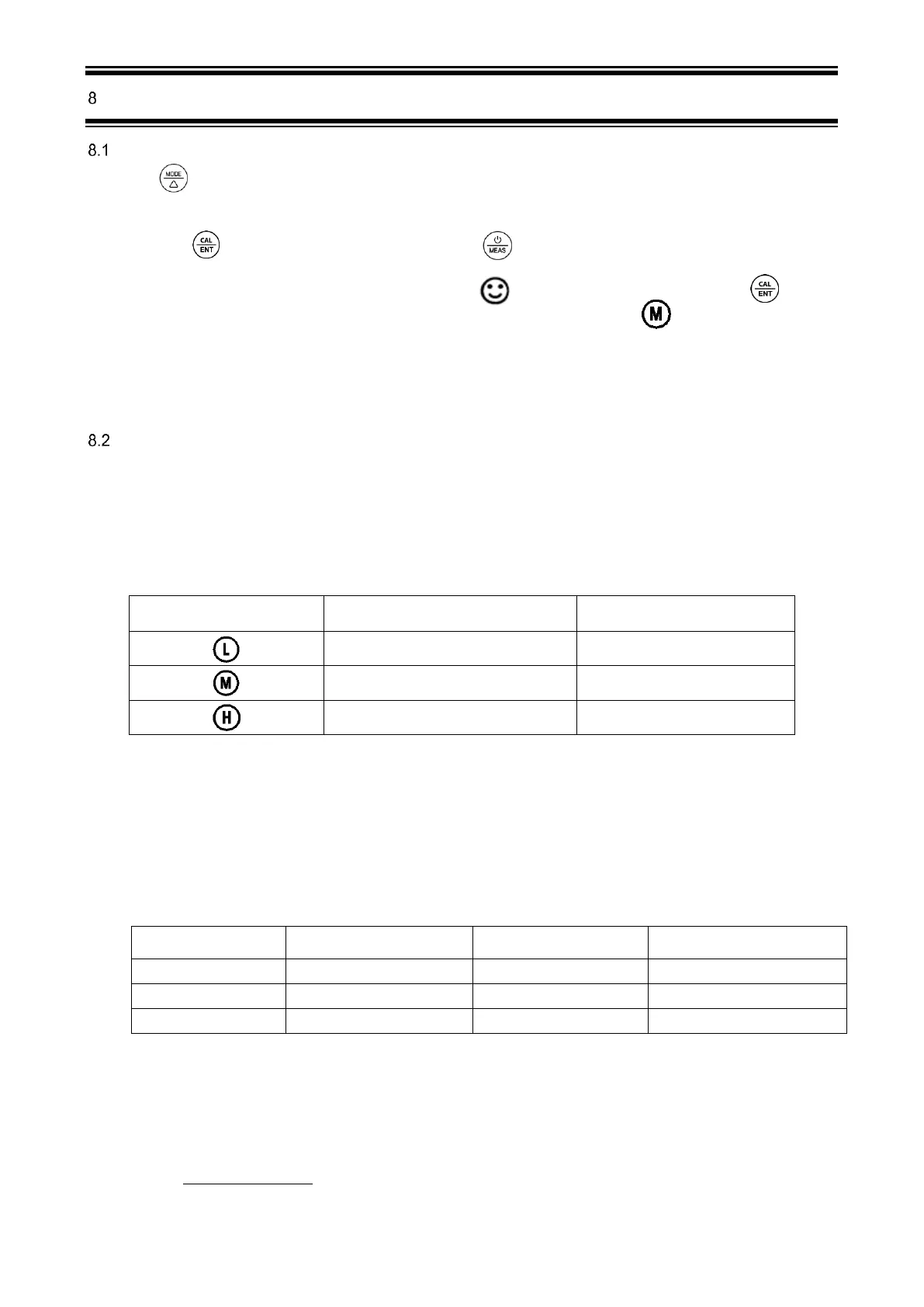
1) Press key to switch to conductivity measurement mode (Cond). Rinse the probe in distilled water and dry it.
2) Pour certain amount of 1413μS/cm and 12.88mS/cm conductivity calibration solution into corresponding calibration
bottles (to about half volume of the bottle).
3) Long press key to enter calibration mode, short press to go back to measurement mode.
4) Place the probe into 1413 μS/cm conductivity calibration solution, shake it for a few seconds and allow it to stand
still in the solution until a stable reading is reached. When stays on the LCD screen, short press key to
complete 1
st
calibration, the tester returns to measurement mode and indication icon will appear at the bottom
left of the LCD screen.
5) After calibration, place the probe in 12.88 mS/cm conductivity calibration solution. If the value is accurate, it is not
necessary to conduct 2
nd
point calibration. If it is inaccurate, follow the steps in 3) to 4) to complete the 2
nd
point of
calibration using 12.88 mS/cm calibration solution.
Notes
1) TDS, salinity, and resistivity values are converted from conductivity. So only conductivity needs to be
calibrated.
2) The tester can calibrate 1413 μS/cm, 12.88 mS/cm, and 84 μS/cm(sold separately) conductivity
calibration solution. User can conduct 1 to 3 points calibration. Refer to the table below. Usually
calibrating the tester with 1413 μS/cm conductivity buffer solution alone shall meet the testing
requirement.
Calibration Indication Icon
3) The tester has been calibrated before leaving factory. Generally, users can use the tester directly or
users can test conductivity calibration solutions first. If the error is large, then calibration is needed.
4) Conductivity calibration solutions are easier to get polluted than pH buffers, we recommend that users
replace new conductivity solutions after 5 to 10 times of use to keep the standard solution’s accuracy. Do
NOT pour the used calibration solutions back into the solution bottles in case of contamination.
5) Temperature compensation factor: The default setting of the temperature compensation factor is 2.0%/℃.
User can adjust the factor based on test solution and experimental data in parameter setting P10.
Temperature compensation
factor
Temperature compensation
factor
6) *1000μS/cm =1mS/cm; 1000 ppm = 1 ppt
7) TDS and conductivity is linear related, and its conversion factor is 0.40-1.00. Adjust the factor in
parameter setting P13 based on the requirements in different industries. The factory default setting is
0.71. Salinity and conductivity is linear related, and its conversion factor is 0.5. The tester only needs to
be calibrated in Conductivity mode, then after calibration of conductivity, the meter can switch from
conductivity to TDS or salinity.
8) Conversion Example
if conductivity measurement is 1000µS/cm, then the default TDS measurement will be 710 ppm (under
the default 0.71 conversion factor), and the salinity be 0.5 ppt.



 To Next Page