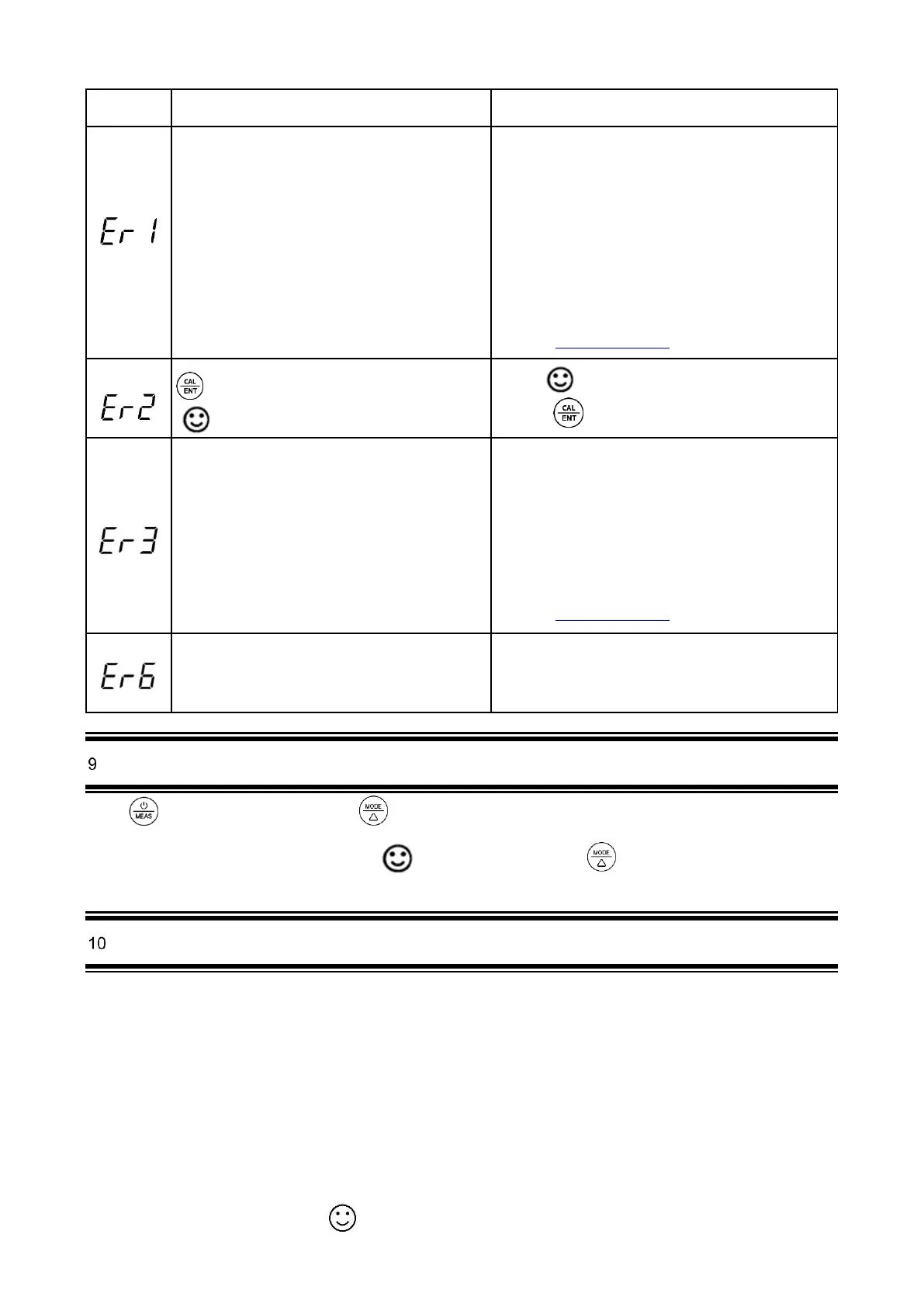
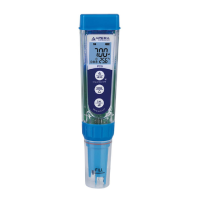
9) For the self-diagnosis information, please refer to the table below:
Self-Diagnosis information
The meter cannot recognize the conductivity
standard solutions.
1. Make sure the probe is fully submerged in
the solution.
2. Check if the standard solution is expired or
contaminated.
3. Check if the conductivity electrode (two
black rods) is damaged.
4. Check if the conductivity electrode is
contaminated. If so, please use a soft brush
with warm water to clean up.
5. If none of the above, please contact us at
info@aperainst.de
Is pressed before measurement is fully stable
( comes up and stays)
Wait for to come up and stays on screen before
pressing
During calibration, readings being unstable for over 3
minutes
1. Shake the probe to remove the air bubbles
on the surface of the black rods
2. Check if the conductivity electrode is
contaminated. If so, please use a soft brush
with warm water to clean up.
3. Soak the probe in 12.88mS/cm solution for
10 minutes, then rinse with distilled water.
4. If none of the above, please contact us at
info@aperainst.de
The calibration reminder is triggered. It’s time to
perform a new conductivity calibration
Perform conductivity calibration or cancel calibration
reminder in ZenTest settings.
Condu ct ivit y M easu rement
Press key to turn on the tester. Press to switch to Conductivity measuring mode. Rinse the probe in distilled
water and dry it. Dip the probe in sample solution, shake it for a few seconds, and allow it to stand still in the solution until
a stable reading is reached. Get readings after comes up and stays. Press to switch from conductivity to TDS,
salinity, and resistivity.
O RP M easur ement
ORP stands for Oxidation-Reduction Potential, measured in mV. It’s also called redox. ORP is a measure of the
cleanliness of water & its ability to break down contaminants. A separate ORP probe (ORP60-DA) needs to be installed
to be able to measure ORP.
Power on the PC60-Z tester, unscrew the original probe, and install the ORP60-DA probe, then the tester will
automatically switch to ORP measurement mode (Refer to Section 14 for how to replace a probe).
Rinse the probe in distilled water and dry it. Dip the probe in sample solution, shake for a few seconds, and allow it to
stand still. Get the ORP readings after appears and stays on screen.



 To Next Page