EasyManua.ls Logo

Aphex Studio Dominator 700 - 10 Test Procedures; Main Board

Aphex Studio Dominator 700
50 pages
Print Icon
To Next Page IconTo Next Page
To Previous Page IconTo Previous Page
Loading...
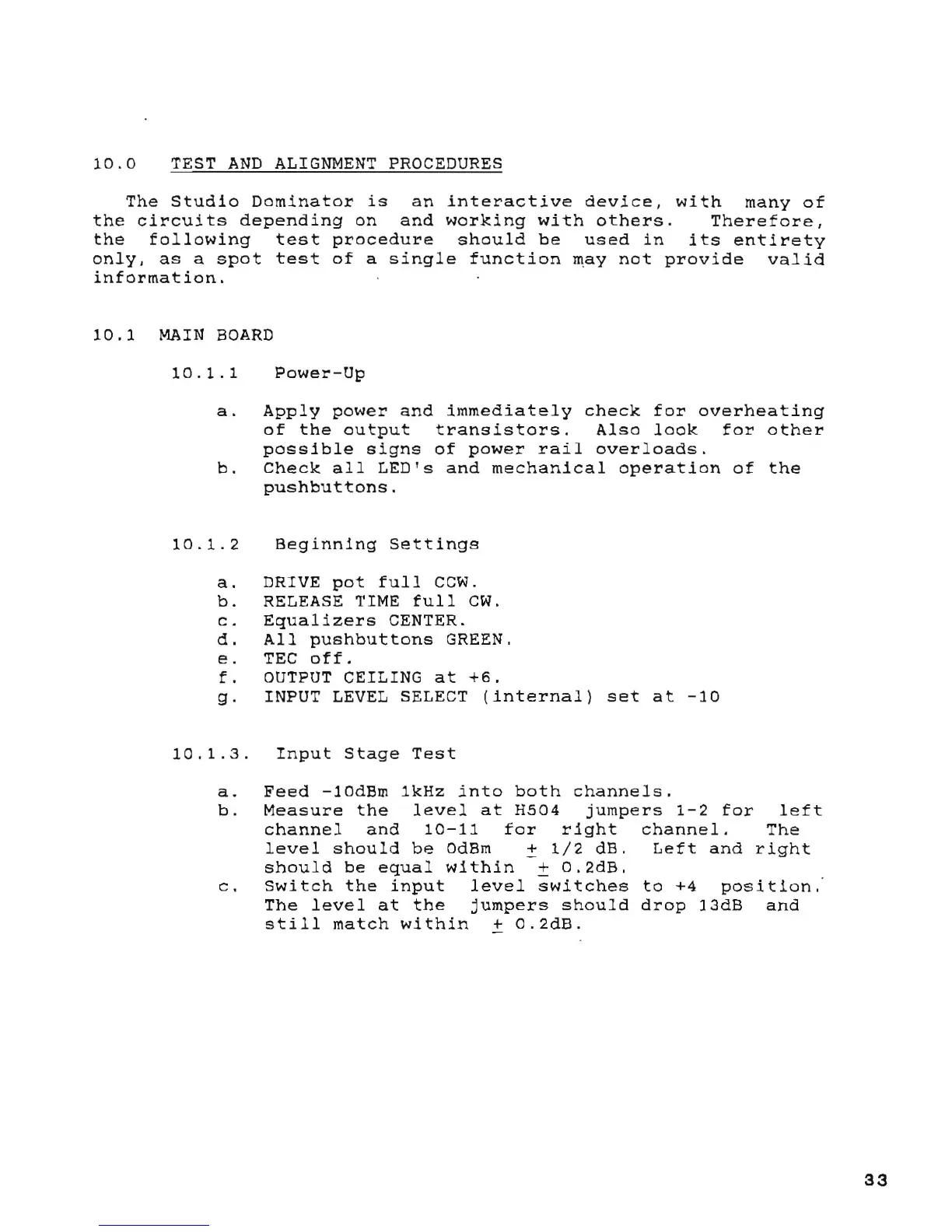
10.0
TEST
AND
ALIGNMENT
PROCEDURES
The
Studio
Dominator
is
an
interactive
device,
with
many
of
the
circuits
depending
on
and
working
with
others.
Therefore,
the
following
test
procedure
should
be
used
in
its
entirety
only,
as
a
spot
test
of
a
single
function
may
not
provide
valid
information.
10.1
MAIN
BOARD
10.1.1
Power-Up
a.
Apply
power
and
immediately
check
for
overheating
of
the
output
transistors.
Also
look
for
other
possible
signs
of
power
rail
overloads.
b.
Check
all
LED's
and
mechanical
operation
of
the
pushbuttons.
10.1.2
Beginning
Settings
a.
DRIVE
pot
full
CCW.
b.
RELEASE TIME
full
CWo
c.
Equalizers
CENTER.
d.
All
pushbuttons
GREEN.
e.
TEC
off.
f.
OUTPUT
CEILING
at
+6.
g.
INPUT
LEVEL
SELECT
(internal)
set
at
-10
10.1.3.
Input
Stage
Test
a.
Feed
-10dBm
1kHz
into
both
channels.
b.
Measure
the
level
at
H504
jumpers
1-2
for
left
channel
and
10-11
for
right
channel.
The
level
should
be
OdBm
~
1/2
dB.
Left
and
right
should
be
equal
within
+
O.2dB
.
c.
Switch
the
input
level
switches
to
+4
position.
The
level
at
the
jumpers
should
drop
13dB
and
still
match
within
+
O.2dB.
33

Table of Contents

Related product manuals