EasyManua.ls Logo

Aphex Studio Dominator 700 - Page 39

Aphex Studio Dominator 700
50 pages
Print Icon
To Next Page IconTo Next Page
To Previous Page IconTo Previous Page
Loading...
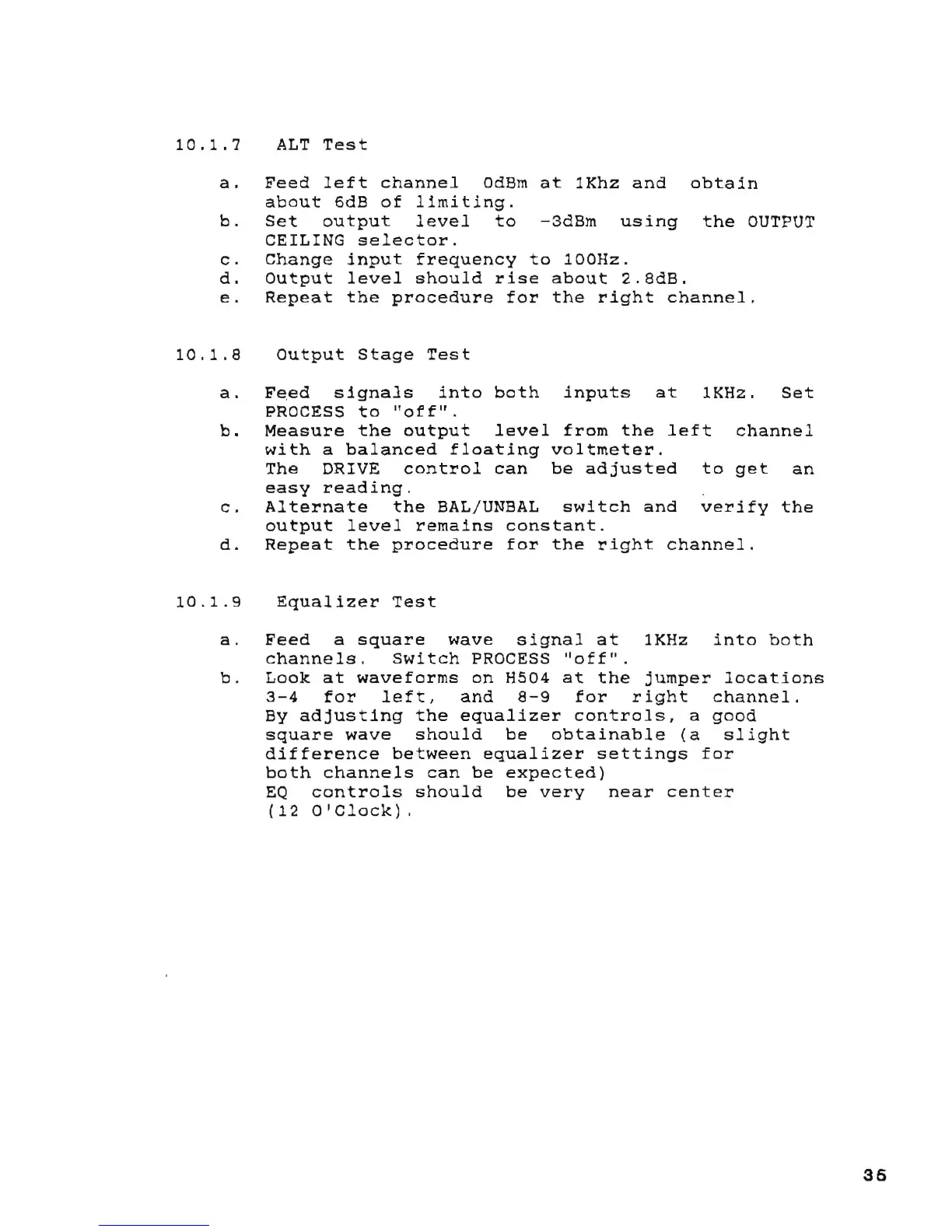
10.1.7
ALT
Test
a.
Feed
left
channel
OdBm
at
1Khz
and
obtain
about
6dB
of
limiting.
b.
Set
output
level
to
-3dBm
using
the
OUTPUT
CEILING
selector.
c.
Change
input
frequency
to
100Hz.
d.
Output
level
should
rise
about
2.8dB.
e.
Repeat
the
procedure
for
the
right
channel.
10.1.8
Output
Stage
Test
a.
b.
F~ed
signals
into
both
PROCESS
to
"off".
inputs
at
1KHz.
Set
Measure
the
output
level
from
the
left
channel
with
a
balanced
floating
voltmeter.
The
DRIVE
control
can
be
adjusted
to
get
an
easy
reading.
c.
Alternate
the
BAL/UNBAL
switch
and
verify
the
output
level
remains
constant.
d.
Repeat
the
procedure
for
the
right
channel.
10.1.9
Equalizer
Test
a.
Feed
a
square
wave
signal
at
1KHz
into
both
channels.
Switch
PROCESS
"off".
b.
Look
at
waveforms
on
H5Q4
at
the
jumper
locations
3-4
for
left,
and
8-9
for
right
channel.
By
adjusting
the
equalizer
controls,
a
good
square
wave
should
be
obtainable
(a
slight
difference
between
equalizer
settings
for
both
channels
can
be
expected)
EQ
controls
should
be
very
near
center
(12
O'Clock).
35

Table of Contents

Related product manuals