EasyManua.ls Logo

Apollo MX20 - Ifrchartfunction; Invert; Maporientation; Navdata

Default Icon
35 pages
Print Icon
To Next Page IconTo Next Page
To Previous Page IconTo Previous Page
Loading...
Dctailcd
Operation
IFR
Chart Function
The IFR
Chart function
shows
an IFR
en roure
sryle
map
for the
display. The
IFR
display shows
navigational
aid
information
and the flight plan
course
line.
The
"smarr"
keys
on the
bottom of
the screen
control
zooming
in and
out,
panning,
and the
display
of information
on the
current
TO waypoint.
The menu
of options
available
for
the IFR
mode include
Flight
Plan,
map
orienration,
Invert, and
turning
labels
on or offi
IFR
Option Page
I
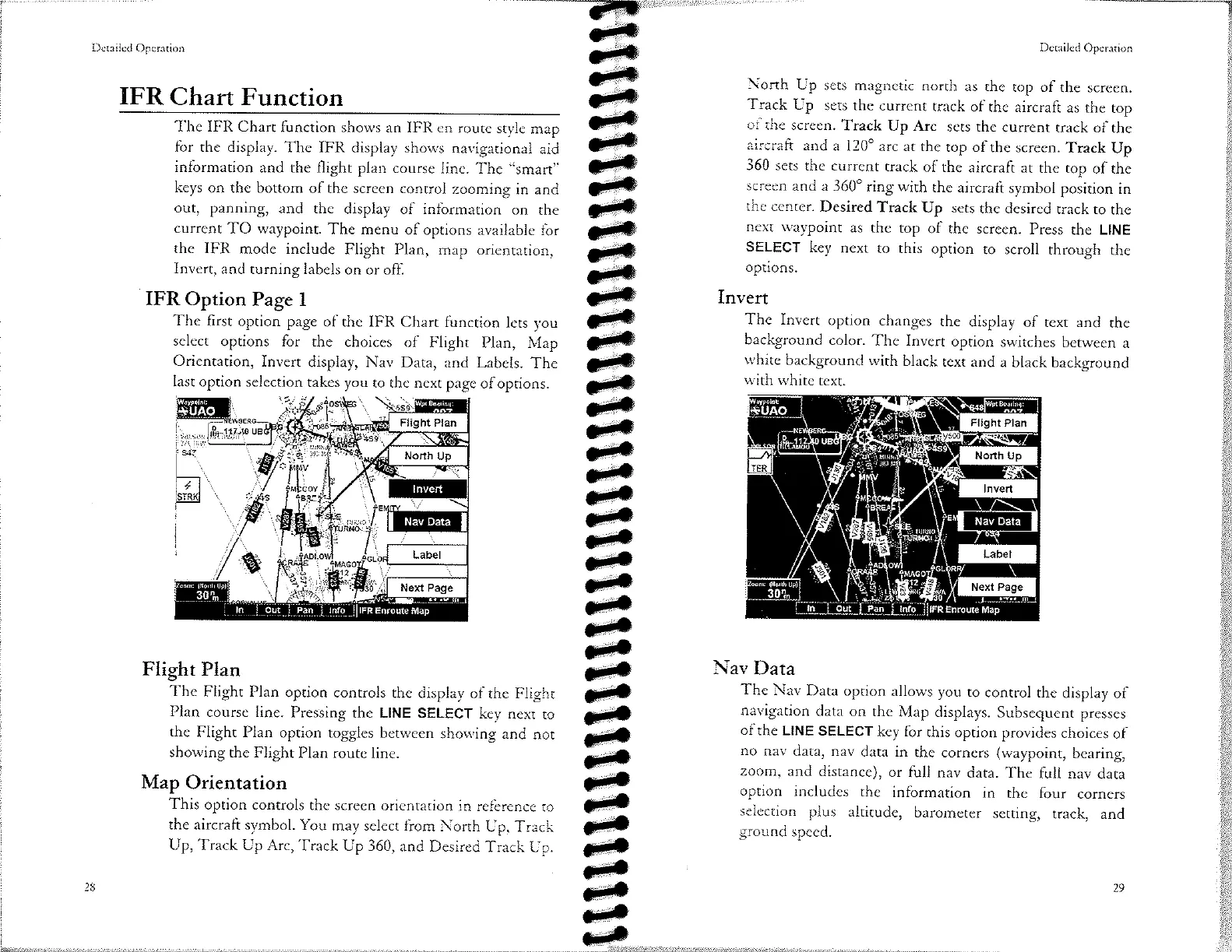
The first option
page
of the IFR
Chart
function
lets you
select
options
for
the choices
of Flight
Plan, Map
Orientation,
Invert
display, Nav
Data,
and Labels.
The
last
option selection
takes you
to
the next page
ofoptions.
Flight
Plan
The
Flight Plan
option
conrrols
the display
of the
Flighr
Plan
course
line. Pres”ing
rhe LINE
SELECT
key next
to
the
Flight Plan
option
toggles
berween
showing
and
nor
showing
the
Flight
Plan route
line.
Map
Orientation
This option
controls
the
screen orientation
in reference
ro
the
aircraft
symbol. You
may
select from
North
[-lp,
Track
Up, Track
Up Arc,
Track
Up 360, and
Desired
Track
[-Ip.
Dctailcd
Operation
.l-orth
Up
sets magnetic
north
as
the
top of
the screen.
Track
Up
sets the
current
track
of the
aircraft
as
the top
of
the
screen.
Track
Up
Arc
sers
the currenr
track
of the
aircraft
and
a l20o
arc
ar rhe
top
of the
screen.
Track
Up
360
sets
the current
track
of the
aircraft
at
the
top
of the
screen
and a
360" ring
with
the
aircraft
symbol
position
in
the
center.
Desired
Track
Up
sets
the desired
track to
the
next
waypoint
as
the
top
of the
screen.
Press
the LINE
SELECT
key
next
to
options.
Invert
option
to
scroll
through
the
The
Invert
option
changes
the
display
of text
and
the
background
color.
The
Invert
option
switches
behveen
a
white
background
with
black
text and
a black
background
with
white
text.
Nav
Data
The
Nav
Data
option
allows
you ro
conrrol
the
display
of
navigation
data on
the
Map displays.
Subsequent
presses
of the
LINE
SELECT
key
for
this option
provides
choices
of
no
nav
data, nav
data in
the corners
(waypoint,
bearing,
zoem,
and
distance),
or full
nav
data.
The
full nav
dara
option
includes
the information
in the
four
corners
selecrion
plus
altitude,
barometer
setting,
track,
and
ground
speed.
top
this

Other manuals for Apollo MX20