EasyManua.ls Logo

Apollo MX20 - User Manual

Default Icon
35 pages
Print Icon
To Next Page IconTo Next Page
Loading...
;¿:
.:\;J
u
j-L)
4 l!:,#,f,:¡9,:", I::
h n 0 I 0
s
¡ e s'"
APOLLW
O
2000
by UPS
Aviation
Technolog,es.
2345 Turner
Rd..
S.E.
Salem, OR
97302 U.S.Å.
Phone 503.581.8':-
800.s25.ô72ô
ln
Canada
834.êi:.3-:':
FAX 5C3 3a:2'a.a
httc: ,,;¡;,,, .
-:
s¿'- :a
-
Pa:
=5€
--'
-24--'-
-=
-=
t
a---
4
i::
,rlk¿C:,t
t'i,t"!t)
li.[l
ilþ
F
I
r
]ttjÐr.r
.lrE
?]t..1
U>e/* 9lrile
^
y!:
#lîJ'l,T"
.I":,:"
n0 I
0s¡ es
-

Other manuals for Apollo MX20

Questions and Answers

Summary

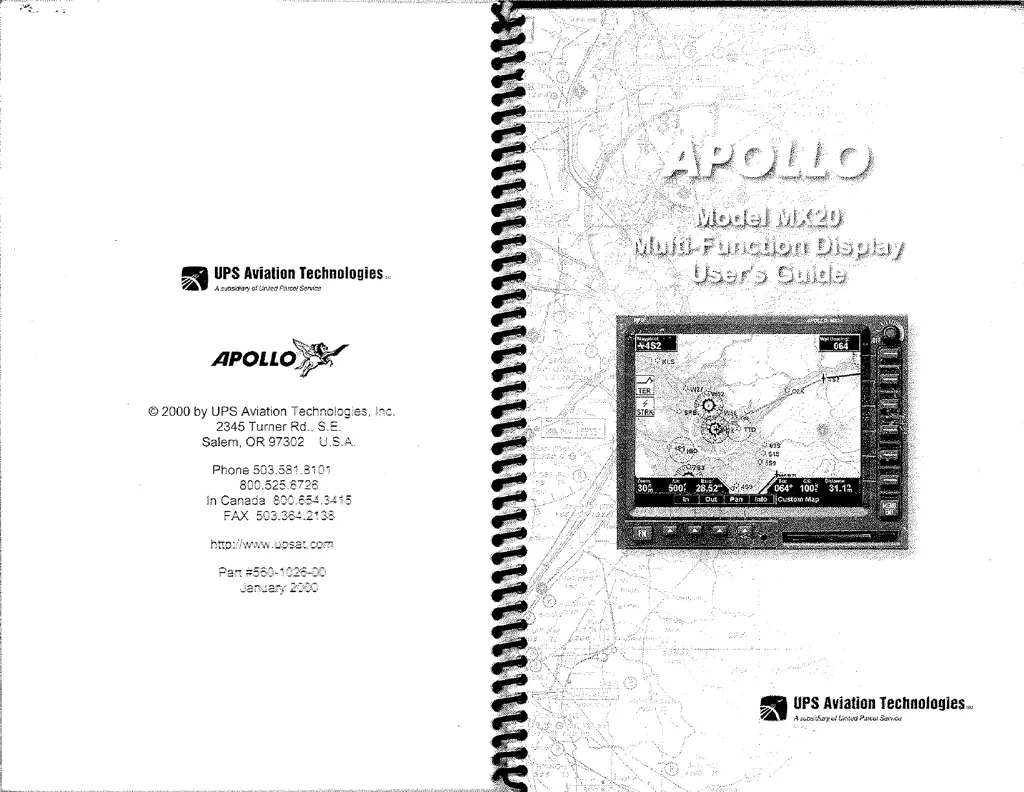
APOLLO MX20 Multi-Function Display Users Guide

Document Information

History of Revisions

Details changes and updates made to the manual over time.

Ordering Information

Provides part numbers for obtaining additional copies of manuals.

About This Manual

Explains the manual's purpose, structure, and how to use it effectively.

Welcome and License Agreement

Welcome to the MX20

Introduces the Apollo MX20 and its advanced features for general aviation.

End User License Agreement (EULA)

Outlines the terms and conditions for using the MX20 software and hardware.

Getting Started: Initial Setup

Getting Started Overview

Provides an introduction to the MX20, its functions, and basic operation.

Controls and Interface Basics

Explains the operation of the MX20's physical buttons, knobs, and navigation keys.

Display Elements and Annunciations

Describes display elements, annunciations, and data flags.

Basic Operation and Power Management

Covers power-up, brightness, startup screens, and basic operational states.

Navigating MX20 Functions

Options Menu Navigation

Details how to access and navigate through function options using the MX20 interface.

Function Summary and Index

Provides a summary of functions and refers to the index for detailed page numbers.

Detailed Operation: Message Log and Map

Message Log (MSG) Function

Explains how to view and manage system messages and alerts on the MX20.

Custom Map (MAP) Function

Details customizing map displays by overlaying various types of flight information.

Detailed Operation: Chart Functions

IFR Chart Function

Describes the IFR en route style map display and its options.

VFR Chart Function

Explains the VFR sectional style map display and its available options.

Detailed Operation: Traffic and Terrain

Traffic Function

Covers viewing and interpreting traffic information, including targets and display modes.

Terrain Functionality

Details the terrain display options, including color-coded elevation and awareness modes.

Detailed Operation: Lightning and System

Lightning Strikes (LT) Function

Explains how to view lightning strike data from an external sensor like the WX500.

System Functions and Settings

Covers setting preferences, obtaining version info, and performing system tests on the MX20.

Maintenance and Troubleshooting

Display Care and Cleaning

Provides recommendations for cleaning and maintaining the MX20 display.

Contacting the Factory

Information on how to contact UPS Aviation Technologies for technical support.

Troubleshooting Common Issues

Lists common problems, possible causes, and actions for resolving MX20 issues.

Apollo MX20 Specifications

General IconGeneral
Screen Size20 inches
Resolution1600 x 900
Aspect Ratio16:9
Panel TypeTN
Brightness250 cd/m²
Contrast Ratio1000:1
Response Time5ms
Input PortsVGA, DVI
Power Consumption25W