EasyManua.ls Logo

Apollo MX20 - Flight Plan (FPL)

Default Icon
35 pages
Print Icon
To Next Page IconTo Next Page
To Previous Page IconTo Previous Page
Loading...
Dctailcd
Opcration
Detailed
Opcration
Use the lN
and OUT
keys ar rhe
botrom of the
screen to
zoom in
and zoom
out. The zoom
range is shown
in the
lower left
corner
of the screen.
Use the BARO+
and BARO-
keys at
the bottom
of the
screen
to make
minor adjustments
ro
the
barometric
pressure
value.
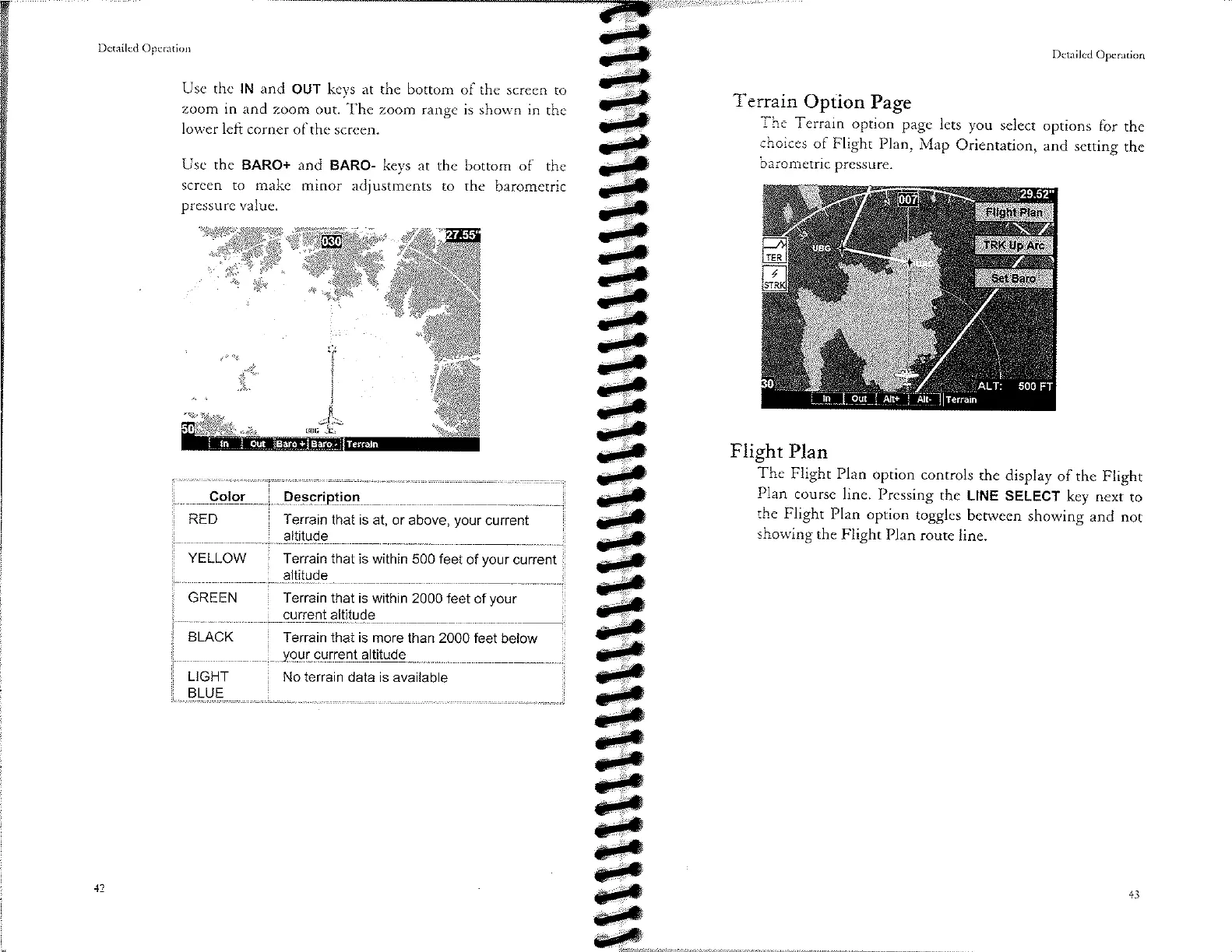
Terrain
Option
Page
The
Terrain
option page
lets you
select
options
for the
choices
of Flight
Plan,
Map
Orientation,
and
setting
the
barometric
pressure.
Flight
Plan
The
Flight
Plan
option
controls
the
display
of the
Flight
Plan
course
line.
Pressing
the LINE
SELECT
key next
to
the
Flight
Plan
option
toggles
between
showing
and
not
showing
the
Flight
Plan
route
line.
ê
ê
eÐi
52"
/'
ì
FT
\-
500
All+
AIt-
I
ler
ro,n
Color Descriotion
RED
Terrain
that
is
at, or
above,
your
current
altitude
YELLOW
Terrain
that is within
500 feet
of
your
current
altitude
GREEN
Terrain that
is within 2000
feet of
your
current altitude
BLACK
Terrain that is
more than 2000
feet
below
vour cunent altitude
LIGHT
BLUE
No terrain
data is
available
43

Other manuals for Apollo MX20