Auto-Hold
When measuring, you can press the A-HOLD button to
start the Auto-Hold mode. In this mode, the meter
holds reading and shows it on the secondary display.
If the difference between new reading and hold reading
is bigger than 5d (3¾-digit mode), and new reading is
also stable, then meter automatically holds a new
reading on the secondary display.
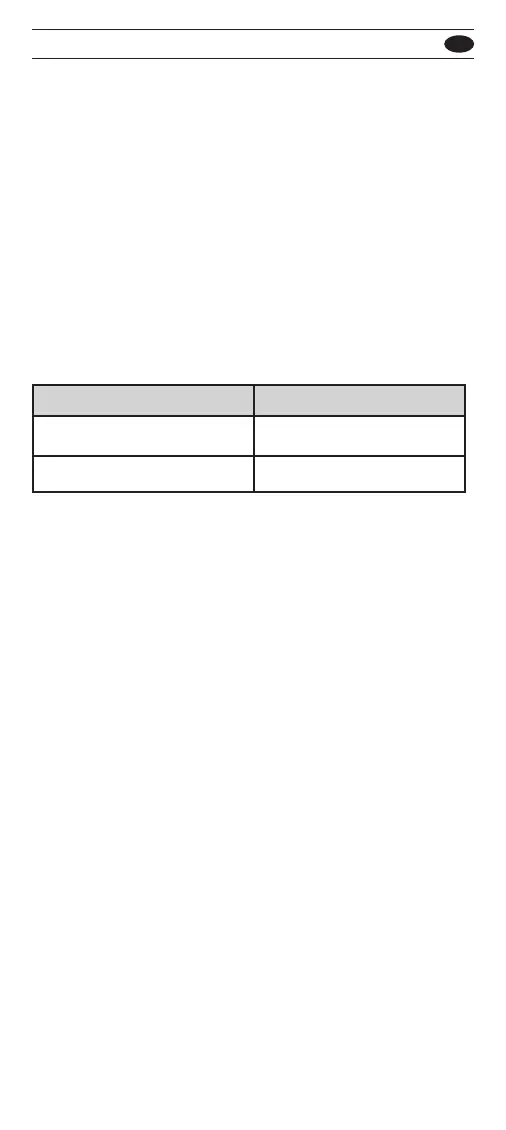
When reading is smaller than Auto-Hold limit, or
reading is OL, the Auto-Hold mode is not working.
To exit Auto-Hold mode, press the A-HOLD button
again. If you don’t want to use the Auto-Hold mode,
you can disable it in the setup mode. When Auto-Hold
mode is disable, the hold mode is not update any new
reading.
Maximum / Minimum Record
When measuring, you can record the maximum,
minimum and average value of reading.
To use maximum / minimum record mode, move the
blink cursor of menu to MAX, MIN or AVG position, and
press the ENTER button to enter mode. In this mode,
the meter records each data to compare the maximum
and minimum value. Also, meter calculate the average
of reading.
You can move the blink cursor of menu to MAX, MIN or
AVG position, and press the ENTER button to select
result on the secondary display.
Limit
V, A, LoZ, Hz, Cap
Others
1% of range
No limit
Function
501 / 502
EN



 To Next Page