To exit relative (%) mode, press the CANCEL button.
Memory Save / Load
When measuring, you can save the reading to memory
and load it from memory. The meter can store
maximum 1000 data in memory. The recorded data
amount shows on the secondary display.
To use memory save / load mode, move the blink
cursor of menu to MEM position, and press the ENTER
button to enter mode. In this mode, you can operate
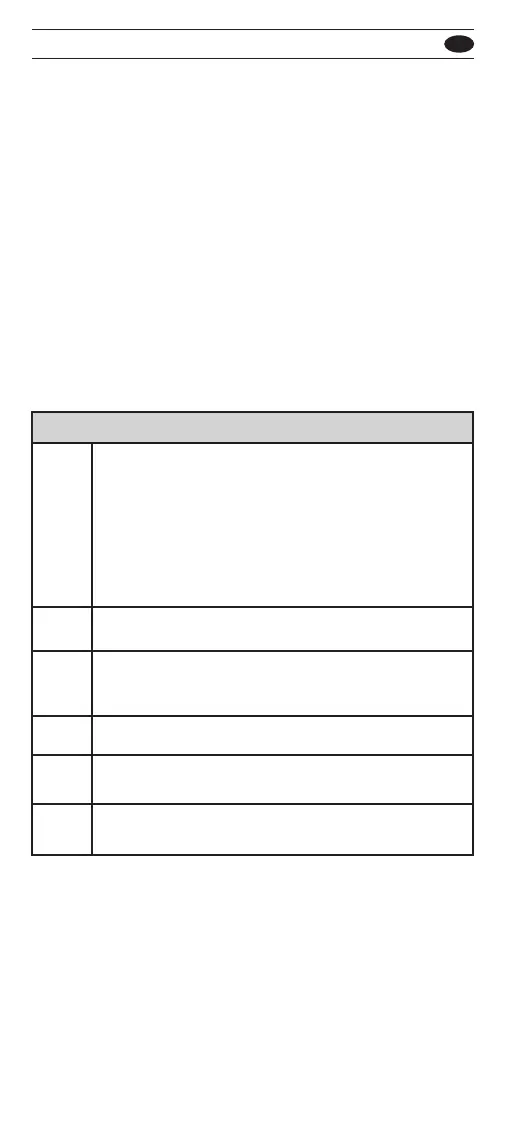
the below options:
To exit memory save / load mode, press the CANCEL
button.
You can operate the Auto-Save mode to automati-cally
save new reading. When you use the probes to measure
a new reading, the meter will automati-cally save it.
In some case, the Auto-Save mode will not work.
For example, the reading is smaller than the limit
(refer Auto-Hold), or the reading is OL. Press ENTER
button to start Auto-Save mode, press CANCEL button
to exit.
You can press the ENTER button to review data from
memory. Press UP or DOWN button to select data.
Press the CANCEL button to return.
Press ENTER button to save a new reading to memory.
Press ENTER button to review the maximum data from
memory.
Memory Options
Press ENTER button to clear all data from memory.
MAX
Press ENTER button to review the minimum data from
memory.
A-SAVE
SAVE
LOAD
CLR
MIN
501 / 502
EN



 To Next Page