Chapter 2 iPhoto Tutorial 19
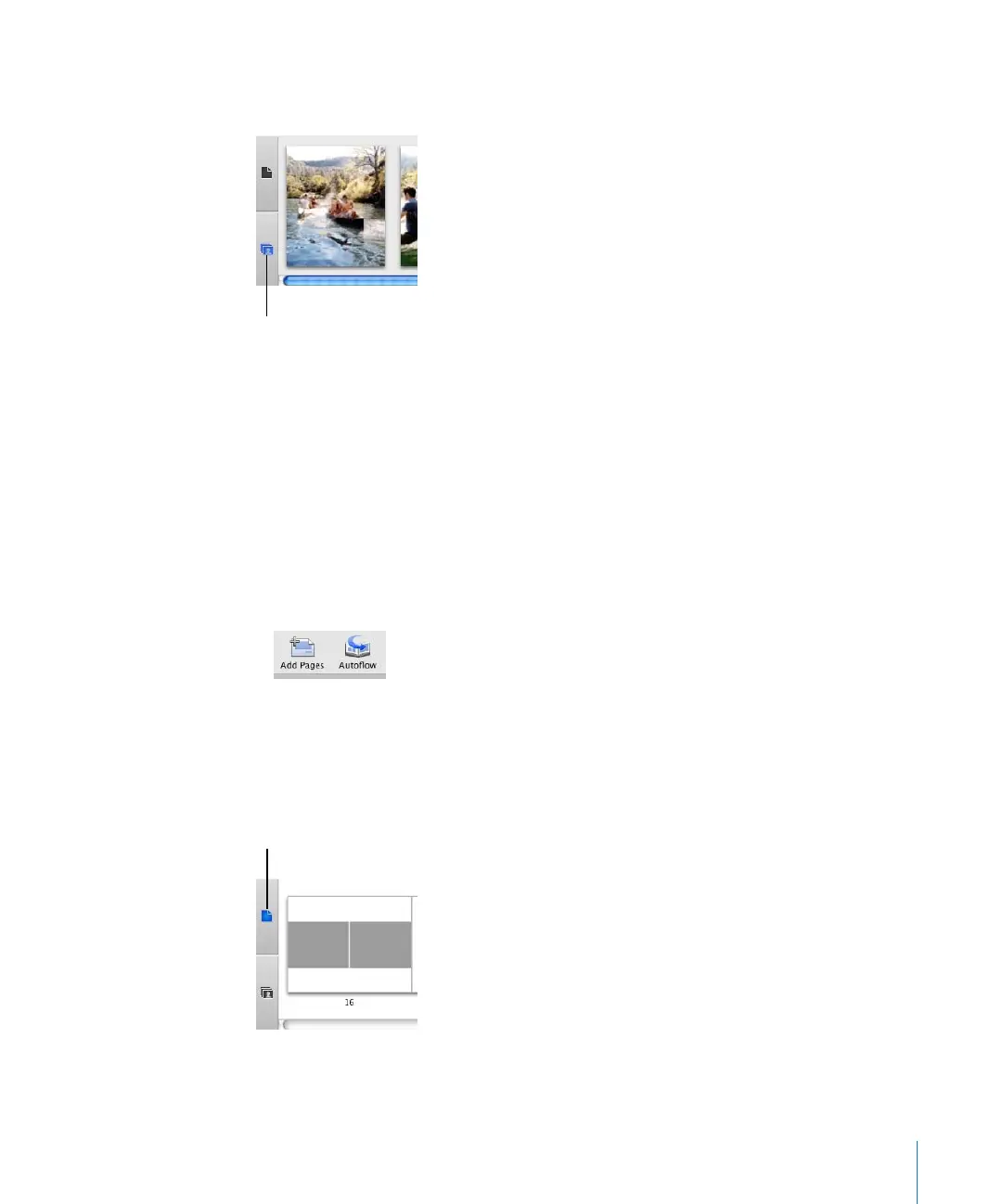
4 Click the Unplaced Photos button to view the photos you added. This is a holding area,
like a waiting room, for the photos you want to place in your book.
5 Do one or more of the following to place photos in your book:
 To add a photo to an empty photo frame in your book, drag the photo from the
unplaced photos area to the empty frame.
 To replace a photo in your book with a new photo, drag the new photo from the
unplaced photos area to the photo in the book. The new photo replaces the old
photo, and the old photo is moved to the unplaced photos area.
 To add a photo to a page, change the number of photos allowed on that page using
the Page Type pop-up menu, then drag photos to the new empty frames.
 To add all unplaced photos to the book, automatically adding pages as needed, click
the Autoflow button.
You can change the order of photos on an individual page or from one page to
another.
To rearrange photos in your book:
1 Click the Page View button to display book pages in the photo browser.
2 Do one of the following:
Unplaced Photos button
Page View button



 To Next Page