3
21
3 iPhoto at a Glance
As you work in iPhoto, you can see your photos displayed
in different ways in the iPhoto window; this makes it
easier to organize your library, edit photos, create
slideshows, and design your own books, calendars, and
cards.
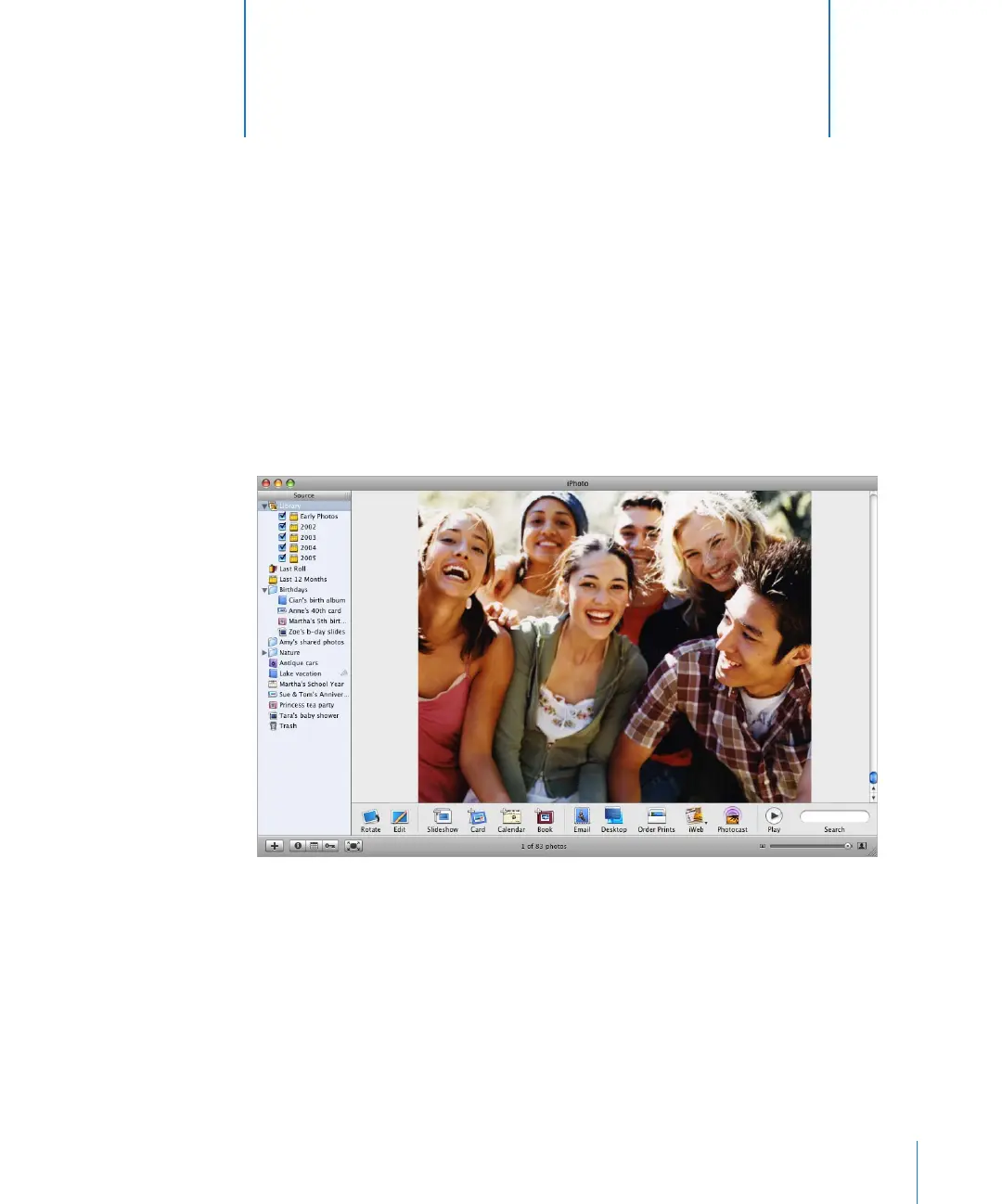
The pages that follow introduce you to the different views and controls in the iPhoto
window. Take a look at these pages to familiarize yourself with the iPhoto controls so
you can easily follow the instructions in iPhoto Help.



 To Next Page