EPSON ESC/POS COMMANDS
RTP-3280 Thermal Receipt Printer 19
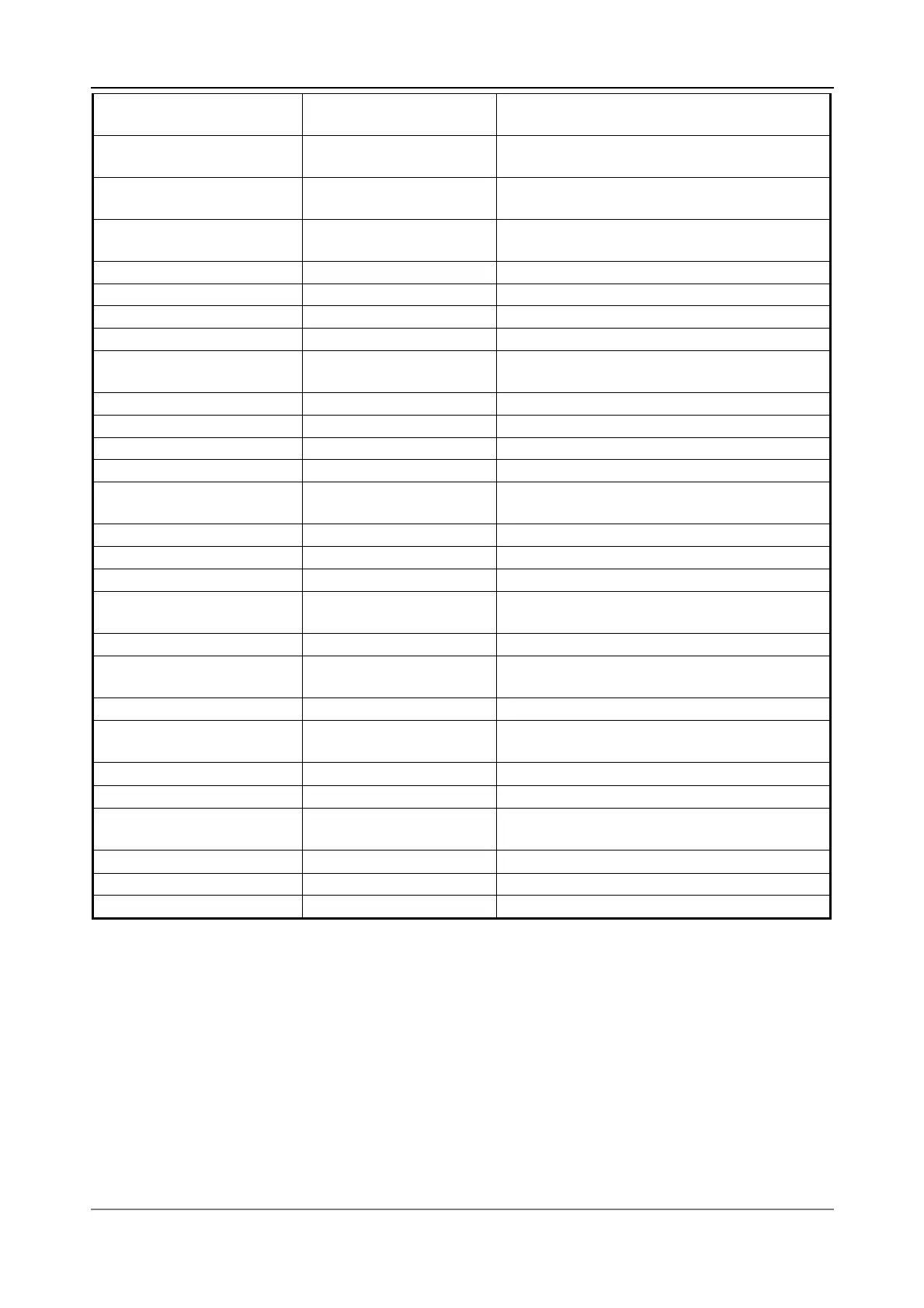
FS W n 1C 57 n
Turn quadruple-size mode on/off for
Kanji characters
FS g 1 m a1 a2 a3 a4 nL
nH d1...dk
1C 67 31 m a1 a2 a3
a4 nL nH d1...dk
Write to NV user memory
FS g 2 m a1 a2 a3 a4 nL
nH
1C 67 32 m a1 a2 a3
a4 nL nH
Read from NV user memory (P83)
FS – n 1C 2D n
Turn underline mode on/off for Kanji
characters
FS . 1C 2E Cancel Kanji character mode
<FS> p n m 1C 70 n m Print NV bit image
<FS> q n … 1C 71 n … Define NV bit image
<GS> ! n 1D 21 n Select character size
<GS> $ nL nH 1D 24 nL nH
Set absolute vertical print position in
page mode
<GS> ( A … 1D 28 41 … Execute test print
<GS> * x y … 1D 2A x y … Define downloaded bit image
<GS> / m 1D 2F m Print downloaded bit image
<GS> : 1D 3A Start/end macro definition
<GS> B n 1D 42 n
Turn white/black reverse printing mode
on/off
<GS> H n 1D 48 n Select printing position of HRI characters
<GS> L nL nH 1D 4C nL nH Set left margin
<GS> P x y 1D 50 x y Set horizontal and vertical motion units
<GS> V m
<GS> V m n
1D 56 m
1D 56 m n
Select cut mode and cut paper
<GS> W nL nH 1D 57 nL nH Set printing area width
<GS> \ nL nH 1D 5C nL nH
Set relative vertical print position in page
mode
<GS> ^ r t m 1D 5E r t m
Execute macro
<GS> a n 1D 61 n
Enable/disable Automatic Status
Back (ASB)
<GS> f n 1D 66 n
Select font for HRI characters
<GS> h n 1D 68 n
Set bar code height
<GS> k m ….NUL
<GS> k m n …
1D 6B m… NUL
1D 6B m n …
Print bar code
<GS> r n 1D 72 n
Transmit status
<GS> v 0 m … 1D 76 30 m…
Print raster bit image
<GS> w n 1D 77 n
Set bar code width


 To Next Page