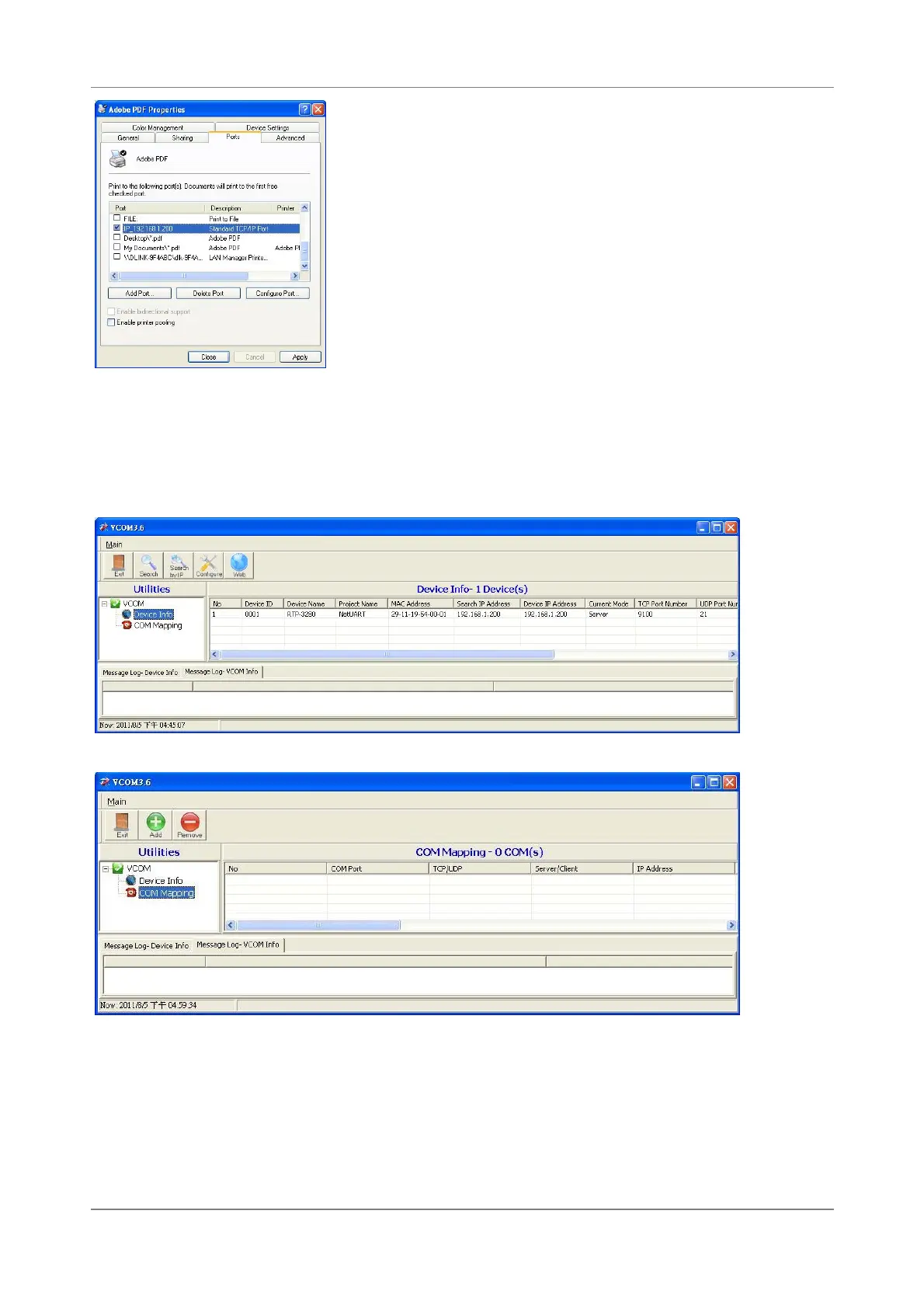
APPENDIX
RTP-3280 Thermal Receipt Printer 60
Use Virtual-COM Tool
Install VCOM application that comes along with the companion Disc and execute it.
1.Click option “Search” to search printers on the network. You can get IP address of
the printer from here.
2.Click “COM Mapping” to switch to COM Mapping mode
3.Click ”Add” to enter virtual COM setting screen. Select RTP-3280 in the device list
and most fields are filled with proper values automatically. You can select a different
COM only when this COM is not occupied. Click “OK” to create a virtual COM.


 To Next Page