36
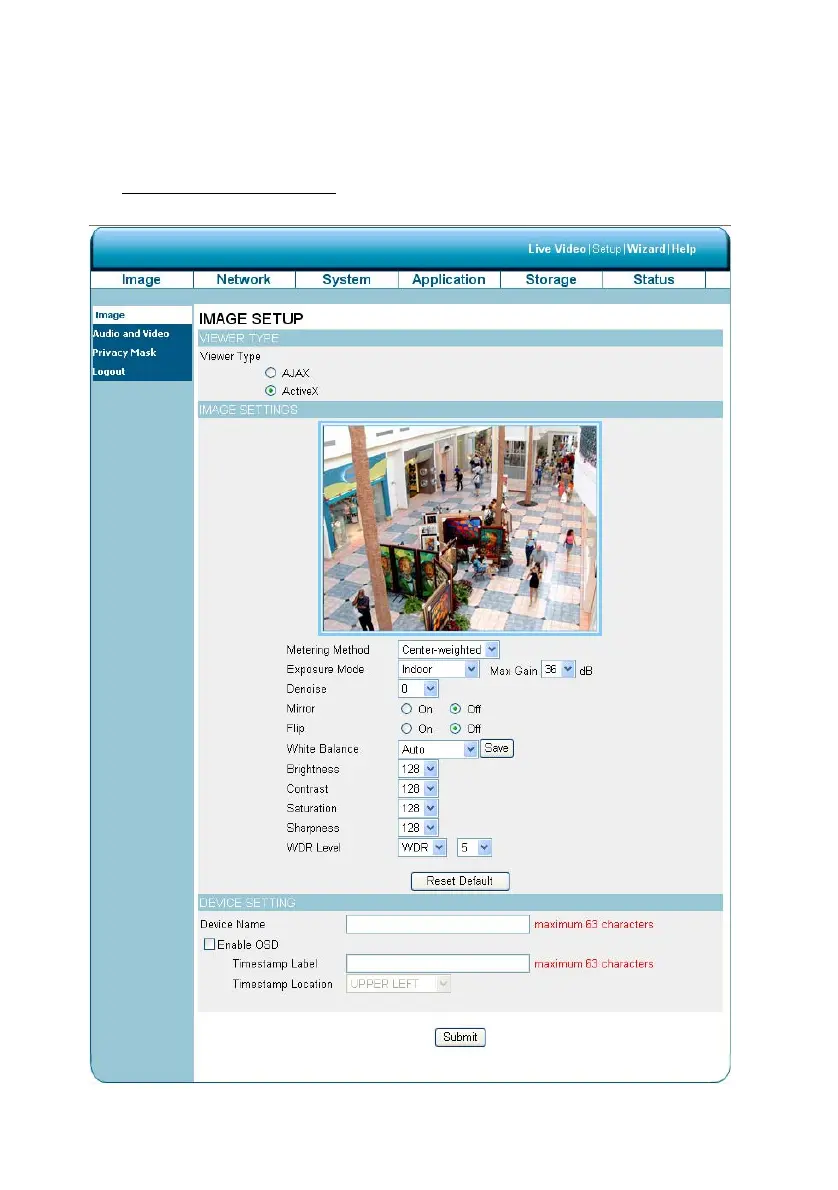
5.1.3.2 Change Image Setting
Please follow the steps below to change the video setting through the network as necessary. A
preview of the image will be shown in the window of Live Video. Click Submit to activate and save
your changes.
The Image Setup setting page
1. Click on the Image button to enter the image-setting page.
2. Adjust the “Viewer Type”. Click to choose the viewer type of the “AJAX” or “ActiveX” mode.



 To Next Page