65
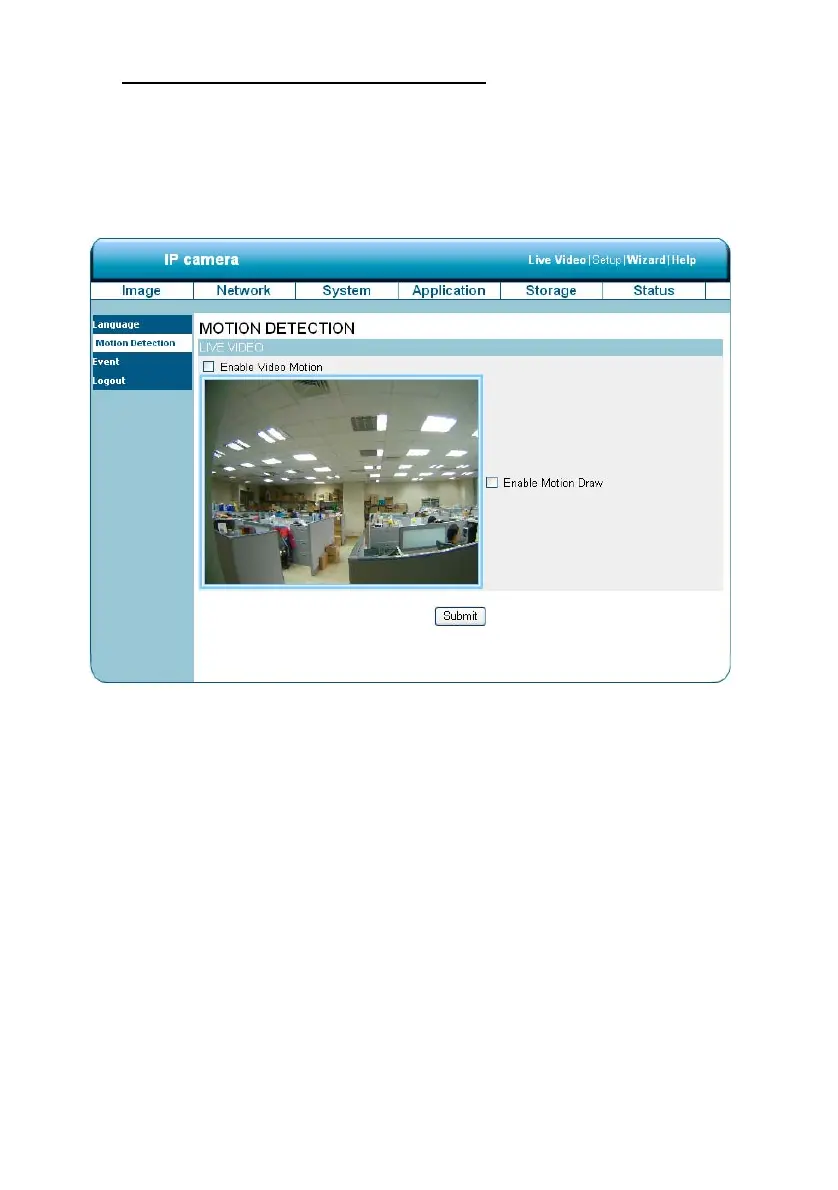
Change the Application Setting —Motion Detection.
Please follow the steps below to enable changes in the motion detection function of the alarm
through the network as necessary.
Set the motion detection:
1. Click on the Motion Detection button on the left side of the Alarm to enter the “Motion
Detection” page.
2. Click and drag the mouse across a targeted zone to draw a rectangle on the image.
NOTE: You can set more than one targeted zone depending on your requirement.
3. Enables / disables the motion detection function.
4. Click on the Submit button to submit the new setting of the recording.


 To Next Page