66
Change the Application Setting —Event.
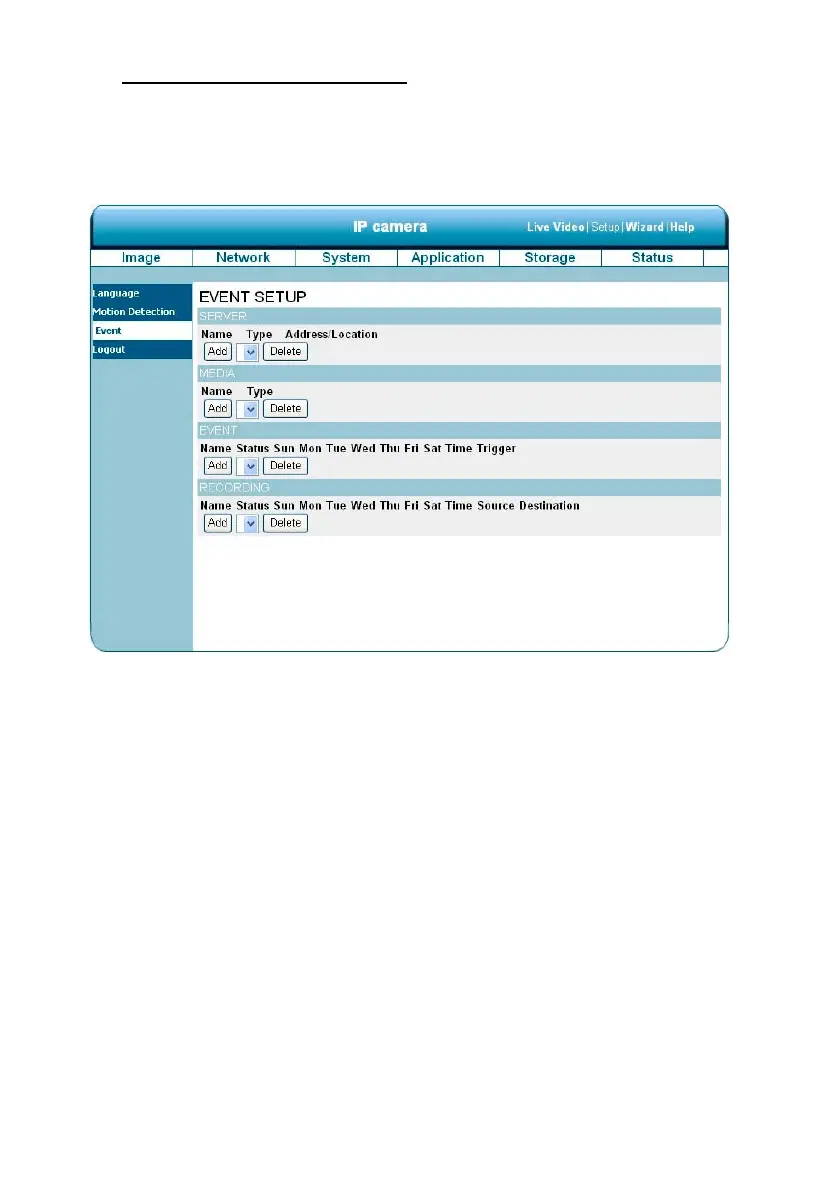
In this section, you can configure and schedule the recording setting for your IP camera.
Click on “Add” to enter the setting pages of the Server, Media, Event and Recording to make the
advanced settings. Or click on “Delete” to erase the settings.
The Event Setup page includes 4 different sections: Server, Media, Event and Recording.
1. To add a new item - "event, server or media," click Add.
2. To delete the selected item from the pull-down menu of event, server or media, click
Delete.
3. Click on the item name to enter the window for modifying.
NOTE: You can add up to five servers, five media fields, three event schedules, and two
recording schedules.


 To Next Page