DIP-SWITCH SW1
T3-GB.TBL
3. STARTING UP
After completing the connections as indicated and checking the electrical connections
carefully, turn ON the mains power supply and check that the system is functioning
correctly, as explained below.
3.1 FUNCTIONING TESTS
When all the connections have been made, it is necessary to check the automation
system, checking that the automation opens when you press the start push-button. If it
closes, invert the motor connections.
3.2 TRIMMER ADJUSTMENT
Trimmer RV1: this trimmer is used to adjust the approach speed. This speed is lower
than the nominal speed and is the speed at which the up-and-over panel approaches
the closing (or opening) stop during the last part of its travel.
Trimmer RV2: this trimmer is used to adjust the reverse sensitivity of the motor and,
therefore, the electronic anti-crush device.
Trimmer RV3: this trimmer is used to adjust the pause time before automatic closing of
the automation. The adjustment range is between 0 and 120 seconds.
Trimmer RV4 – This trimmer is used to adjust the automation work time. The adjustment
range is between 0 and 180 seconds; we recommend that you set this time at
approximately 5 seconds higher than the time required to complete the stroke.
3.3 FUNCTIONING PROGRAMMING
It is now possible to program the device.
CAUTION – Every time you program the device, disconnect the electrical power supply
to cancel the previously set program.
DIP-SWITCHES 1 and 2: these two DIP-SWITCHES are used to select the following
operating modes:
Automatic: when a start pulse is given, the device commands opening as far as the
opening limit switch. Any start pulses sent during opening are ignored; once the open
limit switch has been triggered, the pause time starts. When the pause time expires, the
device commands the start of the closing operation. During closing, a start pulse re-
opens the up-and-over door. The same occurs if the photocells are triggered.
During the pause when the photocells are triggered, the device remains in pause until
the photocells are cleared.
Semiautomatic with stop: when the up-and-over door is closed, a start pulse
commands opening as far as the open limit switch. Any start pulses sent during
opening causes an immediate stop in position; the up-and-over door remains in this
position until another start pulse commands closing. During closing, a start pulse re-
opens the up-and-over door.
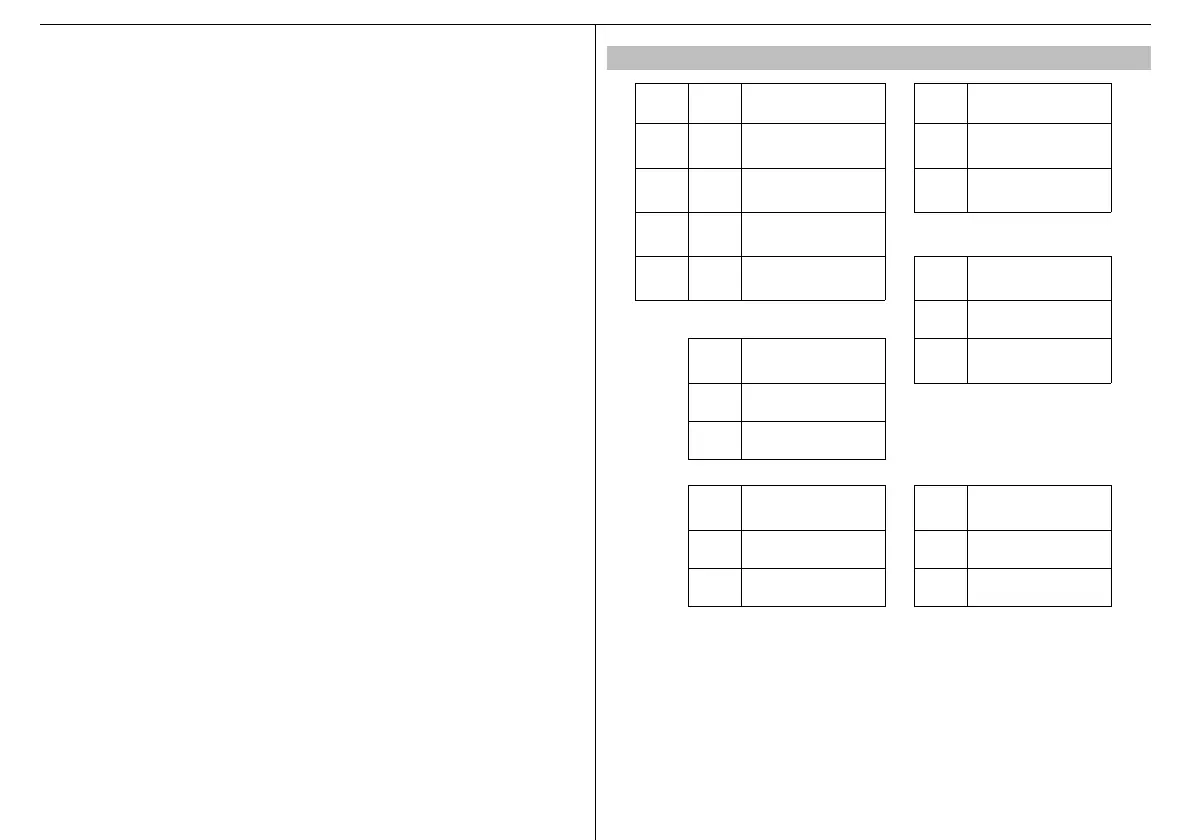
S1 S2 MODE S3 INPUT 12
ON ON Automatic ON
Opening safety
device
OFF ON
Semiautomatic
with stop
OFF Closing
ON OFF
Semiautomatic with
reverse
OFF OFF Dead man
S4 PRE-FLASHING
ON Enabled
J1 Slowing type
OFF Disable
OFF Strong slowing
ON Weak slowing
S5
REVERSE
STROKE
S6
MOTOR
SELECTION
ON Enabled ON 2 motor selection
OFF Disabled OFF 1 motor selection



 To Next Page
 Loading...