15
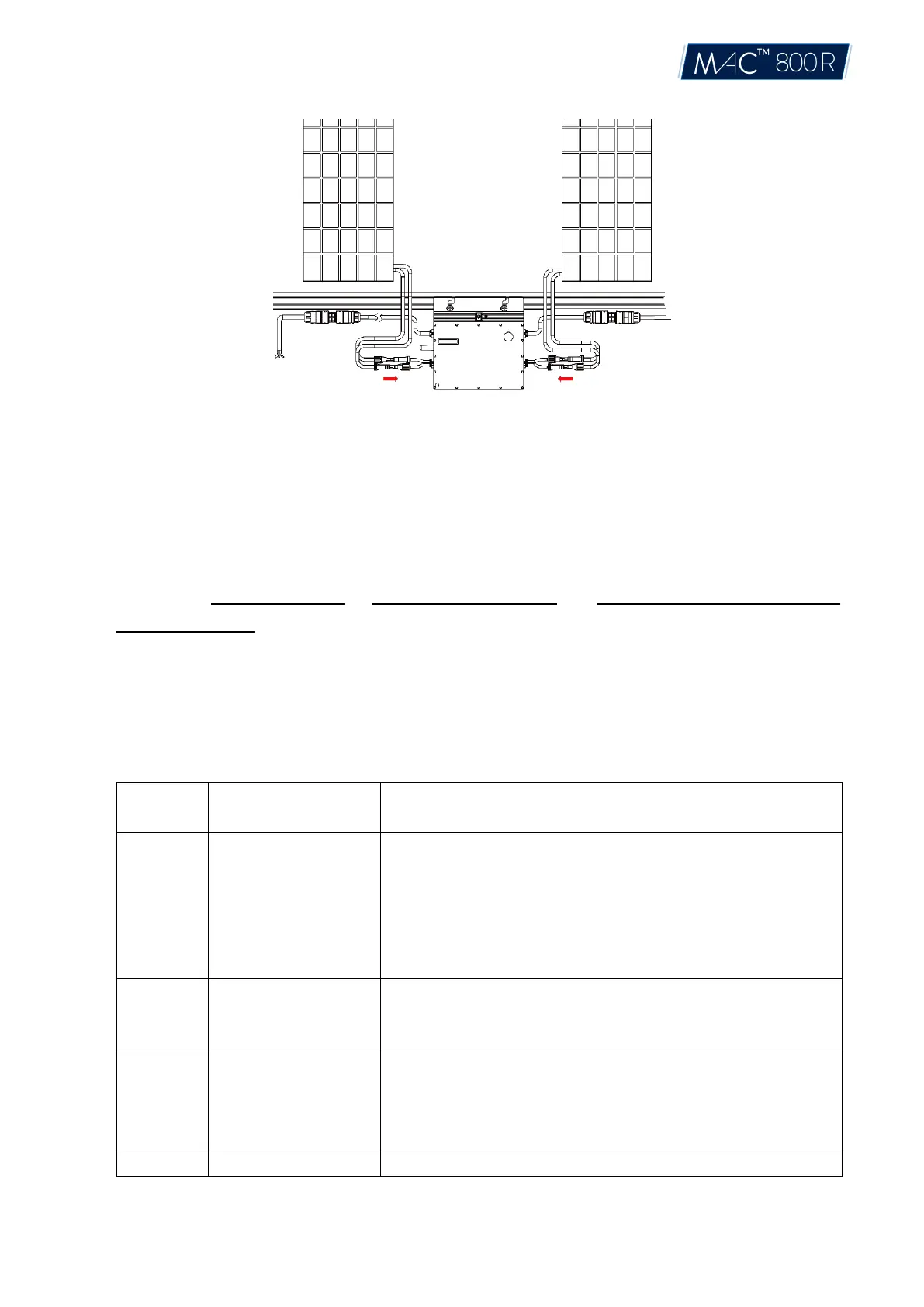
Step 6. Energize the System
A) Turn on the AC breaker of the branch circuit.
B) Turn on the main AC breaker of the house. Your system will start to generate power after about
a 2-minute wait time.
Step 7. Set Up the Monitoring System
Refer to the DTU User Manual or DTU Quick Install Guide, and Quick Installation Guide for HMP
Online Registration to install the DTU and set up your monitoring system.
6. Troubleshooting
6.1 Troubleshooting List
Over temperature
protection
1. Check the ventilation and ambient temperature at the microinverter
installation position.
2. If the ventilation is poor or the ambient temperature exceeds the limit,
improve the ventilation and heat dissipation.
3. If both the ventilation and ambient temperature meet the requirements,
contact your dealer or Aptos technical support.
Grid configuration
parameter error
1.Check if the grid configuration parameter is correct and upgrade again.
2.If the fault still exists, contact your dealer or Aptos technical
support.
1. If the alarm occurs accidentally and the microinverter can still work
normally, no special treatment is required.
2. If the alarm occurs frequently and cannot be recovered, contact your
dealer or Aptos technical support.
1.Check if the firmware is correct and upgrade again.
© 2021 Aptos Solar Technology, LLC. All rights reserved.


 To Next Page