19
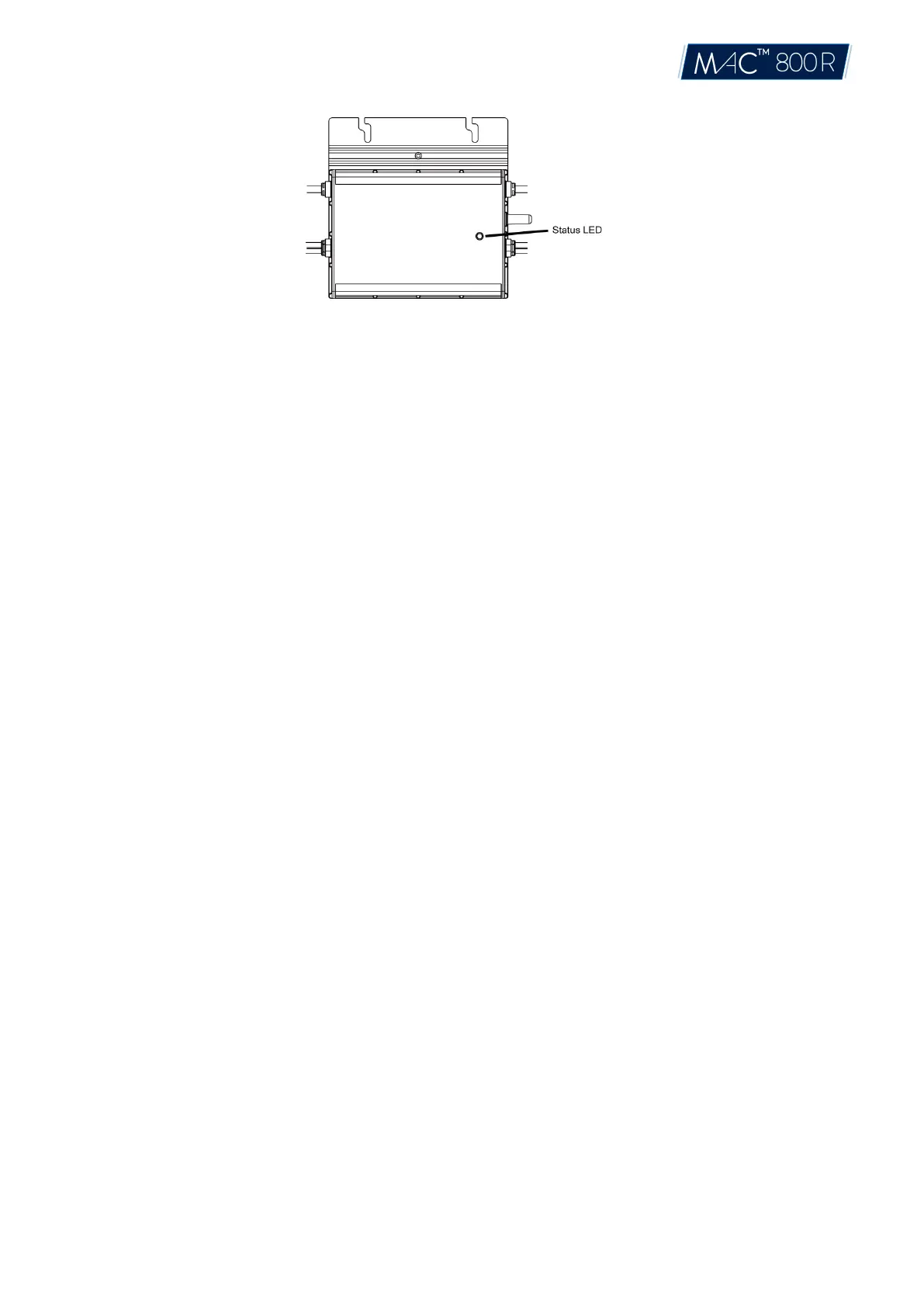
(1) Start-up Process
Flashing Green five times (0.3s gap): Start-up success
Flashing Red five times (0.3s gap): Start-up failure
(2) Run Process
Flashing Fast Green (1s gap): Producing power.
Flashing Slow Green (2s gap): Producing power, but one input is abnormal.
Flashing Slow Green (4s gap): Producing power, but there is no communication with DTU.
Flashing Red (1s gap): Not producing power; AC grid invalid (Voltage or frequency out of
range).
Flashing Red (0.5s gap): There is a fault except the abnormality of grid.
(3) Other Status
Flashing Red and Green alternately: Firmware is corrupted.
*Note: All the faults are reported to the DTU, refer to the local APP of the DTU or Aptos Monitoring Platform for more
information.
6.3 On-site Inspection (For qualified installer only)
To troubleshoot an inoperable microinverter, complete the following steps in the order shown.
1. Verify the utility voltage and frequency are within ranges shown in the appendix Technical Data of
this microinverter.
2. Check the connection to the utility grid. Verify utility power is present at the inverter in question by
removing AC, then DC power. Never disconnect the DC wires while the microinverter is producing
power. Re-connect the DC module connectors and watch for five short LED flashes.
3. Check the AC branch circuit interconnection between all the microinverters. Verify each inverter is
energized by the utility grid as described in the previous step.
4. Make sure that any AC breakers are functioning properly and are closed.
© 2021 Aptos Solar Technology, LLC. All rights reserved.


 To Next Page