DDõ½Á
D_ЧĐĕĉ_·ąÁÁî
D_ìõõĐÓÖîÍ
D½½ąÁĉĉ
D>õĉĉÁÓ§ĥÖõą
D潽溠溠溡
XąõÌÖçÁ溡澱溡溡,
f煁['溨¶ÖĐ潻
EÁīĐ½½澱溠溡溢
DDõ½Á
D_ЧĐĕĉ_·ąÁÁî
D_ìõõĐÓÖîÍ
D½½ąÁĉĉ
D>õĉĉÁÓ§ĥÖõą
D潽 溠溠溡
,õç½_>fĕĐĐõîÌõą溡
ĉÁ·Đõçõ·ä澦ĕîçõ·äĉÁĐĐÖîÍĉ
DDõ½Á
D_ЧĐĕĉ_·ąÁÁî
D_ìõõĐÓÖîÍ
D½½ąÁĉĉ
D>õĉĉÁÓ§ĥÖõą
2.2.4.1 DMX
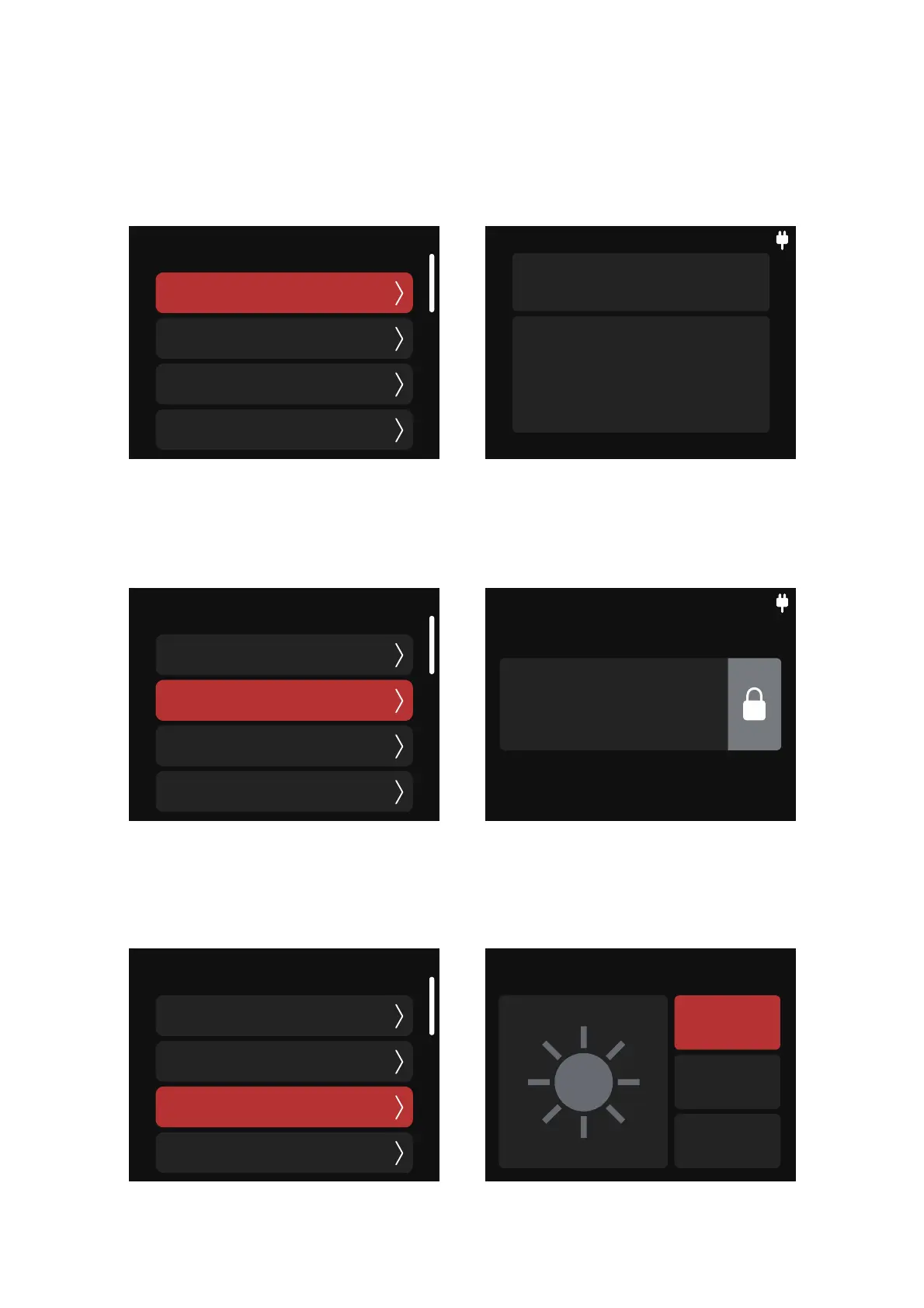
In DMX mode, you can choose the following options.
(1) DMX Status Screen: displays information including: DMX Address, CRMX reception strength,
DMX Profile in use, Accessory and Function Configuration Status.
(2) DMX Address: set the DMX address of the device and long press “Select” to lock the current
address and display. Long press the knob again to unlock.
(3) DMX Smoothing: set the smoothness of DMX dimming. You can choose Smooth, Extra Smooth
and OFF.
D_ìõõĐÓÖîÍ
K&&
_ìõõĐÓ
īĐą§_ìõõĐÓ


 To Next Page