>Á§½澦&õççõĦDõ½Á
_ÁЧĉ>Á§½Áą
K&&
>Á§½澦&õççõĦDõ½Á
_ÁЧĉ>Á§½Áą
KE
§Đ·Ó瀵&ÖąìĦ§ąÁ瀵kĂ½§ĐÁ
>Á§½澦&õççõĦDõ½Á
_ÁЧĉ>Á§½Áą
KE
§Đ·Ó瀵&ÖąìĦ§ąÁ瀵kĂ½§ĐÁ
The leader fixture should be connected with the followers via DMX to enable this function
The USB flash disk containing the up-to-date firmware should be inserted into the leader fixture to enable batch
update
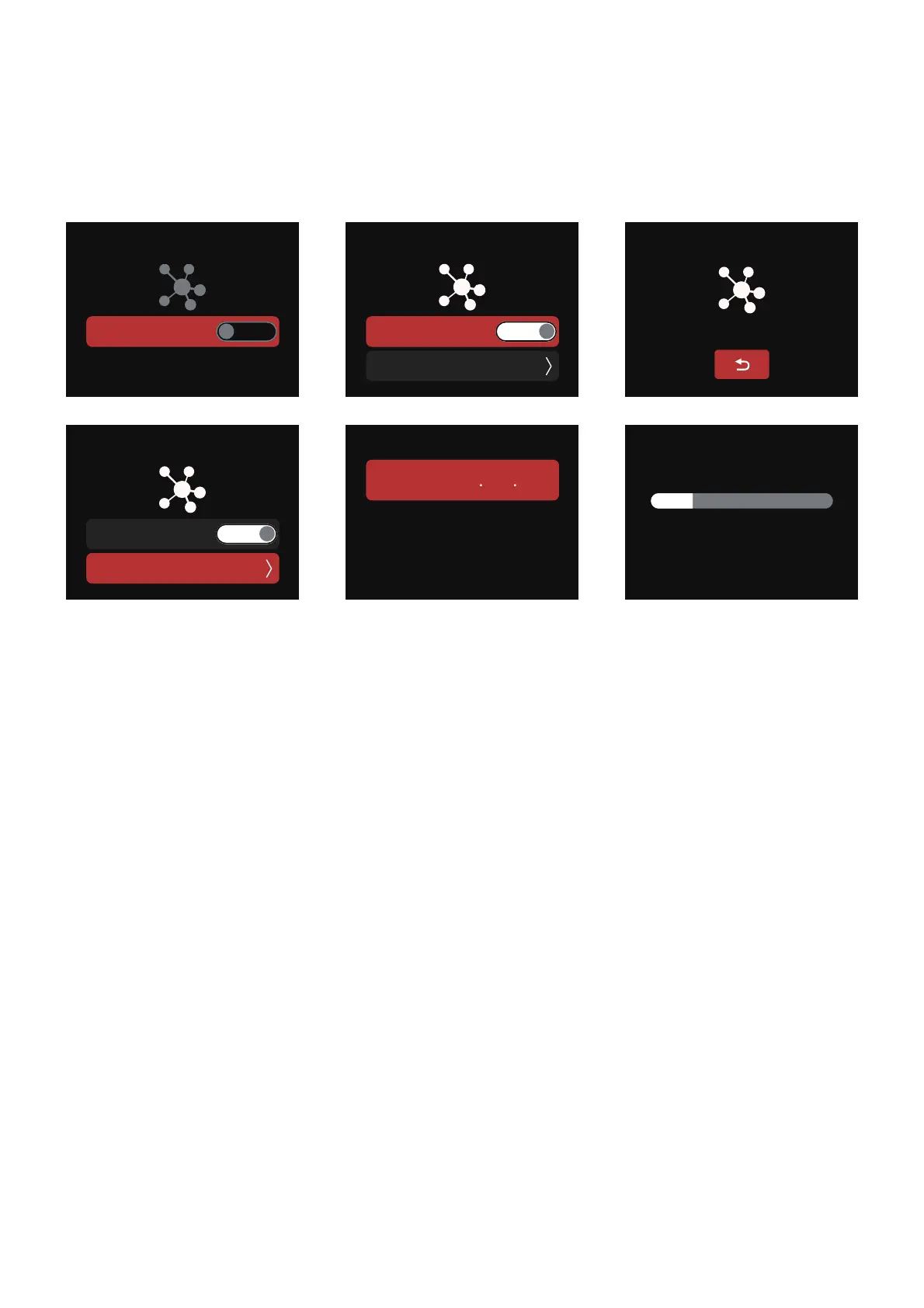
2.2.13 Lead/Follow Mode
In this interface, you can set your fixtures as either the Leader or the Follower (Leader/"OFF"). The
Leader automatically sends its settings to the Follower fixtures for synchronization. Batch upgrades of
the firmware from a USB drive in the Leader's port is also possible.
§Đ·Ó瀵&ÖąìĦ§ąÁ瀵kĂ½§ĐÁ
_瀍_溡溥瀍Đą瀍,溡 溠瀍_溡 溠
溡溠溠炀
kĂ½§ĐÖîÍ瀵&ÖąìĦ§ąÁ
/Ì瀵ĐÓÁ瀵ÌÖīĐĕąÁ瀵̧Öçĉ瀵Đõ瀵¶Á瀵kĂ½§ĐÁ潼瀵
ĐÓÁ瀵çÖÍÓĐ瀵ĦÖçç瀵Ìç§ĉÓ瀵ĉçõĦçĬ潻
&õççõĦDõ½Á
_Ĭî·ÓąõîÖıÖîÍÓõĉĐĉÁĐĐÖîÍĉ


 To Next Page