_Đĕ½Öõ Dõ½Á
_Đĕ½ÖõDõ½Á
&§îDõ½Á
_ÖçÁîĐ,ÖÍÓ DÁ½Öĕì_ì§ąĐ
Ó§îÍÁ ĐÓÁ ̧î ĉĂÁÁ½ ĦÖĐÓ
ĐÁìĂÁą§ĐĕąÁ ·Ó§îÍÁĉ潻
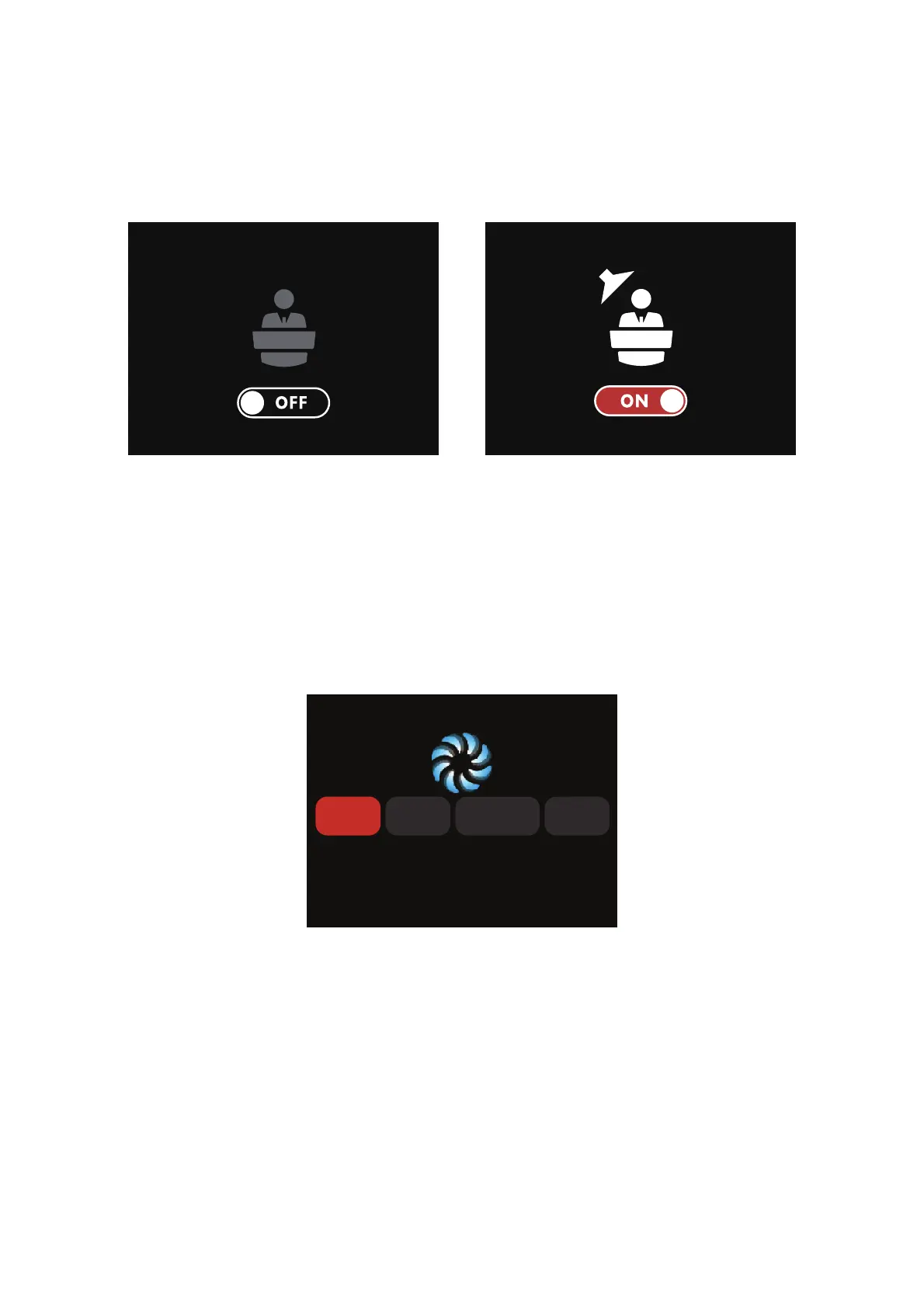
2.2.5 Studio Mode
Press Select to turn ON/OFF Studio Mode. When the studio mode is on (ON), the fixture will power on
when connected to live power. When studio mode is off (OFF), press the power button to power on
the fixture.
2.2.6 Fan Mode
Rotate the Select Knob to choose between Smart/High/Medium/Silent modes and press the knob to
select.When the high-temperature symbol appears in the lamp control interface, please change the fan
mode to “Smart” or “High” as instructed below. If the internal temperature of the fixture reaches the
temperature threshold, the fixture will power off due to over-temperature protection.
Smart: able to work in -20℃-45℃ environment, the lamp will automatically adjust the fan speed
according to different ambient temperatures.
High : able to work in -20℃-45℃ environment, fan will maintain its highest speed. In High-Speed
Mode, the fan uses the High Fan setting.
Medium: Capable of working in -20℃-35℃ environments, the fan uses a medium speed.
Silent: able to work in -20℃-45℃ environment, the maximum output power of the fixture will be
limited to 550w. In this mode, the fan produces the least amount of noise.


 To Next Page