Xąõ½ĕ·Đ/îÌõ
fÁìĂÁą§ĐĕąÁ
&ÖīĐĕąÁKąÖÁîЧĐÖõî
&ÖīĐĕąÁ[ĕîfÖìÁ
,§ą½Ħ§ąÁ{ÁąĉÖõî
,§ą½Ħ§ąÁ{ÁąĉÖõî
õîĐąõççÁą
{Áą潻潽 溡潻溠
ąÖĥÁą
{Áą潻潽 溡潻溠
Xąõ½ĕ·Đ/îÌõ
fÁìĂÁą§ĐĕąÁ
&ÖīĐĕąÁKąÖÁîЧĐÖõî
&ÖīĐĕąÁ[ĕîfÖìÁ
,§ą½Ħ§ąÁ{ÁąĉÖõî
fÁìĂÁą§ĐĕąÁ
>fÁìĂÁą§ĐĕąÁ
DkfÁìĂÁą§ĐĕąÁ
ì¶ÖÁîĐĐÁìĂÁą§ĐĕąÁ
溧溥煓
溦溥煓
溤溠煓
Xąõ½ĕ·Đ/îÌõ
fÁìĂÁą§ĐĕąÁ
&ÖīĐĕąÁKąÖÁîЧĐÖõî
&ÖīĐĕąÁ[ĕîfÖìÁ
,§ą½Ħ§ąÁ{ÁąĉÖõî
&ÖīĐĕąÁKąÖÁîЧĐÖõî
X§î
fÖçĐ
溢溠煉
溥溠煉
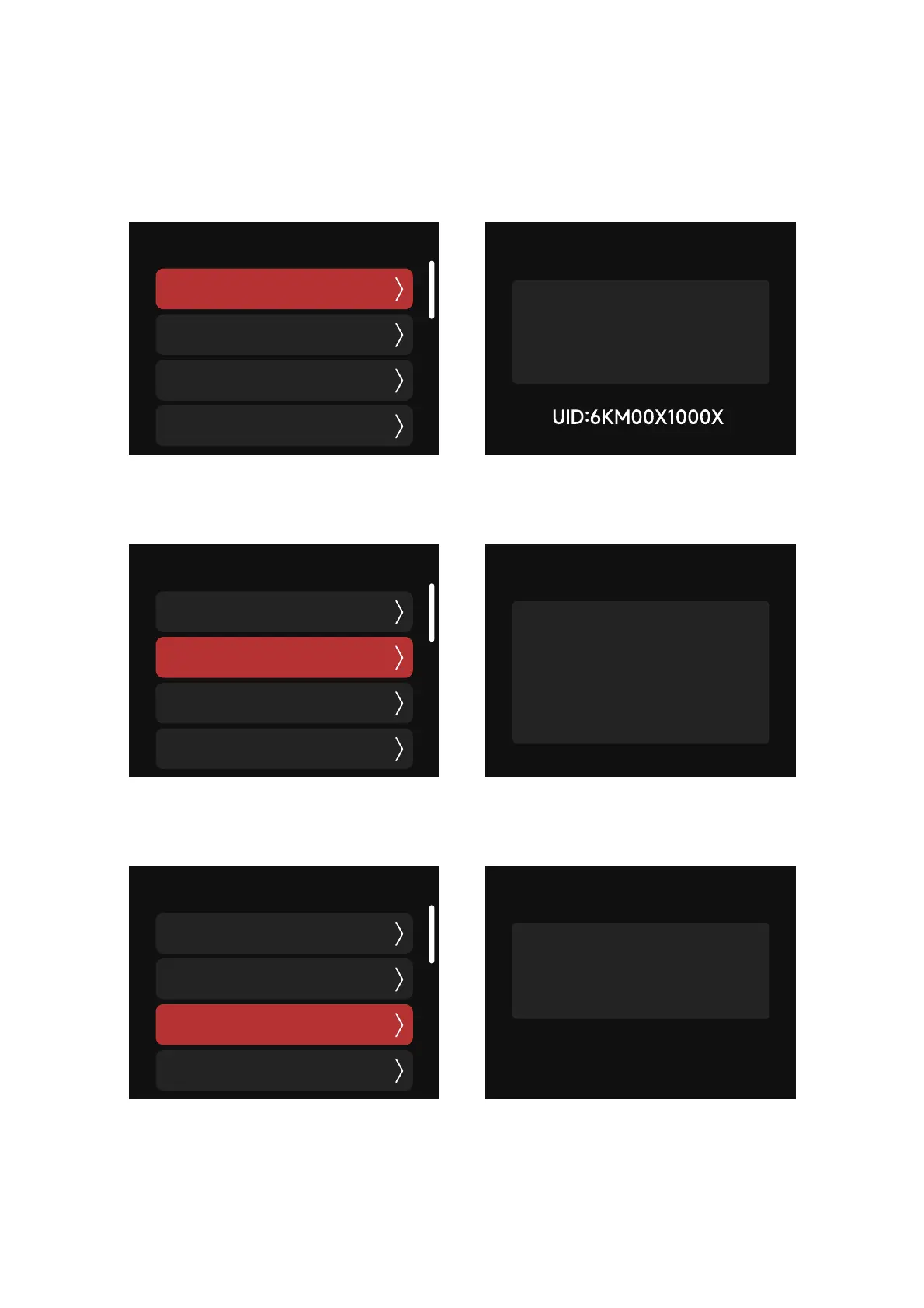
2.2.8 Product Info
The hardware version, lamp temperature, fixture orientation (when utilizing the Motorized YoLF),
and the fixture runtime (LED Engine Hours) can all be checked in the Product Info interface.
(1) Hardware Version: display the hardware versions of the driver and controller
(2) Temperature: Display the LED temperature, MCU temperature and ambient temperature
(3) Fixture Orientation: Pan and Tilt


 To Next Page