Xąõ½ĕ·Đ/îÌõ
fÁìĂÁą§ĐĕąÁ
&ÖīĐĕąÁKąÖÁîЧĐÖõî
&ÖīĐĕąÁ[ĕîfÖìÁ
,§ą½Ħ§ąÁ{ÁąĉÖõî
瀆DõĕîĐXąõĐÁ·ĐÖõîõĥÁą
XçÁ§ĉÁąÁìõĥÁĐÓÁ
瀆DõĕîĐĂąõĐÁ·ĐÖõî·õĥÁą
¶ÁÌõąÁĐĕąîÖîÍõîĐÓÁçÖÍÓĐ
/ÍîõąÁ
Xąõ½ĕ·Đ/îÌõ
fÁìĂÁą§ĐĕąÁ
&ÖīĐĕąÁKąÖÁîЧĐÖõî
&ÖīĐĕąÁ[ĕîfÖìÁ
ąąõąĉ潽溥
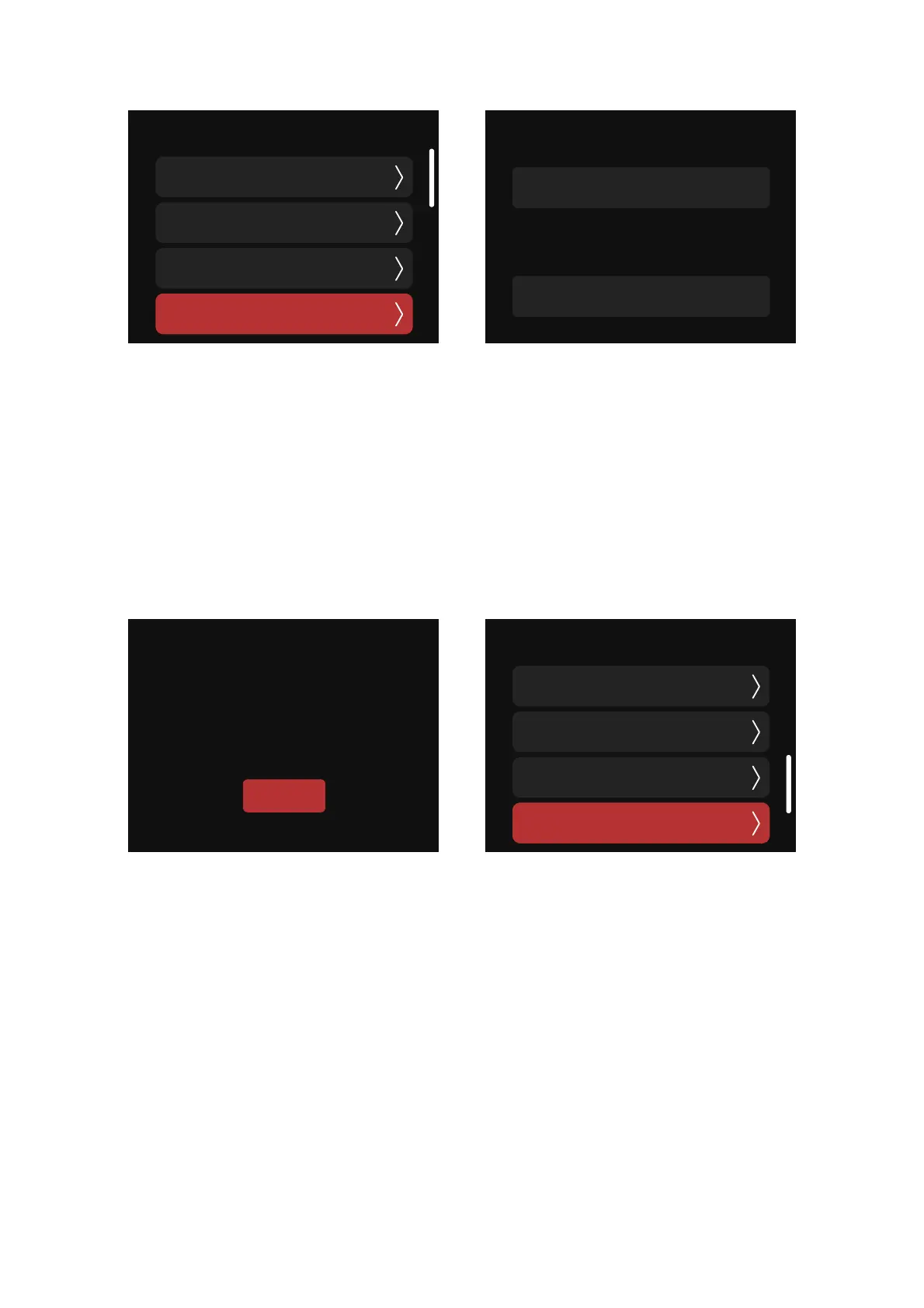
(4) Fixture Runtime: total LED engine hours and total system hours
(5) Failure information: If the fixture fails,a pop-up window will appear to indicate an error.
Errors can be divided into two categories:
a. Serious error: When a serious error occurs, the fixture cannot be used and will be locked for
protection. Please respond to the error according to the fault prompt;
b. General error: When a general error occurs, the fixture is still available and you can ignore the
error; then, you can enter the Product Info interface to view the error information.
>îÍÖîÁ,õĕąĉ
fõЧç,õĕąĉ
溨溠溠Ó
_ĬĉĐÁì,õĕąĉ
fõЧç,õĕąĉ
溡溠溠溠Ó


 To Next Page